








If you’re here to learn what Autodesk Assistant is, what it does, and how to use this AI tool directly in Revit, you’ve come to the right place.
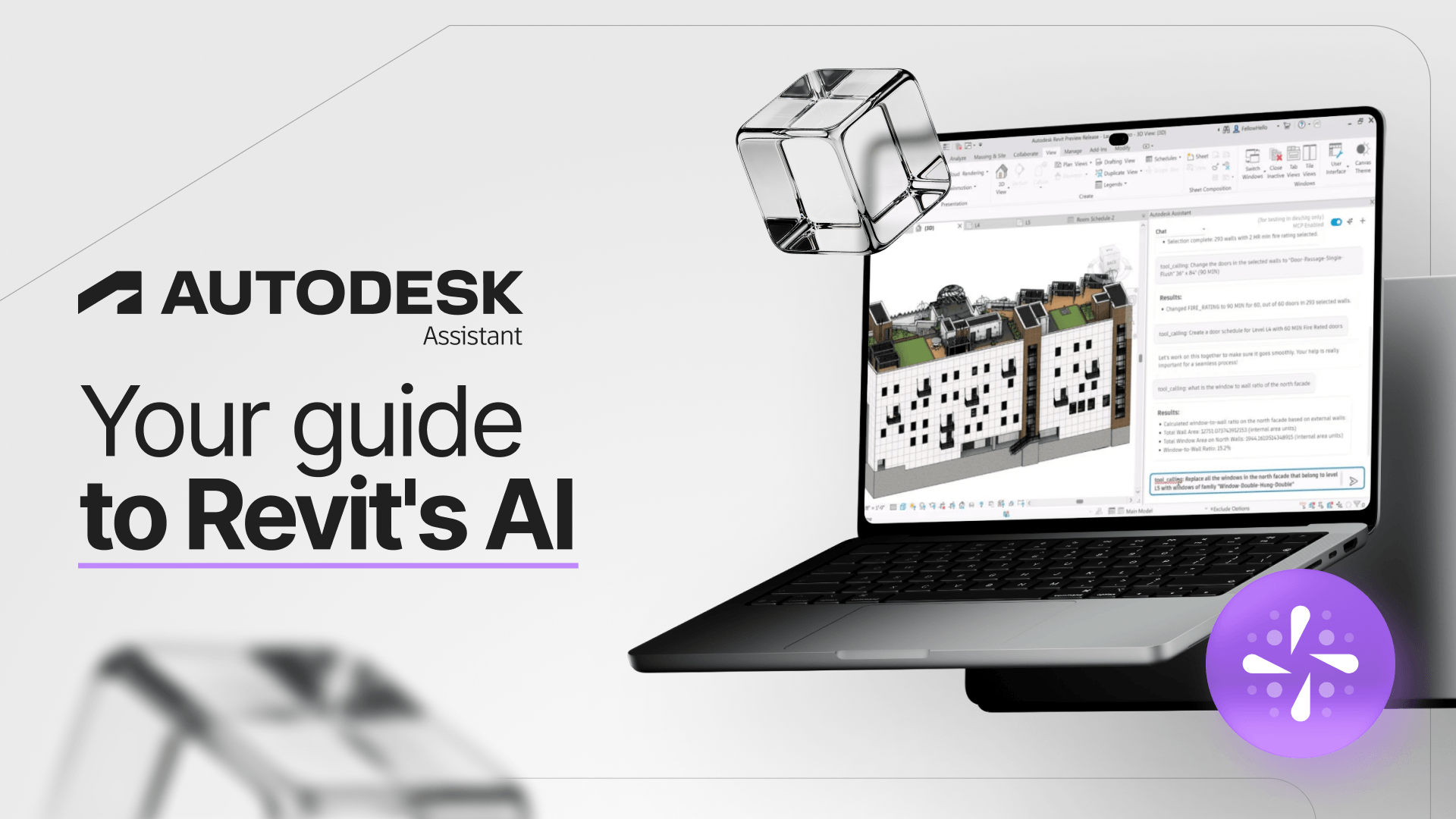
Autodesk Assistant is Autodesk’s AI-powered assistant, now available directly in Revit 2027 as a tech preview.
You can use natural language to ask questions about the software, get information from your model, and even complete tasks without navigating through menus.
Instead of memorizing commands, you simply type what you need, and the assistant responds.
Think this is still a long way from your daily workflow? The shift is already underway, and understanding how it works now gives you a head start.
In this article, you’ll learn what Autodesk Assistant can do, how to access it, what happens to your data, and where its limitations lie.
What is Autodesk Assistant?
Autodesk Assistant is Autodesk’s AI-powered interface for professionals working in design, modeling, and construction.
It’s part of Autodesk AI, and the idea is straightforward: you describe what you want to do in plain language, and AI helps you get there faster.
The technology started as a virtual support assistant that answered questions and has since evolved into something much more sophisticated.
In Revit 2027, Autodesk Assistant goes beyond answering questions. It can take action within your project, acting as what Autodesk calls an “agentic design partner.”
In practice, it understands the context of your file and can perform actual tasks in your model. Pretty impressive, right?
So why is it getting so much attention now? Because AI is no longer a distant promise for architecture, engineering, and interior design professionals.
According to Autodesk’s 2025 State of Design & Make report, 68% of AECO industry leaders believe AI will benefit their field.
Against this backdrop, Autodesk officially announced the assistant was coming to Revit in April 2026. It was also a major highlight at Autodesk University 2026.
How does Autodesk Assistant work in Revit?
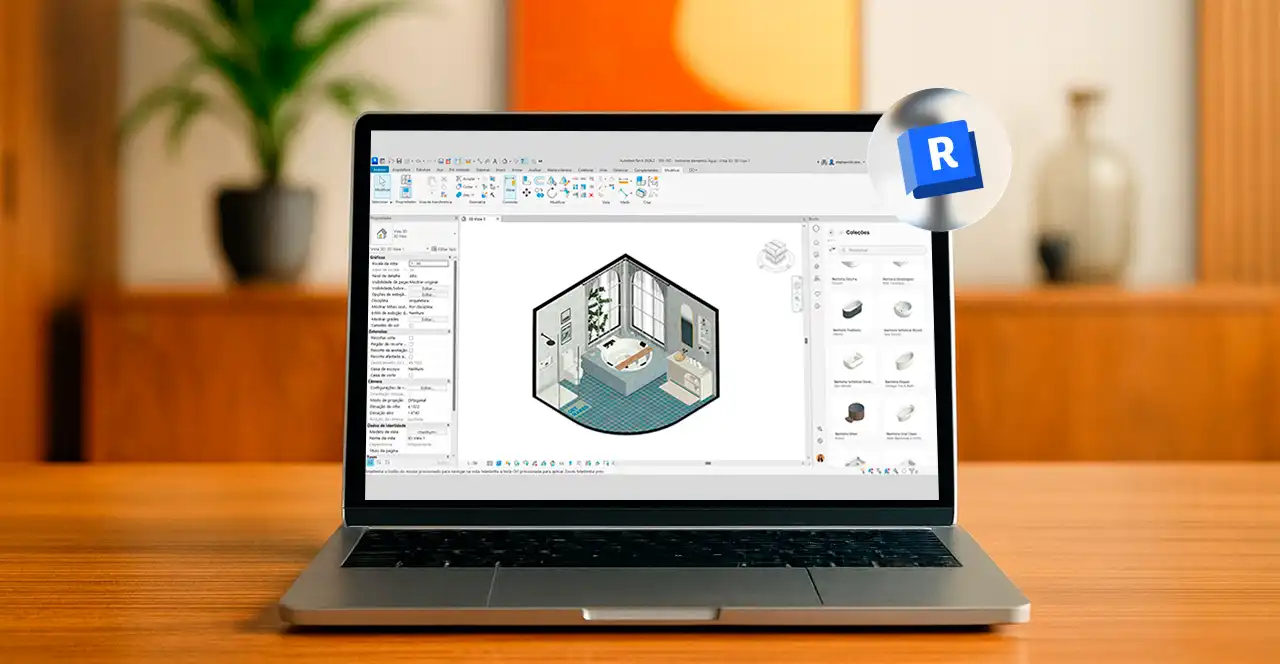
Autodesk Assistant appears in a panel on the right side of the Revit interface. If it’s not visible, go to View > User Interface > Autodesk Assistant.
Behind this conversational interface is a technology called Model Context Protocol (MCP), which connects the AI to your project context and Autodesk’s official documentation.
This connection enables more reliable answers and, more importantly, lets the assistant take action within your model rather than simply providing text responses.
Since the feature is already integrated into Revit 2027, there’s no separate download required to get started.
Note: Autodesk classifies this feature as a tech preview, meaning it supports a specific set of workflows rather than every function available in Revit. If you’d like to brush up on the software’s fundamentals before exploring AI, check out our complete Revit guide.
What can Autodesk Assistant do?
This is probably your biggest question. In general, Autodesk Assistant supports three main types of tasks in Revit. Let’s take a closer look.
1. Answer questions about Revit
Need a refresher on how to transfer project standards or where to find a particular feature?
Simply ask Autodesk Assistant. It draws on Autodesk’s official documentation to provide answers, often including a link to the source.
It’s almost like having a Revit manual you can talk to. For even greater efficiency in your daily workflow, pair this assistance with Revit’s shortcuts.
2. Explore and understand your model
Autodesk Assistant can also retrieve information from your project and present it in an organized way.
You can ask how many columns are on the ground floor or how many doors of a specific type have been used, and the AI will look up that information in your model.
This changes how you access information that previously required creating schedules and applying filters manually, a real advantage for professionals working with BIM.
3. Perform tasks using natural language commands
Instead of opening multiple dialog boxes, you can simply tell the AI what to do.
With a single prompt, you can create a door schedule, generate a floor plan with a specific name, or export views to PDF.
If your project has many openings to document, for example, this feature ties directly into the process of placing and organizing doors in Revit.
Beyond these three capabilities, Autodesk Assistant also offers personalized recommendations through a feature called My Insights.
It analyzes your workflow and suggests shortcuts and lesser-known features that can help you complete projects more efficiently.
Is your data secure with Autodesk Assistant?
Many users have concerns about data security, and understandably so. After all, you’ll be discussing real projects with the assistant.
According to Autodesk, the assistant uses your conversations, product documentation, and model context to generate responses. This data is not used to train large language models.
Your Prompt Library and Chat History are stored in the cloud and linked to your Autodesk account.
This means you can revisit your previous requests, subject to the privacy safeguards Autodesk has established for the feature.
For professionals handling client projects and sensitive information, data privacy is often a major consideration when deciding whether to adopt a new tool.
What are Autodesk Assistant's current limitations?

As a tech preview, Autodesk Assistant is designed to handle a specific range of tasks, not replace your entire Revit workflow.
After all, AI is a valuable support tool, but it can’t replace an architect’s technical understanding of a project.
Hands-on tests published by industry experts show that the assistant handles queries and simple automation tasks well, though the final results still need human review.
Because the AI works within the file you have open, the results may vary from one attempt to the next.
Still, these limitations don’t diminish its value. For now, Autodesk Assistant works best as a tool that speeds up your workflow while leaving technical decisions in your hands.
In fact, AI complementing human expertise was a central theme in discussions about AI in Revit at Autodesk University 2026.
How Autodesk Assistant and Revit plugins boost productivity
Now that you’ve seen what Autodesk Assistant can do, imagine combining its capabilities with a ready-to-use library of design resources.
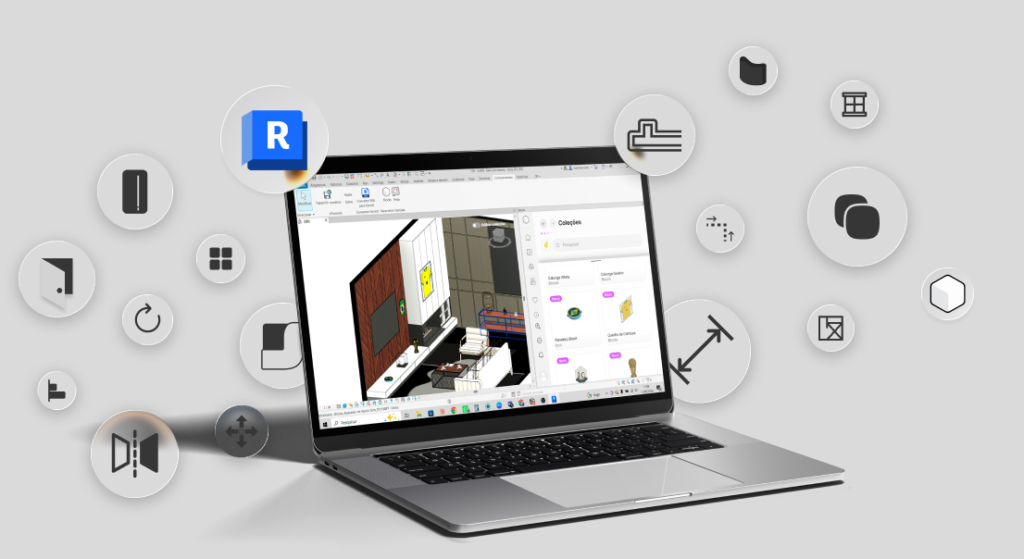
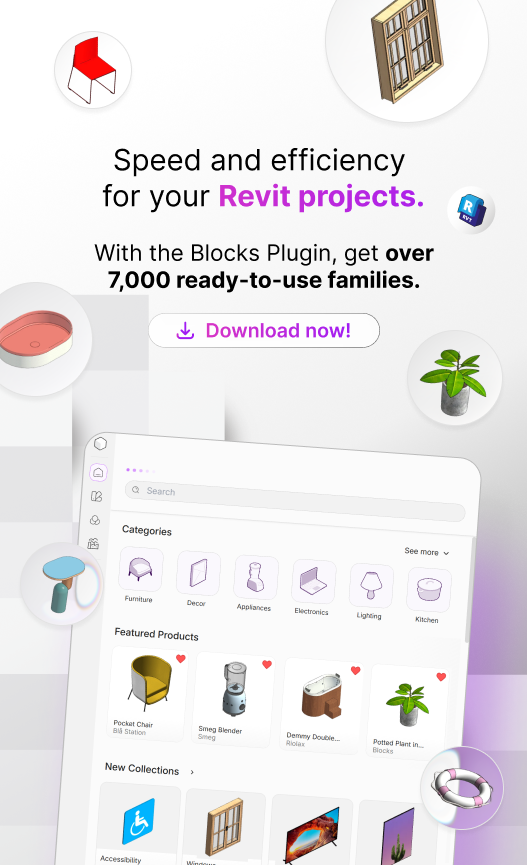
That’s where the Blocks Plugin comes in. While Autodesk Assistant speeds up queries and tasks, the plugin puts thousands of high-quality BIM families and components just one click away inside Revit.
You can ask the assistant to create a schedule or organize your views while furnishing your spaces with realistic furniture and design elements from the Blocks library.
That means less time searching the internet for components and more time designing what truly matters to your clients.
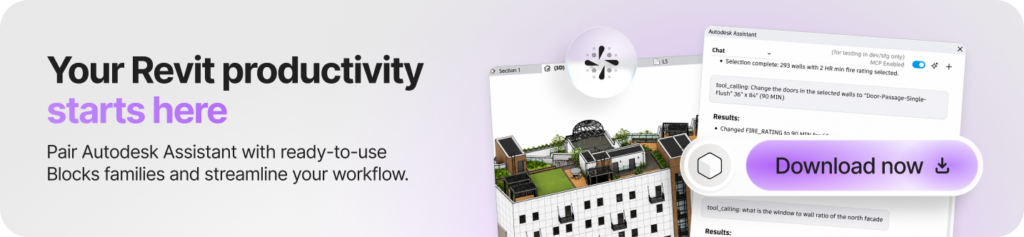
Want to see the difference for yourself? Download the Blocks Plugin and see how your productivity improves when Revit AI and a complete library of families work side by side.
Conclusion
The introduction of Autodesk Assistant marks a turning point in how architects and engineers interact with Revit.
This isn’t just another feature. It’s a new way of working, where natural language replaces some of the clicks and AI takes care of repetitive tasks.
Professionals who understand this shift gain more time to focus on what truly requires human expertise, such as creativity and design decisions.
It’s still a tech preview, with clear limitations, but the direction is evident. Future versions are expected to significantly expand what AI can do in Revit, so it’s worth keeping up with these developments to stay ahead.
Want to keep up with innovations like this through clear, straightforward explanations? Follow the Blocks blog for practical insights that help you get the most out of Revit with every new project.
FAQ: frequently asked questions about Autodesk Assistant
How do I get started with an AI assistant for CAD design?
The simplest path is to use an AI that is already built into your software, like Autodesk Assistant in Revit 2027. You sign in with your Autodesk account, click the assistant icon and describe what you need in natural language. Start with small tasks, such as asking a question or requesting an element count, and move on to fuller automations later.
How can a virtual assistant improve my design workflow?
A virtual assistant takes the repetitive part of the work off your plate. With Autodesk Assistant, you can query model data, create schedules and export views from a single sentence, without clicking through menus. That frees up your time for what really needs human judgment, like the concept and the final quality of the project.
Which AI assistants can help automate drafting workflows?
Within the Autodesk ecosystem, the current highlight is Autodesk Assistant, which runs actions inside Revit through the Model Context Protocol (MCP). Beyond it, there are partner tools and plugins focused on productivity. The trend is to combine the native AI with specialized plugins, like the one from Blocks, to gain speed without giving up quality.
Where do I find the AI helper for professional drafting tools?
In Revit, the AI comes built into the software starting with the 2027 version, in the Autodesk Assistant panel. To use it, you just need to be signed in with your Autodesk account. If the panel does not show up, restart Revit or open the assistant from the user interface menu.