





The recognition reflects the quality of the Blocks plugin’s native integration with Revit and its proven use among architecture firms.
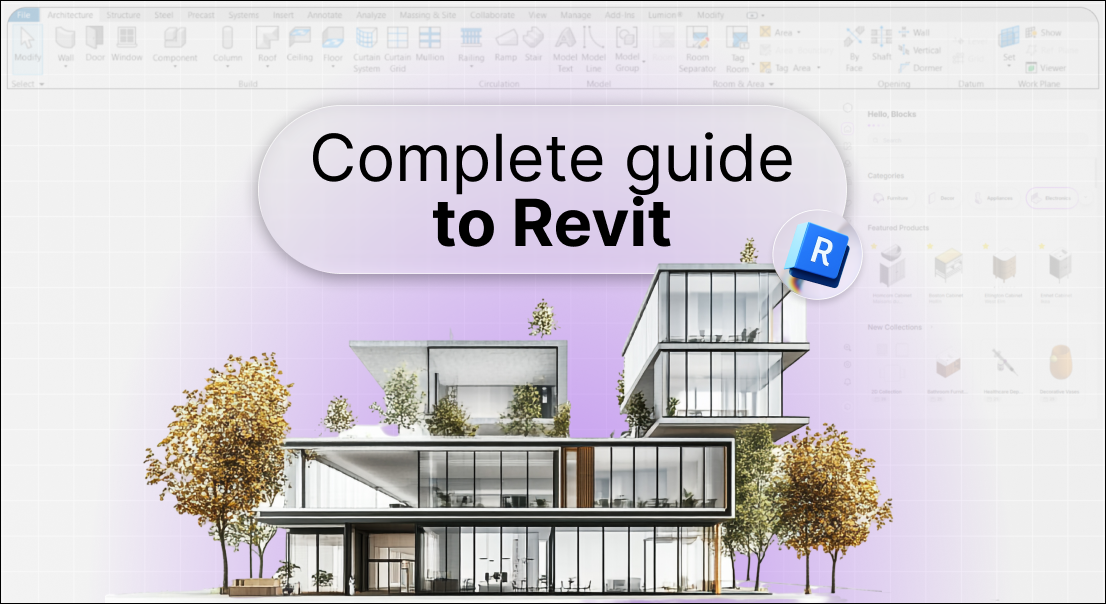
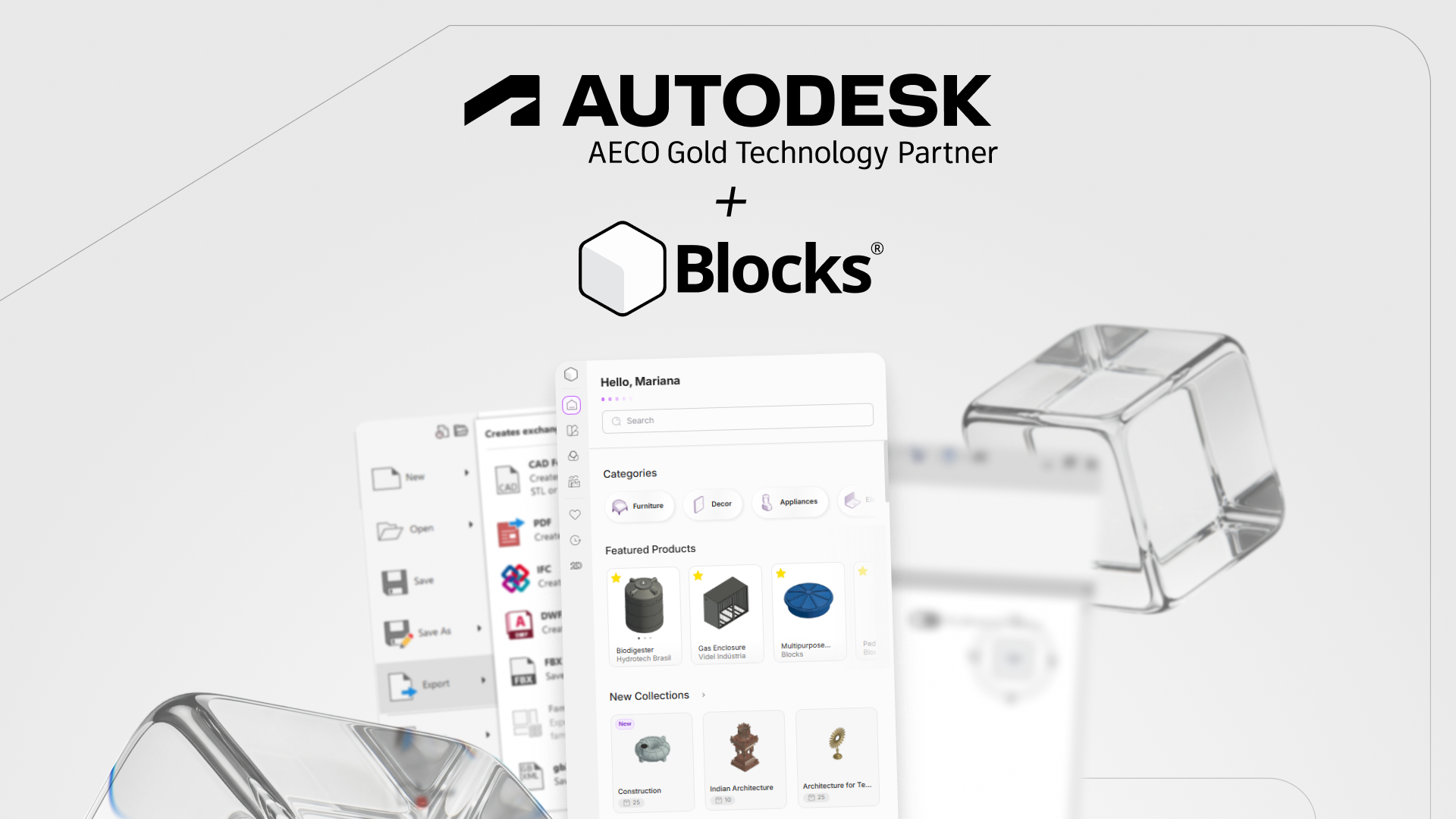
Blocks®, a Brazilian startup specializing in parametric families for Autodesk® Revit®, has now become an Autodesk AECO Technology Gold Partner. Autodesk Revit is a building information modeling (BIM) software that allows architects, engineers, and construction professionals to design in 3D. This recognition is granted to partners whose integrations meet Autodesk’s quality standards and demonstrate proven use among customers.
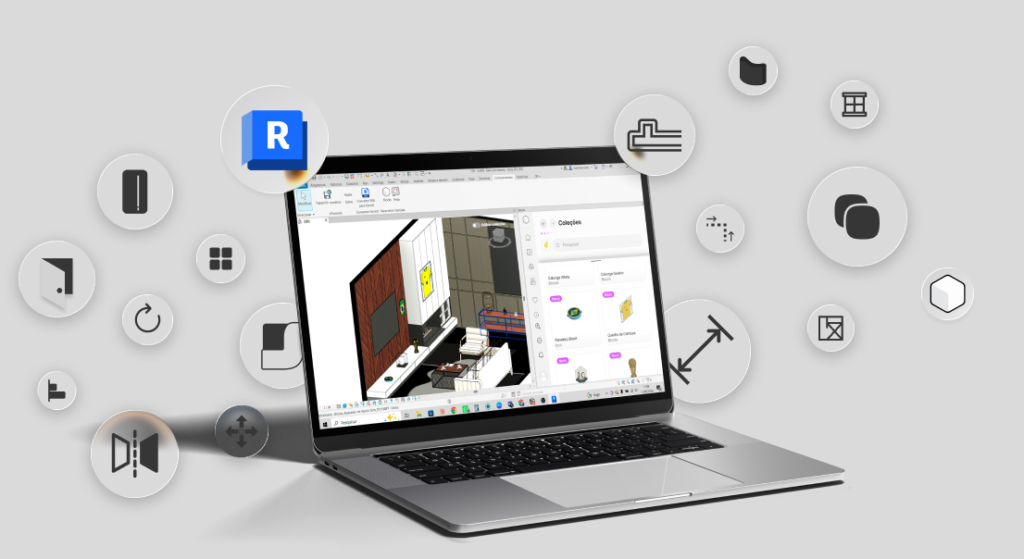
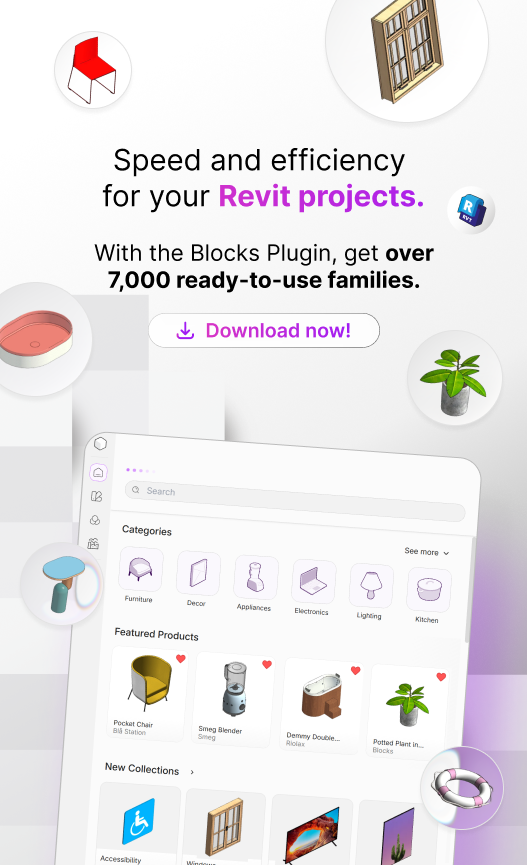
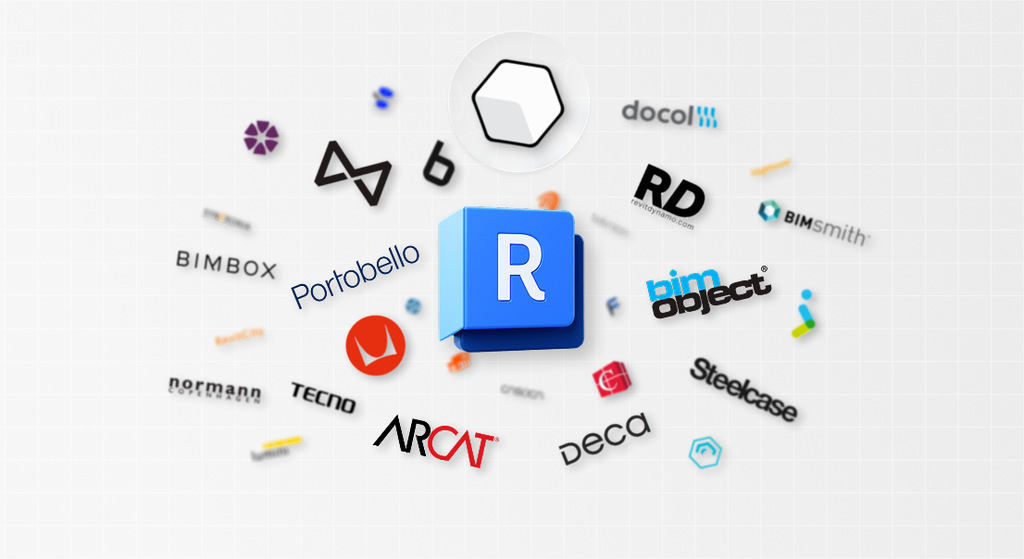
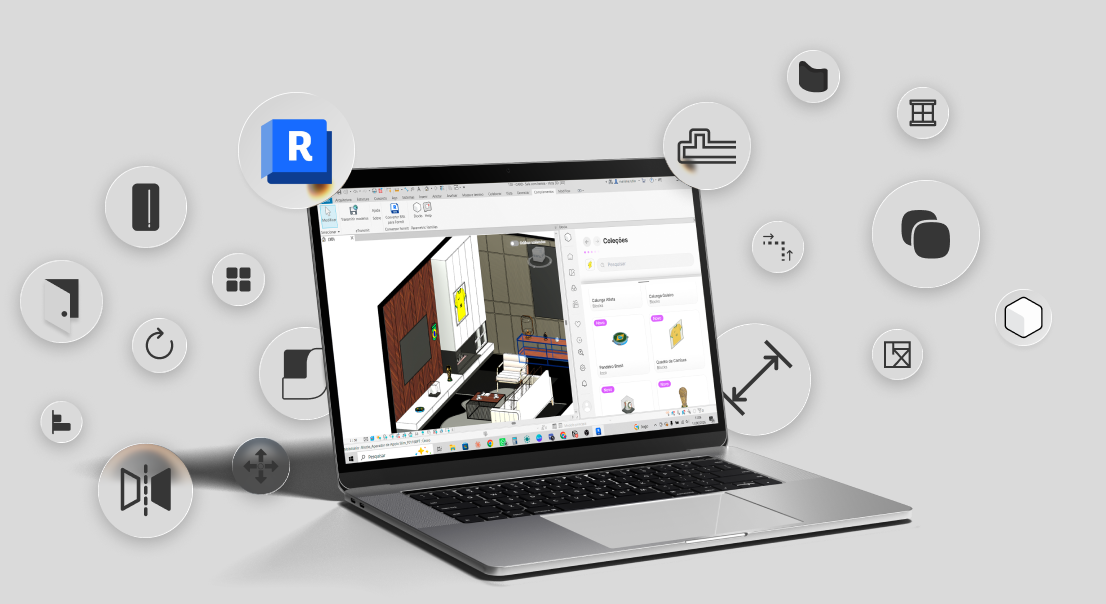
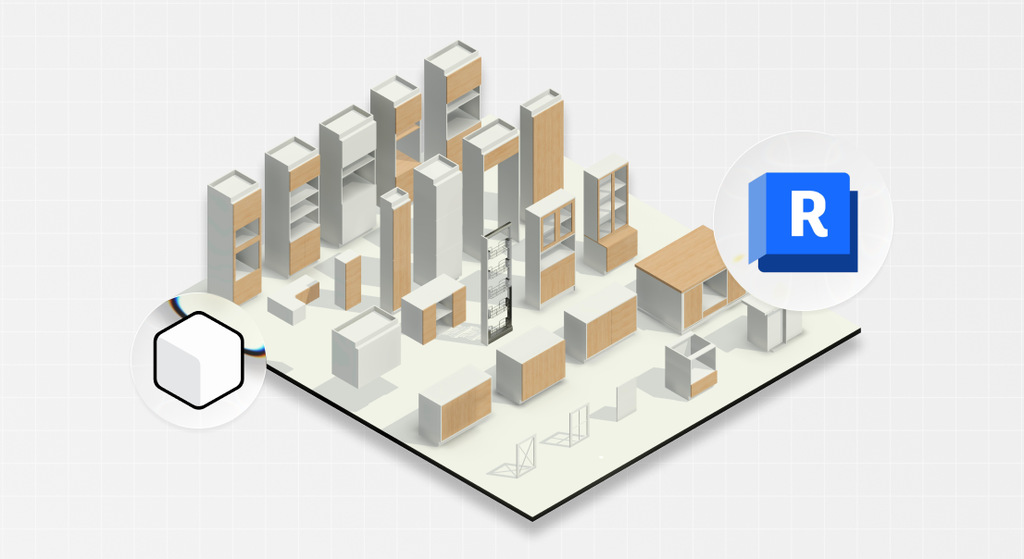
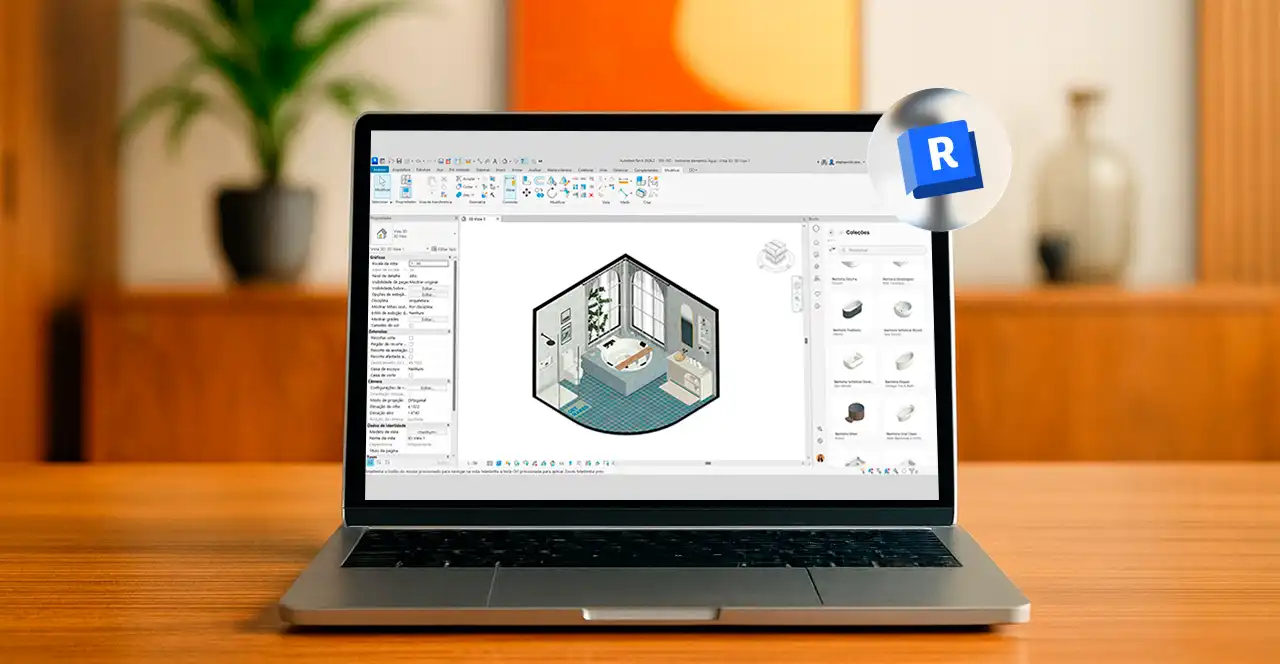
Blocks’ platform gives Revit users access to more than 8,000 parametric families based on products from real-world manufacturers, with 25 new families added every week. The Blocks Plugin streamlines modeling, enhances content quality, and simplifies BIM design for professionals and students alike.
The news comes as BIM adoption continues to grow across the architecture, engineering, and construction industry. As firms move to Revit in pursuit of more integrated and coordinated project workflows, access to high-quality family libraries is a key factor of this transition. Blocks was founded in 2016 to address this need, with a single plugin bringing together thousands of ready-to-use parametric families.
“BIM is no longer a trend but the new standard for how we design, and being on this journey alongside Autodesk makes us very proud”, says Bárbara Pavanello, CEO and founder of Blocks. “The Gold status confirms something we have believed in from the start: a native, high-quality integration makes a real difference in designers’ day-to-day work, providing greater reliability and continuity within the Revit experience. We remain committed to making work easier for architects and firms around the world with a plugin that turns hours of work into just a few clicks.”
“Project teams need solutions that help them spend less time managing workflows and more time bringing ideas to life,” said James Cook, director of industry & technology partnerships at Autodesk. “Blocks helps our shared customers work smarter by making high-quality BIM content even more accessible within Revit.”
The proven use recognized by Gold status can already be seen at firms such as Make Design Studio, a Florida-based studio specializing in award-winning restaurant projects. With the Blocks plugin integrated into Revit, the team takes projects from the conceptual stage through technical documentation entirely within Revit, without needing to switch to other software.
“The only reason we’re able to stay just two people is that I can act as twelve, because I have software like Blocks. It’s a tool we can’t live without,” says Matt Kelly, the studio’s founder.
To learn more about Blocks and its Revit plugin, visit blocksrvt.com.
About Blocks
Blocks® is a Brazilian startup specializing in parametric families for Autodesk Revit. Through its own plugin, the company brings together thousands of ready-to-use families that can be inserted into projects in just a few clicks. Founded in 2016, Blocks is used by architecture and interior design professionals in more than 175 countries.
Autodesk and Revit are registered trademarks or trademarks of Autodesk, Inc., and/or its subsidiaries and/or affiliates in the USA and/or other countries. All other brand names, product names, or trademarks belong to their respective holders.