





If you use Revit or plan to work with it professionally, you have probably come across the term “Revit blocks.”
Revit blocks are ready-made components that you place in Autodesk Revit® projects, including furniture, plumbing fixtures, lighting fixtures, doors and windows, and equipment.
However, architects who regularly work in Revit rarely call these components “ blocks.” They are more commonly known as “Revit families.”
Professionals who use the term “Revit blocks” often come from an AutoCAD background. The general idea is similar, but blocks in Revit are based on a different concept.
To clarify the terminology, this article from Blocks® explains what Revit blocks are, how the different terms are used, and where to find quality content for your projects.
What are Revit blocks, exactly?
When someone refers to Revit blocks, they are talking about families within the software.
Autodesk defines a family as a group of elements with a common set of properties, known as parameters, and an associated graphical representation.
In other words, a family is not a static drawing. It is an intelligent object that stores information and adapts to the project.
In AutoCAD, a block is essentially geometry. In Revit, each family can also contain data such as dimensions, materials, manufacturer information, and capacity.
When you change a parameter, the object responds accordingly. That is why the more accurate term for these elements is parametric family, rather than simply “block.”
Block, family, or object: which term should you use?
In everyday practice, the terms Revit blocks, Revit families, Revit objects, and BIM blocks generally refer to the same type of content.
The difference comes down to context. “Revit objects” and “BIM blocks” appear more often in general discussions and Google searches.
“Revit families” is the official terminology used within the software. Understanding this distinction can help you search more effectively and communicate clearly with other professionals who know the platform.
What are the three types of families in Revit?
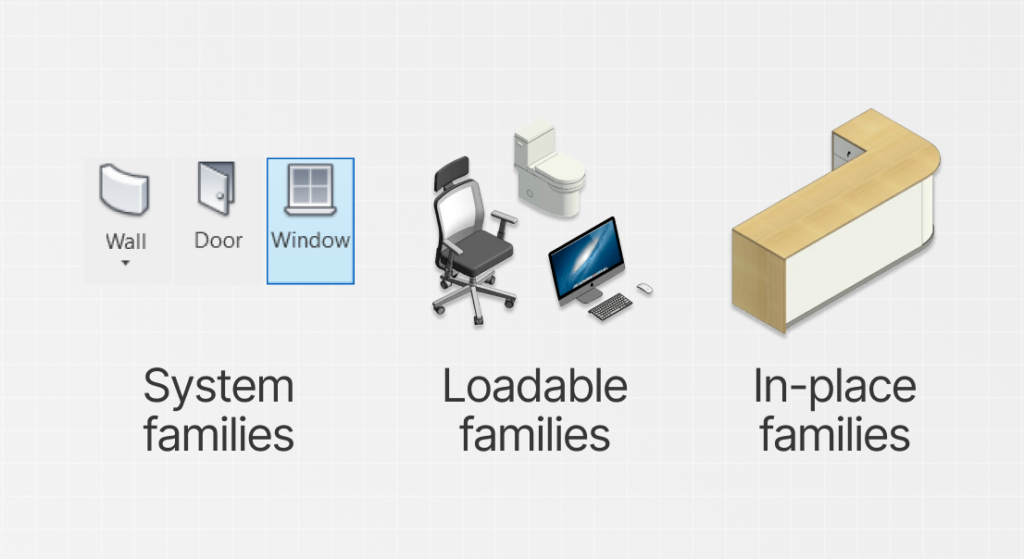
Revit organizes its content into three types of families. Understanding the difference between them can prevent a number of problems during a project.
System families are already part of the project file. Examples include walls, floors, ceilings, and stairs. You do not download them as separate files . Instead, you edit the types that already exist in the model.
Loadable families are what most people mean when they search for Revit blocks to download.
Autodesk explains that these families are created as external .rfa files and loaded into the project whenever they are needed.
Finally, in-place families are created for a unique project condition, such as a custom counter that would not be useful in another project.
Why do Revit blocks matter in a project?
A BIM project is more than a visual representation . It is a three-dimensional database that supports the building process from the initial concept through construction.
Every Revit block you place adds information to that database. This is what turns the model into a useful resource for cost estimating, coordination, and decision-making.
BIM is no longer a secondary consideration. It is increasingly part of project requirements across the U.S. AEC industry. For example, the U.S. General Services Administration’s P100 Facilities Standards require BIM deliverables at multiple milestones throughout the design and construction of GSA building projects.
As a result, professionals who want to work on public-sector construction projects need to deliver consistent models based on BIM methodology.
To learn more about Building Information Modeling, read our article: What is BIM: explore all the aspects of this methodology
How do you use Revit blocks in a project?
Now that you understand what Revit blocks are, it is time for the most important part: using families in your project.
There are two ways to do this. You can work with loadable families through Revit’s standard workflow or use the Blocks Plugin, which is the simpler option. Let’s start with the traditional method.
- Load the family: open Insert tab, click Load Family, select the .rfa file, and confirm.
- Find the item: Once loaded, the family will be available in the Project Browser, ready to use. If you are not sure where the original files are stored, you can also check the location of Revit’s default content library.
- Place it in a view: Add the element to a floor plan, section, or 3D view as many times as necessary.
- Adjust the parameters: Because each Revit family is parametric, you can edit dimensions, materials, and finishes without remodeling the object.
With Revit’s traditional workflow, the family files must be stored on your computer, unless you use the content included in the software’s default library.
How do you use Revit blocks with the Blocks plugin?
There is also a much faster workflow that eliminates the need to download families one at a time and organize folders manually.
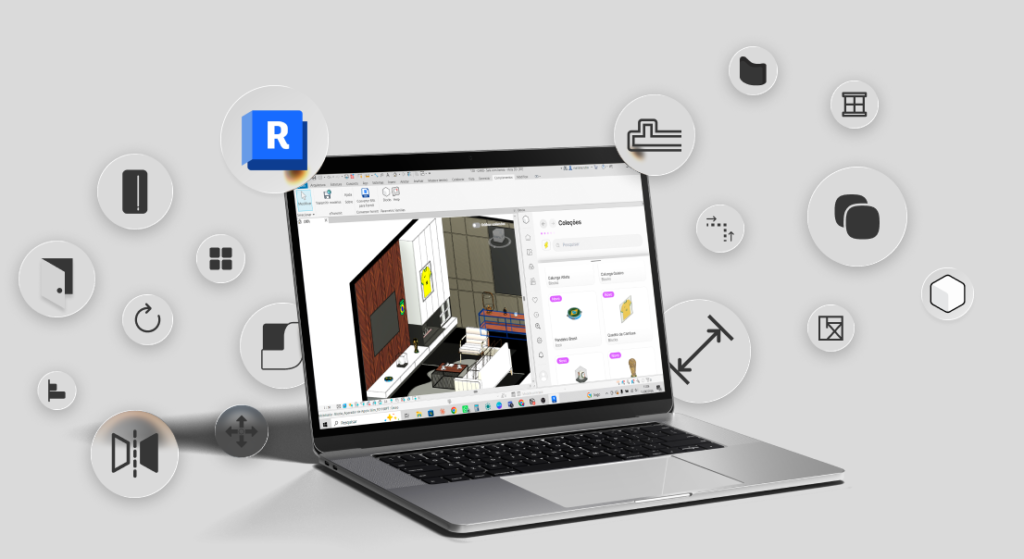
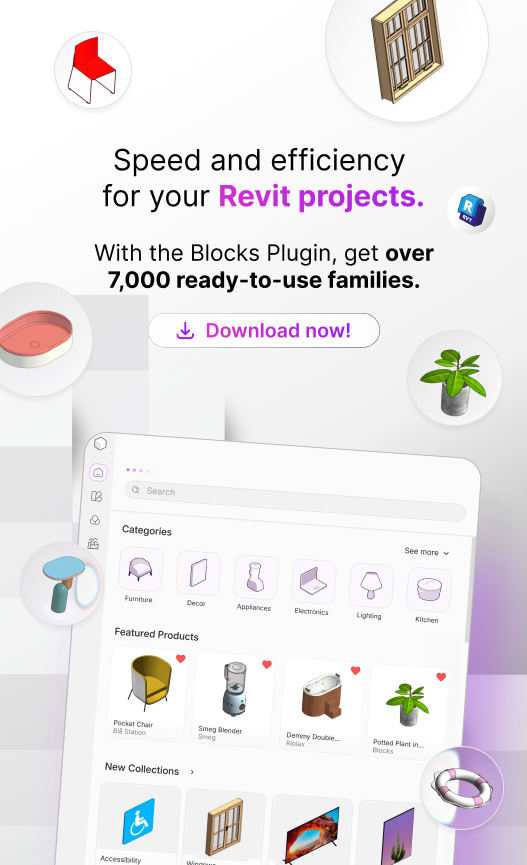
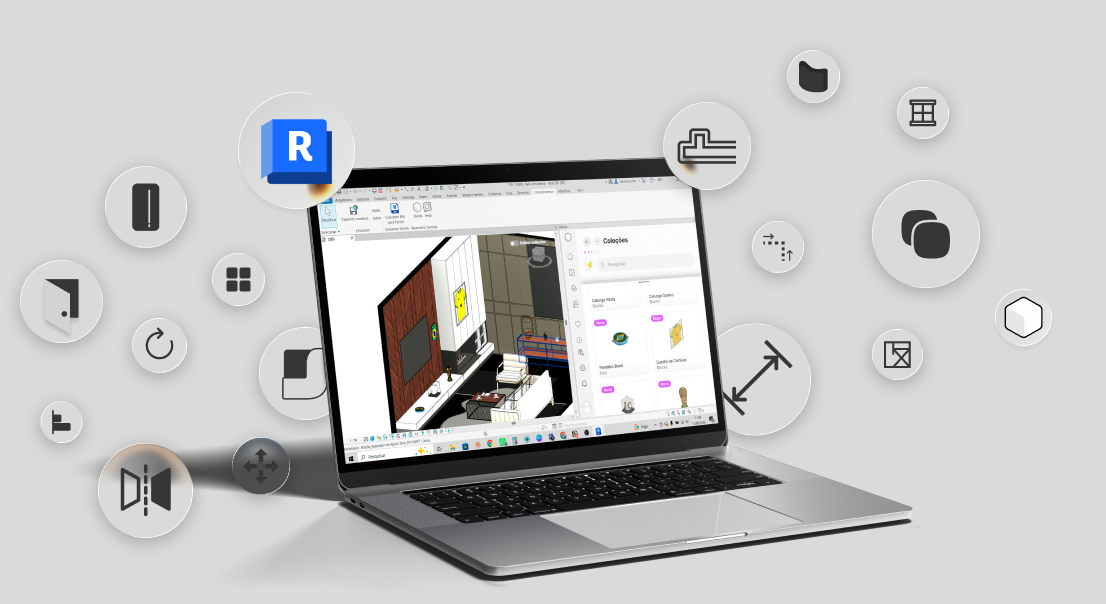
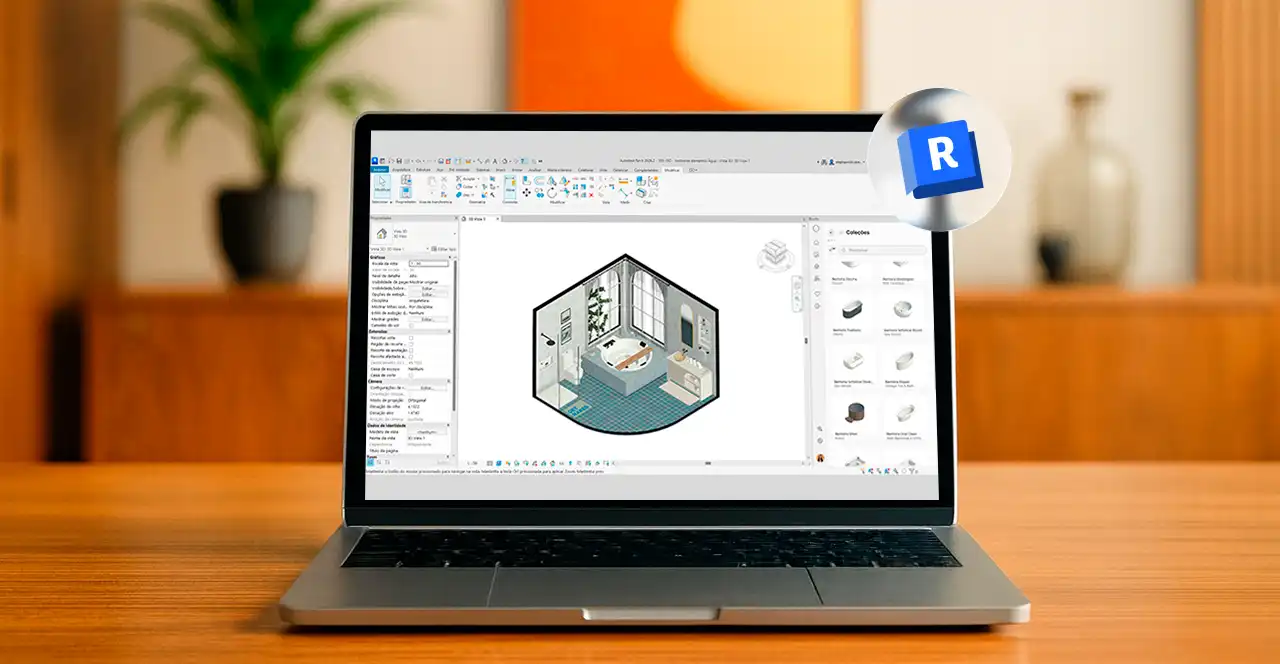
With a Revit family plugin, you can search for an object directly within the interface and place it in your project with one click.
This combination of flexibility and speed is what makes high-quality Revit content so valuable . You can spend your time developing the project instead of repeating the same modeling tasks .
To understand how the Blocks Plugin works, read: Blocks Plugin: get access to countless Revit Families in a few clicks
Where can you download Revit blocks safely?
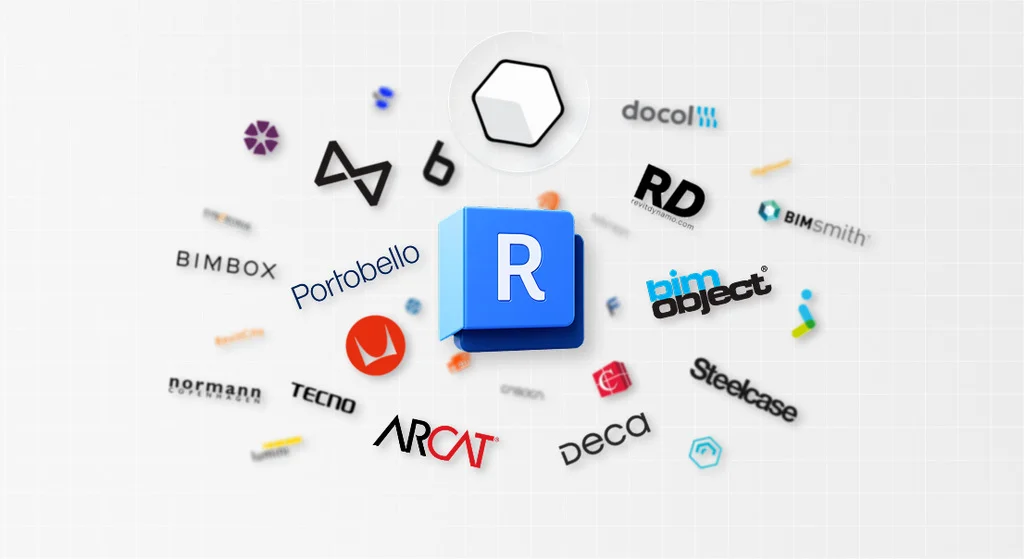
There are many sources for downloading Revit blocks, including North American resources such as ARCAT , manufacturer websites, and specialized BIM platforms.
However, you should evaluate each file carefully, since not every family available online is well built.
To make your search easier, here are five recommendations from Blocks:
- Blocks: A plugin that integrates with Revit and brings together thousands of optimized families from partner manufacturers, with both free and paid versions.
- BIMobject: An international platform featuring libraries from major global manufacturers and files in several formats in addition to Revit.
- RD Studio: A source of standardized parametric families and a good option for firms looking for technical quality and a complete ecosystem.
- Modlar: In addition to providing downloads, it works as a BIM social network, with reviews that help users distinguish well-built families from lower-quality content.
- NBS National BIM Library: A leading resource in the United Kingdom, with strict quality standards for projects that follow international requirements.
These are only some of the main libraries available online. To explore additional national and international options, read our guide to the best websites for downloading free Revit families.
Regardless of the source, always evaluate three aspects before trusting a file: its file size, parametric behavior , and material setup .
Find ready-to-use Revit blocks for your projects with Blocks
One of the biggest challenges for professionals who are new to Revit is finding reliable well-built families for their projects.
You can find countless ready-to-download files online, but many of them are not parametric or come from questionable sources.
With the Blocks Plugin, you do not have to go through that process. Simply download the plugin and start using it, with the confidence of knowing exactly where the content comes from.
Our team includes architects who specialize in Revit family modeling and take great care when developing each BIM object.
More than 9,000 families are available for use throughout every stage of your Revit project.
Stop wasting valuable time searching for Revit blocks online. Download the Blocks Plugin for free!

Conclusion
Is the difference between a Revit block, a Revit family, and a BIM object clearer now? Ultimately, all three terms refer to the same general concept. However, remember that “family” is the correct term within Revit.
Revit blocks will be part of your entire project development process. Understanding what they are, how they work, and where to download them is essential for getting your work off to a strong start.
Learning Revit’s fundamental concepts early gives you a head start over many professionals.
To stay up to date on BIM, Revit, architecture, and interior design, keep up with the Blocks blog.
And do not forget to share this article with your friends.
FAQ: Frequently Asked Questions about Revit blocks
We have answered the most common questions about what Revit blocks are, where to find them, and how to use them, with direct explanations that help you find a solution quickly.
Where can architects find ready-to-use Revit blocks?
The fastest approach is to use a family plugin directly within Revit instead of searching through individual files scattered across the internet. The Blocks Plugin includes more than 9,000 ready-to-use parametric families for architecture, organized into 19 categories, including furniture, lighting, kitchens, bathrooms, and construction. You can search for an object, place it with one click, and use it with materials already configured for rendering. You can start for free and try the plugin before subscribing.
Where can I find high-quality free Revit blocks?
Free Revit content is easy to find, but quality varies widely, and poorly built models can slow down Revit. The Blocks Plugin is a reliable alternative. It gives you access to lightweight, parametric, render-ready families at no cost when you get started. It is a safe starting point for professionals who are still evaluating the tool .
What are the best websites for downloading free Revit blocks?
Reliable public sources include ARCAT and manufacturer websites that provide official families for their products. The main drawback is the time it takes to download files individually and organize folders manually. For this reason, many professionals prefer a plugin such as Blocks, which brings everything together directly within Revit and also offers a free plan or Student Plan. You gain access to curated families without leaving your Revit workspace .
Which platforms offer paid Revit family libraries?
Several subscription platforms provide access to extensive paid libraries of Revit families. Blocks follows this model through its Premium plan, which provides access to more than 9,000 parametric families, products from more than 1,000 real-world manufacturers, and 25 new releases every week. The library is natively integrated with the plugin, so the content is available directly within the Revit interface.
How do you import custom Revit blocks into a project?
To import a custom family saved as an .rfa file, open the Insert tab, click Load Family, select the file, and confirm. The component will appear in the Project Browser, ready to be placed in your views. To skip this manual process , the Blocks Plugin lets you place families directly into the project with one click, without downloading files individually or organizing folders. To understand where the files are stored, read our guide on where to find Revit’s default content library.
How do you create a parametric Revit block from scratch?
You can create a parametric family in the Revit Family Editor, starting with an .rft template that matches the required category. The workflow involves building geometry from reference planes, applying dimensions, associating parameters such as size and material, and flexing the family to make sure it responds correctly without breaking. This is technical, time-consuming work. That is why many professionals use ready-made libraries such as Blocks, with more than 9,000 families that have already been configured parametrically. Blocks also offers a custom family creation service for manufacturers that want their products modeled according to the same technical standards.
Companies offering Revit blocks for civil engineering projects
Blocks focuses on architecture and interiors, but its catalog also includes categories that are useful for complementary building disciplines, such as Construction, Heating and Ventilation Systems (HVAC), Fire Prevention and Protection, Accessibility, and Signage. Because Blocks is a native Revit plugin, its families enter the project with their parameters already configured. Manufacturer-specific products can also be modeled on demand through the Strategic Development service. Review the catalog to confirm the available coverage for your discipline.
What are the best practices for optimizing heavy Revit families?
The most common cause of poor performance is geometry imported into families from other software. Set the detail level to Coarse during the early project stages, control the number of solids and voids, and use Purge Unused to remove families that are no longer needed in the project. Choosing the appropriate LOD for each project phase also prevents the model from loading details that are not yet necessary. Blocks families are modeled with these considerations in mind. They are lightweight and parametric, reducing file size without compromising render quality.
Which Online Services Sell Revit Blocks for Residential Interiors?
For residential interiors, Blocks is one of the leading names in Revit content, with a strong focus on design curation and products from brands such as Baxter, Patricia Urquiola, and CC-Tapis. The catalog includes furniture, decor, lighting, and finishes organized into themed collections that make it easier to find the right item for each space. Everything is available through a subscription, with one-click placement inside Revit and render-ready materials. Explore the Blocks collections to see the latest releases by theme.
Which companies provide custom Revit block creation services?
Blocks offers this service to manufacturers through Strategic Development, which transforms real products into high-quality parametric families designed for Revit workflows. In addition to creating the families, the company publishes the items on its platform and introduces them to a community of more than 100,000 professionals through what it calls Targeted Publishing and Customized Marketing. In other words, the product is not only modeled. It is also put in front of the professionals responsible for specifying it. Interested brands can contact the team through the For Businesses section of the Blocks website.