
The Blocks Student Plan is here, after years of requests from our users.
Using the Blocks plugin every day can make project work much easier, but we understand that a Premium subscription is not always within every student’s budget.
After receiving so many requests from our community, Blocks decided to make Premium available through an exclusive subscription option for students.
Interested? Signing up is simple. In this article, we will show you how to get your discount and answer the most common questions about the new plan.
What is the Blocks Student Plan?
The Student Plan is a new subscription option for students who want unlimited access to the Blocks BIM library.
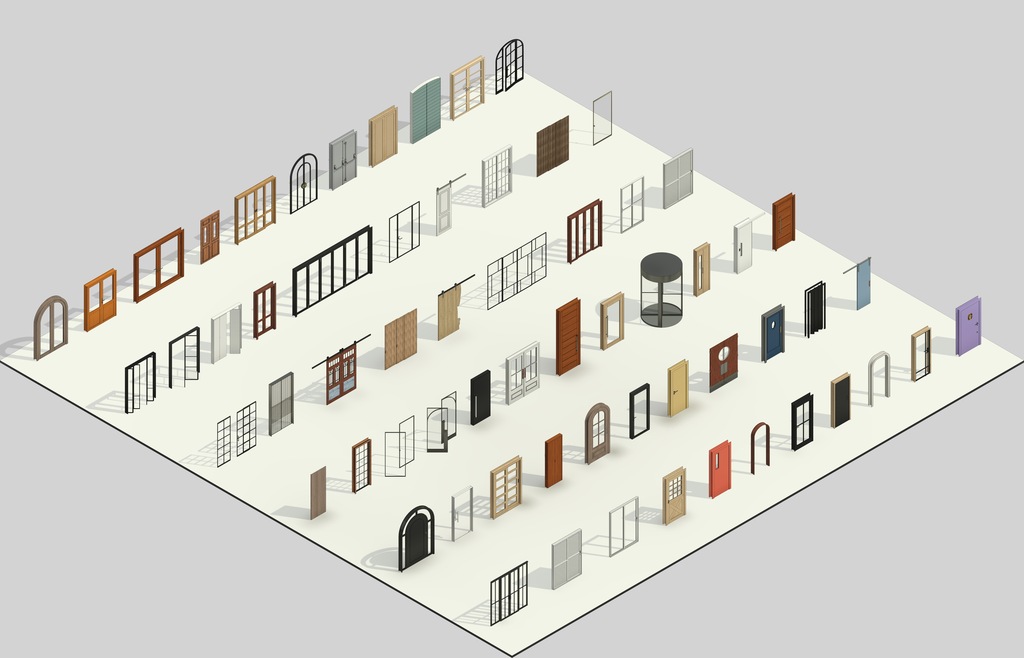
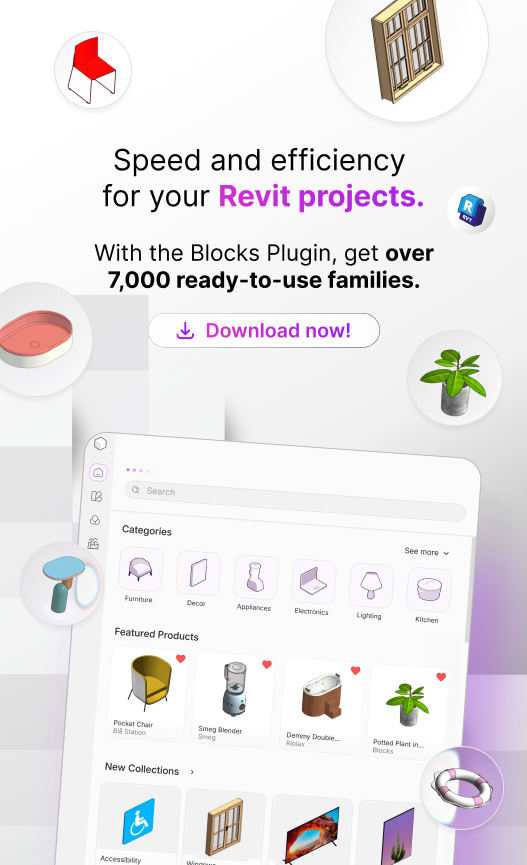
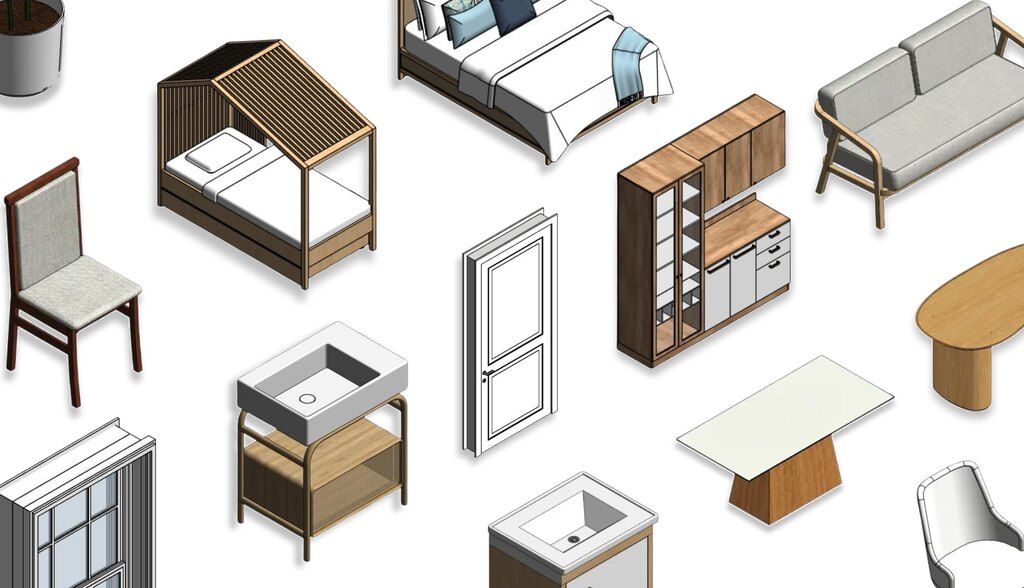
Before we dive into what the plugin offers, here is a quick overview : Blocks is a native Revit plugin with more than 9,000 parametric families ready to use in BIM projects.
Before the Student Plan, there were only two Premium subscription options: monthly and annual. There was no discounted option for students.
“But what is the main advantage of Premium?” With Premium, you get full access to thousands of families, products from more than 1,000 real manufacturers to specify in your Revit projects, and dedicated support from Blocks.
The best part? The Student Plan includes the same Premium benefits, but with 50% off.
Why did Blocks create a plan for students?
Blocks is built on one simple idea: designing in Revit should not be exhausting. It should be a smoother experience.
Taking that idea seriously means making sure that people who are still learning are not left out simply because of the price.
We believe that when students start using real tools early on, they enter the workforce already familiar with the workflows used by architecture and design firms.
In other words, the Blocks Student Plan is the result of that mindset and of requests from users who had been asking for this type of subscription for a long time.
What is the difference between the Student Plan and the Professional Plan?

If you thought that choosing a student plan meant losing access to Premium benefits, think again.
The only difference between the Professional Plan and the Student Plan is the price. The Student Plan is available at a lower price for students and includes one additional verification step during signup.
Other than that, the content and features are exactly the same. Both plans include:
- More than 9,000 premium parametric families, available instantly.
- 25 new families every week, plus themed bonus collections.
- Digitized products from more than 1,000 real manufacturers.
- Smart Suggestions for related items while you design.
- Materials with textures already configured for rendering.
It is also worth noting that the Student Plan is available to both undergraduate and graduate students, regardless of their field of study.
How do I subscribe to the Blocks Student Plan?
Signing up is simple, and for most students, the process takes just a few minutes:
- On the Plans page, select the Student Plan card and click to subscribe. This is where the process begins.
- Sign in to your Blocks account. If you do not have one yet, this is the time to create it.
- Add a payment card. At this stage, only a preauthorization is processed , but you will not be charged. This allows your subscription to activate automatically as soon as your verification is approved.
- Complete the student verification form.
- Once your verification is approved, your subscription will activate and your first charge will reflect the student price. From that point on, the full Premium library will be unlocked.
To avoid confusion: your payment card is requested before verification is confirmed only so your subscription can activate immediately once you are approved. You will not be charged while your verification is under review.
How does student verification work?
To make sure the discount is available only to eligible students, we use SheerID’s secure student verification process.
The process takes place in a quick form within the subscription flow. You will provide your country, educational institution, name, date of birth, and university email address.
In most cases, verification is automatic and takes just a few seconds.
When that happens, you can move directly to plan activation with no additional steps.
If automatic verification cannot be completed immediately, there are alternative options.
- The first is signing in through your college or university portal, if it offers that option.
- The second is uploading proof of enrollment for review.
This is uncommon, but it can happen. If so , simply wait for a response, which may take up to 48 hours.
Note: You will not be charged until your student status has been confirmed.
How do I switch from the monthly plan to the Student Plan?

Already a Blocks user and want to take advantage of the Student Plan? You can get the student discount too.
That is right. If you are a student but currently subscribe to the Blocks Professional Plan, you can switch to the Student Plan.
You do not need to cancel your current subscription and start over. Just switch plans on the Plans page and complete the same verification process explained above.
- While logged in to your Blocks account, go to the Plans page and select the Student Plan.
- Complete student verification.
- Confirm the plan change.
From that point on, the student price will apply on your next billing date.
Your current paid period will remain active as usual, with no interruption to your access. The new price will apply on your next billing date.
In other words, you will not lose any of the days you have already paid for, and you will not lose access to the library at any point during the transition.
Download the Blocks plugin now and access more than 9,000 families
Tired of using the Blocks Free Plan and having access to only a few families? That will no longer be a problem.
With the Blocks Student Plan, you get access to a BIM library filled with parametric families ready for high-quality rendering.
There are more than 9,000 families and 1,000 manufacturers for you to explore and add to your projects in just a few clicks.
Stop spending time searching the internet for Revit families and join the Blocks Student Plan.
Conclusion
So, what do you think of Blocks’ new Student Plan ?
Creating the Student Plan was our way of showing that we are always listening to our users .
More than 100,000 people trust Blocks and use our families every day in their projects.
Our mission to simplify the day-to-day work of design professionals does not begin only when they enter the workforce. It can now begin while architects are still training.
The Student Plan is Blocks’ gift to you. Do not put off what you can do today. Download the Blocks plugin now and make a difference in your projects.