







Revit MEP: understand how the software works for mechanical, electrical, and plumbing!

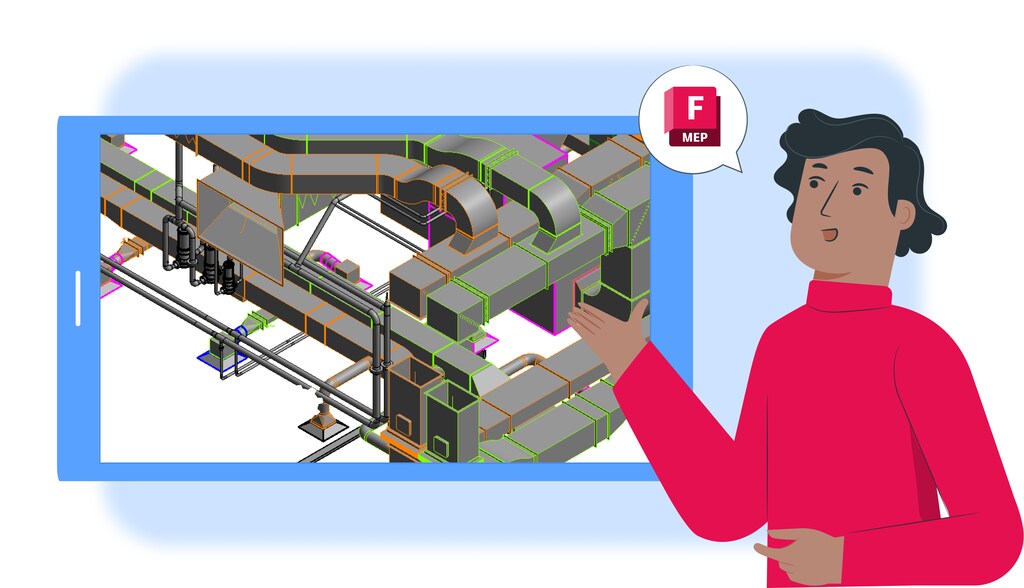
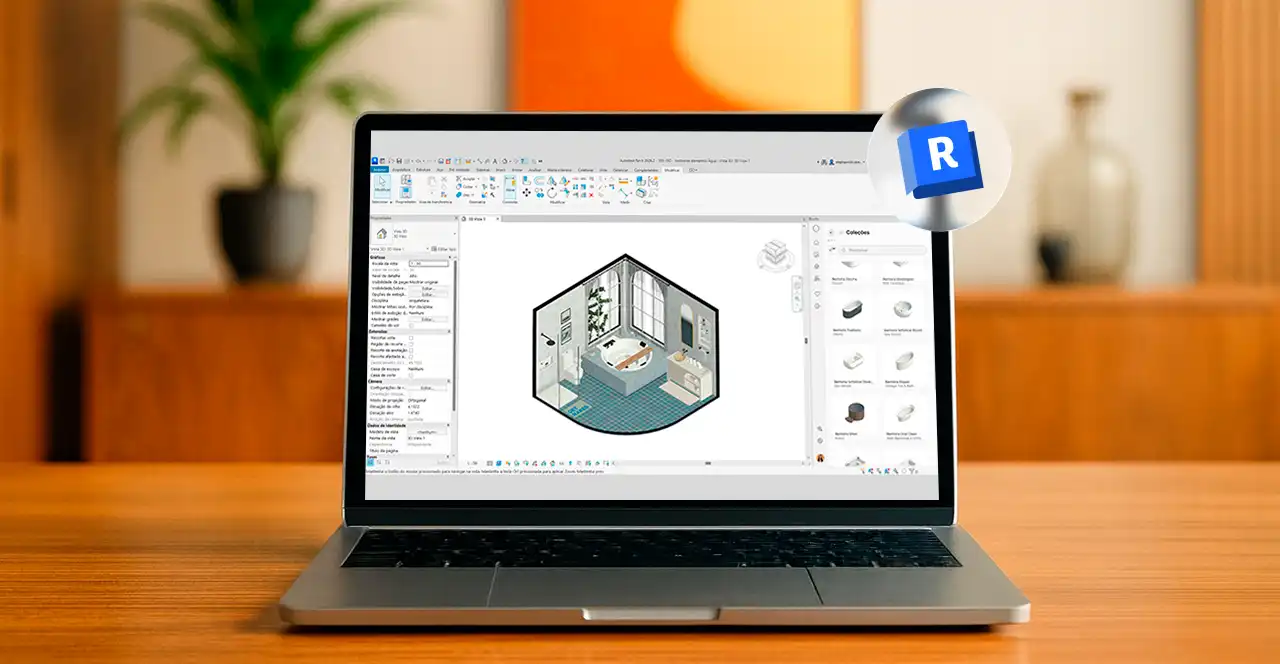
Imagem de projeto 3D de sistemas mecânicos, elétricos e hidráulicos em Revit MEP, software de modelagem para projetos de engenharia e construção.

You might even think that Revit is a software only for architects and interior designers, but it was also designed for engineers.

As a BIM (Building Information Modeling) software, with a highly detailed methodology, Revit has become an indispensable ally for engineers.

Known as Revit MEP, this toolkit provides powerful features for mechanical, electrical, and plumbing (MEP) projects, detailing all the technical data of each system component.

For an engineer, these tools are vital:they make it possible to verify, even before construction begins, whether the MEP systems will function as intended.

Yet not every AEC professional knows just how powerful Revit MEP really is. That’s why, in this article, Blocks® will break it all down for you.

Ready to dive in ? Enjoy your reading 😉

What is Revit MEP?

Despite sounding like a separate Autodesk® program, Revit MEP is a suite of features within Revit itself, tailored for engineers (though it was once offered as a standalone product).

The acronym “MEP” stands for the mechanical, electrical, and plumbing systems that keep buildings running.

With the MEP features, inside one BIM environment, engineers and designers can model piping, ductwork, conduits, and other components.

Furthermore, thanks to the BIM context, MEP also allows for simultaneous thermal performance checks, load calculations, and cross-discipline coordination.

What are the functionalities of Revit MEP?

Revit MEP has numerous functionalities for developing the engineering side of a project. Shall we explore the main ones below? Let’s take a look!

Modeling of mechanical, electrical, and plumbing systems

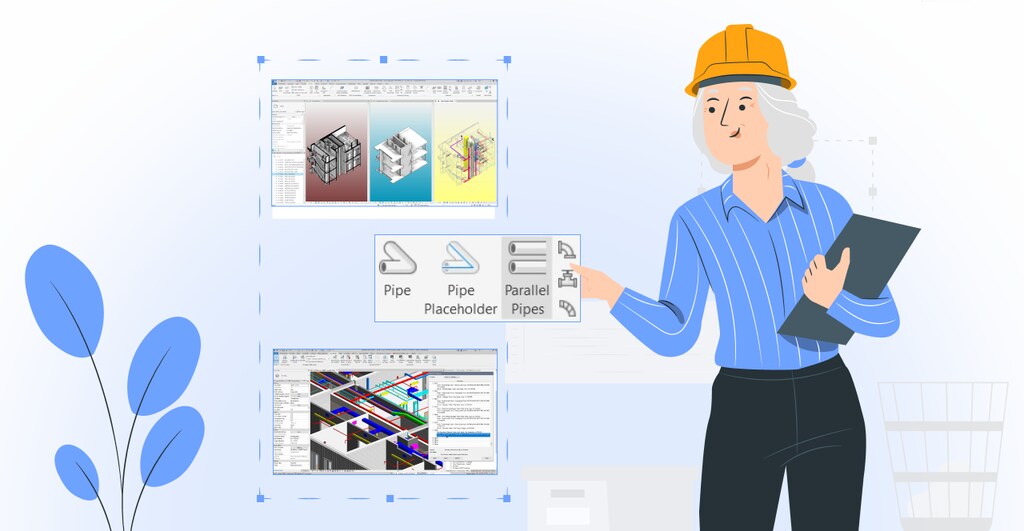
Engenheira analisando projetos arquitetônicos e de sistemas hidráulicos em um ambiente de escritório com desenhos técnicos e plantas.

In Revit MEP, the entire design of these systems, from HVAC ducts and piping to cable trays and conduits, happens directly inside BIM.

This means that any change to a floor plan instantly updates all 3D views, sections, and schedules, which helps prevent rework.

Performance analysis and simulation

One key feature of Revit MEP is the ability to run thermal load calculations, perform hydraulic balancing, and export the model in gbXML format for energy analysis.

This integrated process improves decision-making, letting professionals compare performance scenarios and confirm equipment choices before construction even starts.

Clash detection

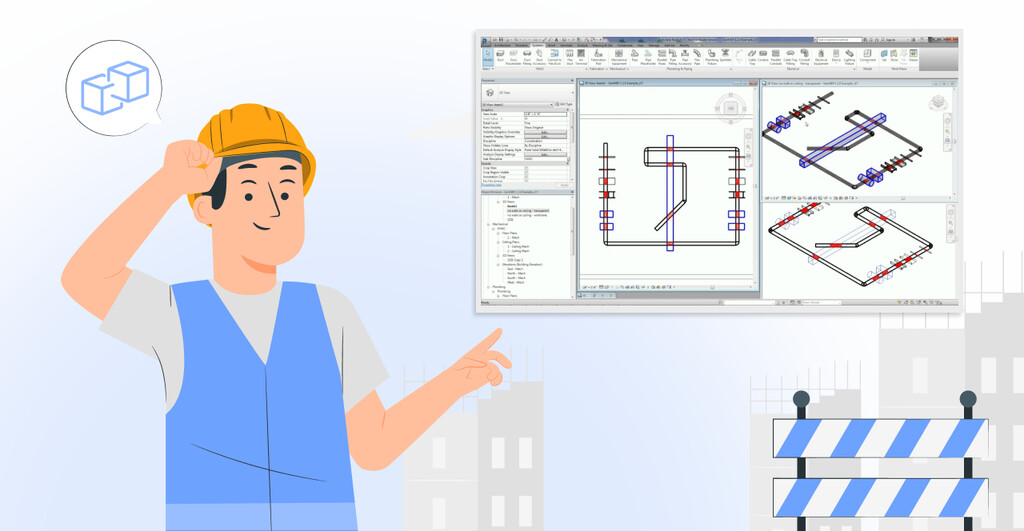
Remember when we mentioned being able to check if a project will work before it’s built?? That’s exactly what “Clash Detection” does.

Revit automatically runs 3D clash checks, flagging potential conflict points early on.

For example, if you’re designing the main HVAC duct on the second floor and the structural team places beams in the same area, Clash Detection will catch any unwanted overlap.

Automatic system sizing

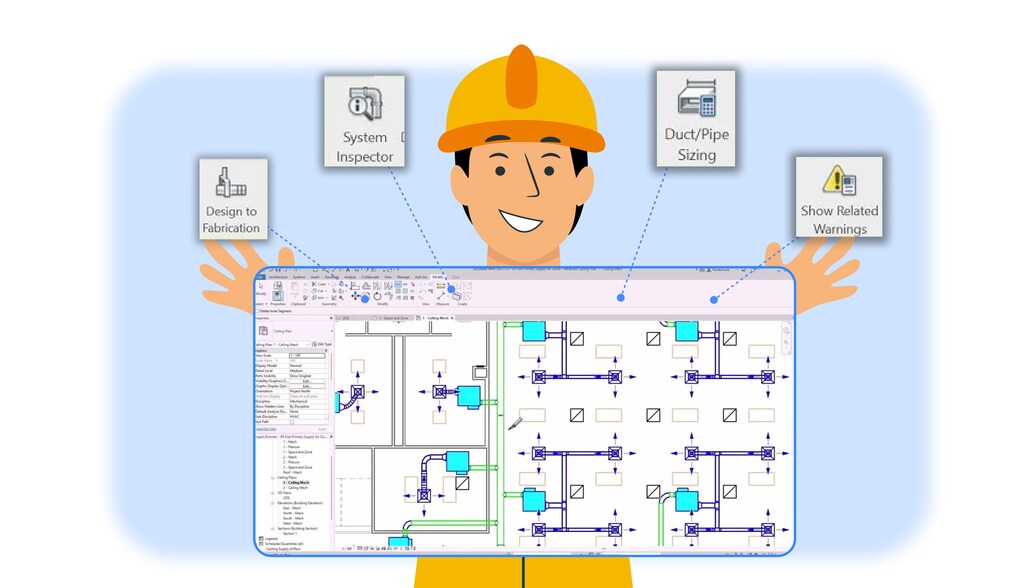
Imagem de um profissional de engenharia ou técnico com capacete amarelo, visualizando um projeto de sistema de encanamento ou elétrica em um computador, destacando funcionalidades como inspeção do sistema, dimensionamento de dutos e tubulações, e exibição de alertas de segurança.

When you add a pipe run or a duct into your project, Revit instantly sizes diameters and calculates pressure losses using standards like ASHRAE, updating the model and drawings live

Integrated P&ID modeler

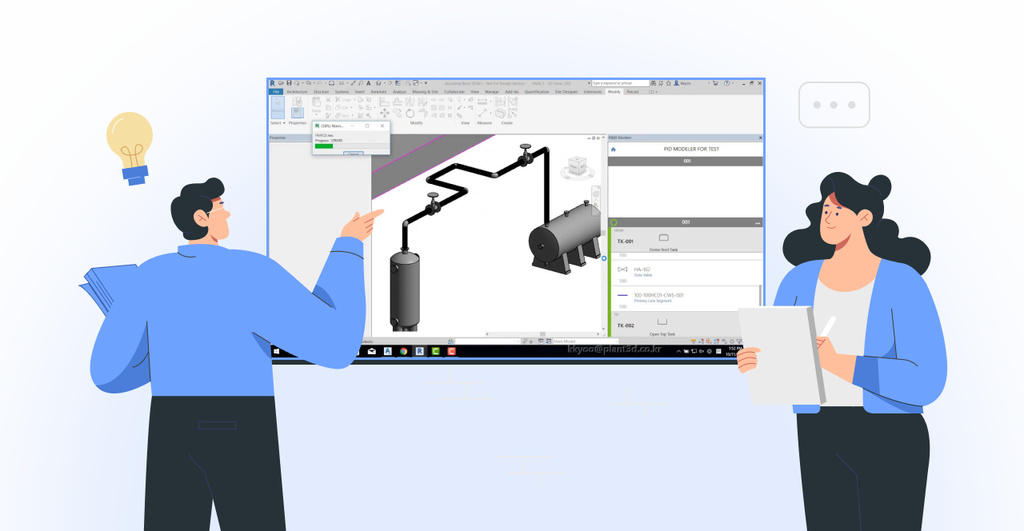
Engenheiro e profissional discutindo projeto técnico de sistema de automação industrial em uma tela de computador, com diagrama de tubulações e equipamentos.

With Revit’s P&ID modeler, you can import piping and instrumentation diagrams directly from AutoCAD P&ID, and keep data synced between the schematic drawing and the 3D model.

This ensures traceability and keeps your project information consistent at every stage.

Fabrication detailing and interoperability

When a project moves into the detailing phase, you can use the model with CADmep, ESTmep, or CAMduct, automatically generating material takeoffs, shop drawings, and quantity reports.

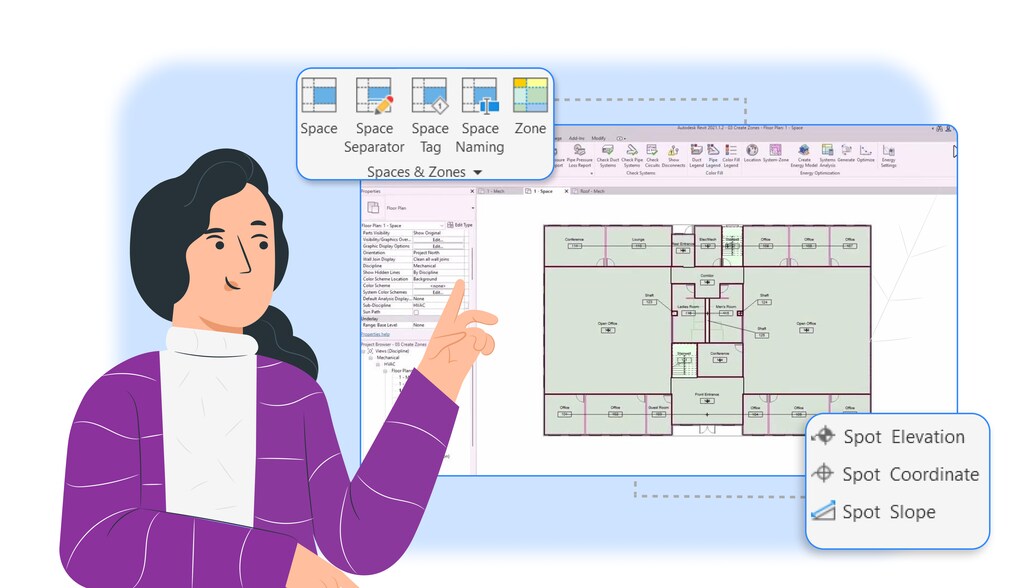
Elevation priority, spaces, and zones management

Revit MEP also lets you view precise elevations of each element, define “spaces” for environmental analysis and create “zones” that can be controlled by HVAC systems.

With these tools, you can balance loads and run comfort simulations accurately, all inside the same model.

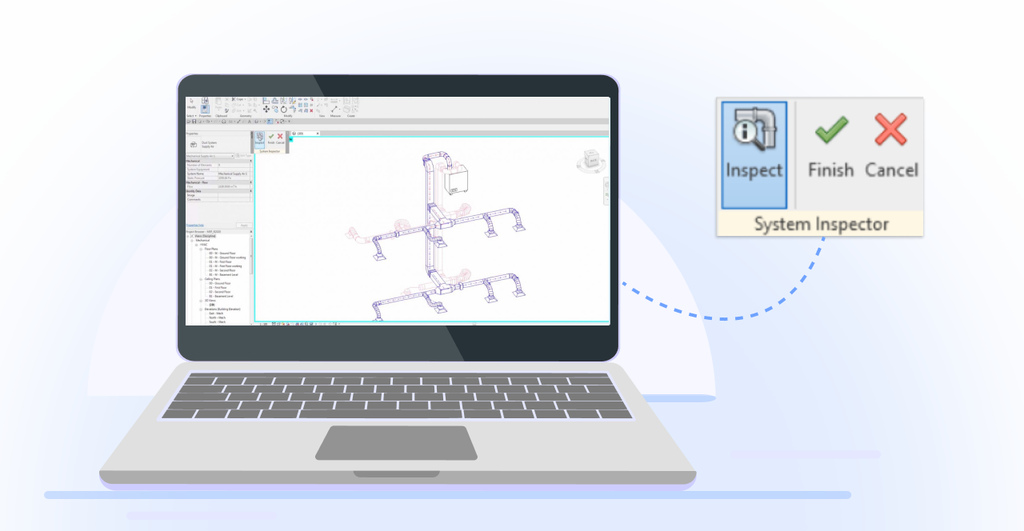
System inspector and disconnected connectors identification

To make project diagnostics easier, the “System Inspector” shows detailed properties of each selected duct or pipe network, while the disconnection check highlights any loose connectors.

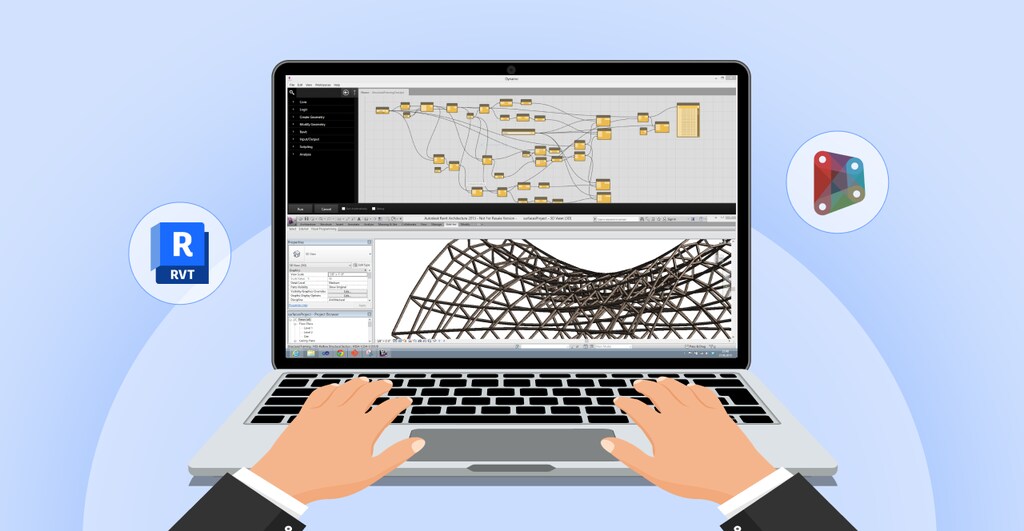
Automation and customization with Dynamo and API

Pessoa trabalhando com software de modelagem 3D, visualizando uma estrutura geométrica complexa em um laptop, cercada por ícones de ferramentas de design.

If you want to boost productivity even more, Revit comes with Dynamo and gives you access to the native API.

This means you can automate repetitive tasks, build verification routines, and create custom tools that fit your daily workflow.

For example, suppose you need to standardize the naming of all junction boxes to match “JB-<Floor>-<Sequential Number>”. 

Instead of renaming them manually, you can build a Dynamo routine or extend it with Revit’s API for even more customization.

How to download Revit MEP?

Unfortunately, you can’t install Revit MEP separately, as it is a feature set within Revit itself, as we mentioned above.

In earlier versions, before Revit 2017, Autodesk offered “Revit Architecture,” “Revit Structure,” and “Revit MEP” as separate installers.

But with the unification in the Building Design Suite and now the standard Revit, these versions were merged. Today, it’s all just Revit.

Still, here’s how you can activate the MEP tools in your Revit.

  • Download and install Revit: do a full install of Revit 2026 and launch it on your computer.
  • Start an MEP project: open Revit, click “New > Project” on the home screen, pick a standard MEP template like “Mechanical Template,” “Electrical Template,” or “Plumbing and Piping Template”, and start designing.
  • Activate MEP tools: you’ll find most MEP tools under the “Systems” tab — HVAC, piping, circuits, conduits, and more.

The  Revit MEP tools won’t magically create a project for you. 

To design MEP projects, you need to learn how the tools work and practice applying them.

So, it’s a good idea to take specialized courses in the field.

Erick Mark

Financial Director | Blocks®

“Studying Revit MEP is much more than mastering commands: it means fully embracing BIM in architecture. This knowledge helps prevent coordination errors and accidents that could increase costs later on. By deepening their MEP expertise, engineers can deliver safer, more efficient buildings and run advanced flow and load simulations. For that level of skill, I recommend the ‘Autodesk Revit MEP HVAC‘ course from Axiom Training.”

Blocks Plugin: Parametric Families for Your Revit Project

Besides the mechanical, electrical, and plumbing parts of a project, you also need to consider the architectural and interior design aspects.

Ever thought about designing fully parametric BIM models in just a few clicks? The Blocks plugin makes it possible.

There are over 5,000 parametric families ready to give your project that final touch.

Our dedicated BIM modeling team releases new Revit families every week.

So you won’t have to worry about incomplete or poorly built families. With the Blocks plugin, you get top-quality content for the BIM world.

Want to know more about our catalog? Download the Blocks plugin for free 🙂 

Conclusão

Revit MEP has always been and always will be an essential toolkit for buildings projects.

With every new Revit update, Autodesk® adds even more valuable features for MEP engineering.

One clear example is the merging of Revit MEP into Revit, which keeps architecture more centralized and integrated with all other disciplines.

With Revit MEP, you have endless possibilities to design smarter.. So dive in, master the tools and design like a pro.

Enjoyed this content? For more like this, follow the Blocks blog.

Hello, I’m Marcos Miguel, 24 years old, brazilian and SEO Writer at Blocks®. I’ve always had a passion for writing, and discovering SEO was love at first sight. Currently, I’m studying Social Communication, specializing in Organizational Communication, at the University of Brasília (UnB). I enjoy sunny days, music, and good conversations with friends—qualities that inspire my writing to connect directly with the reader. I hope you enjoy the articles at Blocks®!

Seja Parte da Revolução BIM!​

Receba as últimas novidades do mundo da construção digital diretamente em sua caixa de entrada.

Ao clicar em enviar, concordo em receber comunicações de acordo com meus interesses. Saiba mais em política de privacidade.

Seja Parte da Revolução BIM!​

Receba as últimas novidades do mundo da construção digital diretamente em sua caixa de entrada.

Ao clicar em enviar, concordo em receber comunicações de acordo com meus interesses. Saiba mais em política de privacidade.

¡Sé parte de la Revolución BIM!

Recibe las últimas novedades del mundo de la construcción digital directamente en tu bandeja de entrada.

Al hacer clic en enviar, acepto recibir comunicaciones de acuerdo con mis intereses. Más información en la política de privacidad.

¡Sé parte de la Revolución BIM!

Recibe las últimas novedades del mundo de la construcción digital directamente en tu bandeja de entrada.

Al hacer clic en enviar, acepto recibir comunicaciones de acuerdo con mis intereses. Más información en la política de privacidad.

Be part of the BIM Revolution!​

Get the latest scoop on digital construction delivered to your inbox.

By clicking submit, I agree to receive communications based on my interests. Learn more in our privacy policy.

Be part of the BIM Revolution!​

Get the latest scoop on digital construction delivered to your inbox.

By clicking submit, I agree to receive communications based on my interests. Learn more in our privacy policy.

Privacy Overview

This website uses cookies so that we can provide you with the best user experience possible. Cookie information is stored in your browser and performs functions such as recognising you when you return to our website and helping our team to understand which sections of the website you find most interesting and useful.