
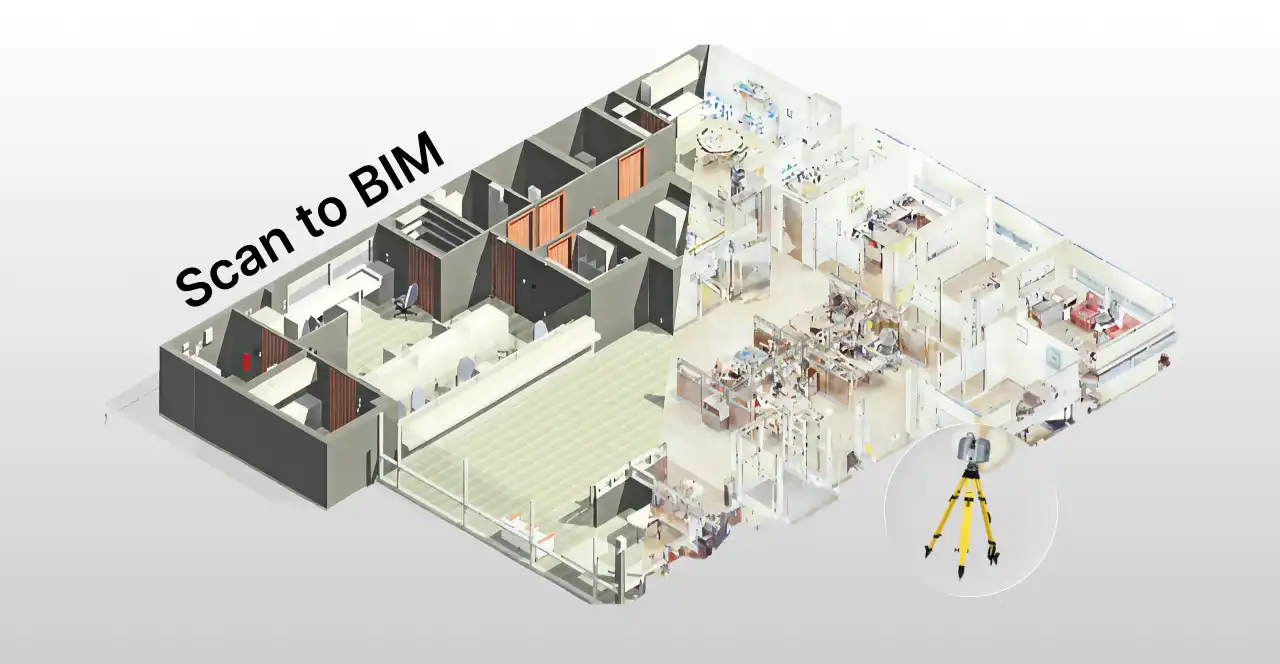
Hey, architect! Imagine walking into an older building, turning on a laser scanner, and within a few hours having a detailed 3D digital model ready to use on your computer.
Sounds futuristic, right? The good news is that this future is already here and it’s called Scan to BIM.
Scan to BIM is a technology that converts a real-world physical environment into accurate 3D models through laser scanning.
This is an extremely powerful tool for architects and engineers, but many professionals still don’t know exactly how or when to use it.
That’s why, in this article, we’ll break down what Scan to BIM is, when it makes sense to use, and how it works in real-world scenarios.
Let ‘s get started. Enjoy your reading!
What is Scan to BIM?
Scan to BIM is the process of digitally capturing an existing space or building, usually using 3D laser scanners, and transforming that data into a BIM (Building Information Modeling) model.
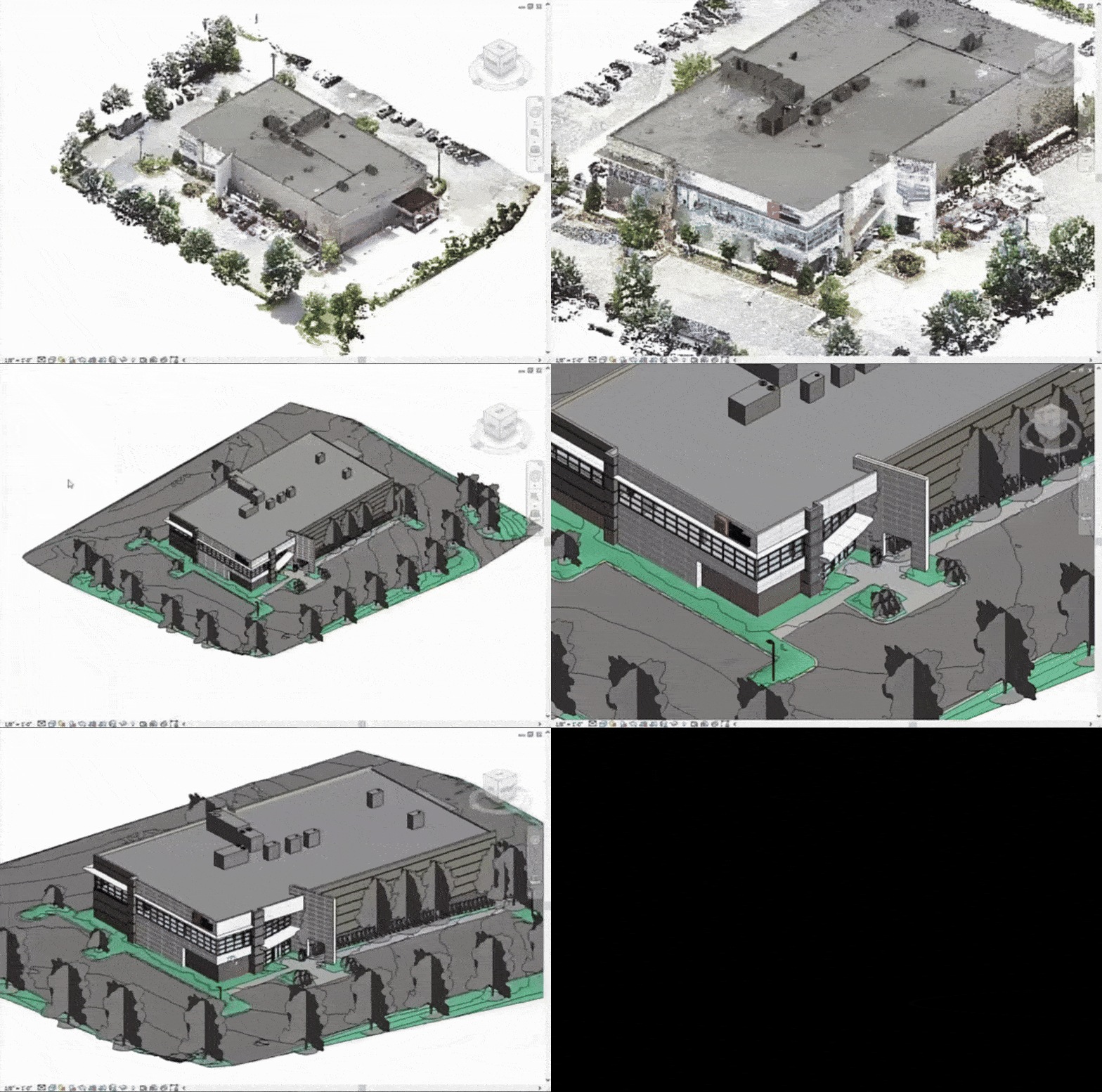
In a Scan to BIM workflow, the space is first scanned using laser equipment, generating a point cloud: a massive collection of measured points that represent the full 3D geometry of the site.
From this point cloud, a model is created and imported into BIM software. The professional then “draws over” the point cloud, translating the scanned data into a structured BIM model.
When should you use Scan to BIM?
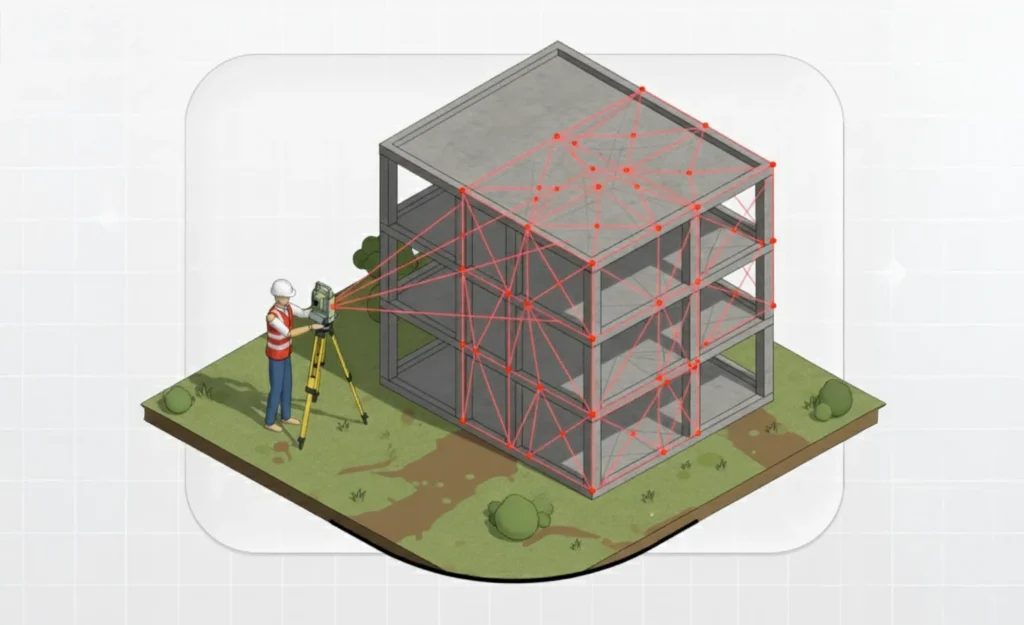
So, when is Scan to BIM the right approach? The short answer: whenever you need a reliable digital representation of something that already exists in the real world. For example:
- Renovation and retrofit projects: When working on renovations, it’s essential to know exactly what has already been built. Scan to BIM allows you to quickly capture the existing conditions of houses, commercial buildings, or industrial facilities, even when original drawings are outdated or unavailable. With a reliable as-built model, you can avoid surprises during construction and significantly reduce design errors.
- Preservation of historic buildings: Historic buildings rarely have up-to-date documentation and often undergo changes over time. 3D scanning creates a highly detailed digital record of architectural elements, helping specialists replicate details and plan interventions without compromising structural integrity.
- Construction progress monitoring: Scan to BIM isn’t limited to existing or historic buildings. It can also be used during new construction. By performing periodic scans of the job site, teams can compare the current point cloud with the planned BIM model, identifying deviations or discrepancies early on.
- Facility Management: After construction is complete, the Scan to BIM model continues to deliver value. Facility managers can use it to map building systems, such as piping, equipment, and structural components, and plan maintenance, inspections, and repairs more efficiently.
In short, Scan to BIM is worth using whenever you need a detailed and accurate understanding of an existing building.
That’s why this technology is widely used by historians, architects, and engineers who need to understand how historic structures were built and how they currently perform.
How does Scan to BIM work?
We’ve already covered the basics, but to apply Scan to BIM effectively, it’s important to understand each step in detail.
Here’s how the process works, step by step.
1. Requirements definition
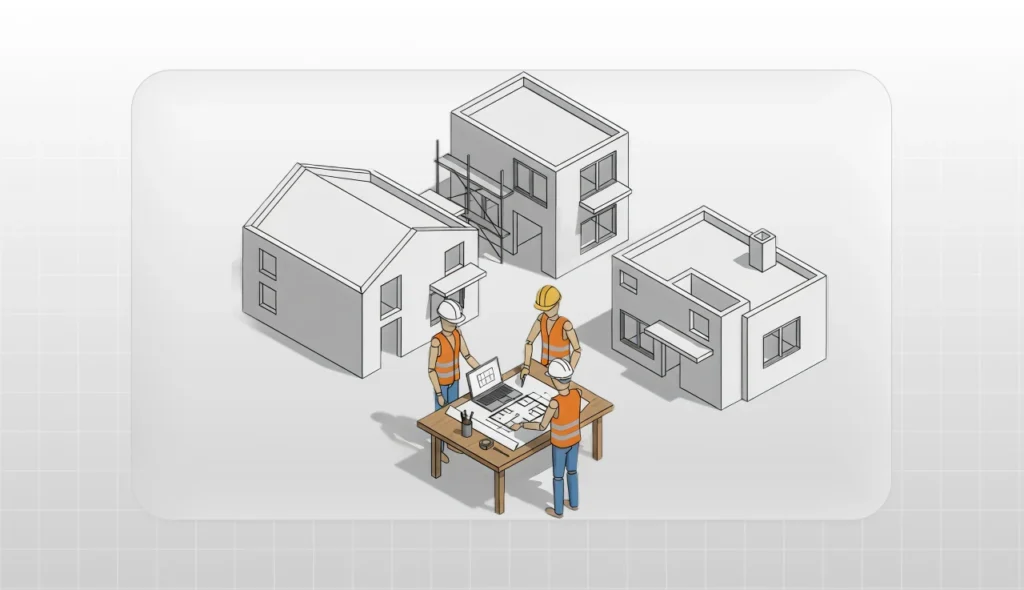
Everything starts with clearly defining why the scan is needed and what will be scanned.
At this initial stage, the team must clearly identify project requirements, such as: What is the purpose of the 3D survey? Which areas or elements require a higher level of detail?
If the goal is a façade renovation, for example, interior spaces may not need high-resolution scanning.
Defining clear objectives at this stage helps reduce processing time and keeps the team focused on what truly matters.
2. Scanning planning
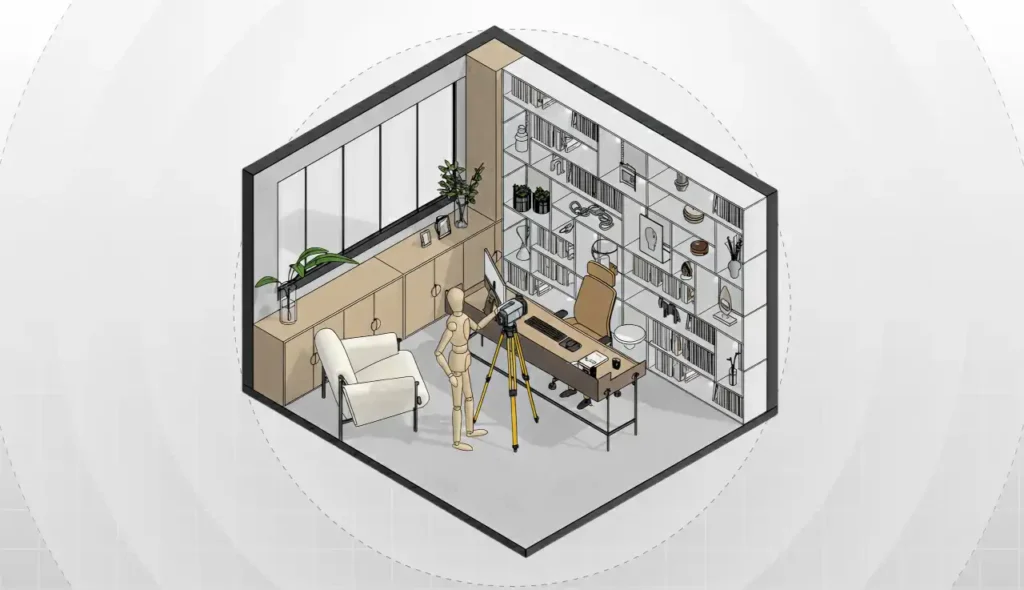
With the requirements established, it’s time to plan the scanning process.
This includes selecting the appropriate technology and equipment, as well as defining the scanning strategy.
Will you use a tripod-mounted terrestrial laser scanner, a handheld mobile scanner, or a drone for large exterior areas?
Each method has its pros and cons. Fixed scanners typically offer higher accuracy, while mobile scanners and drones provide faster coverage.
Planning also involves defining scanning positions to capture all angles and avoid blind spots. For large buildings, it’s recommended to divide the site into sectors.
3. Field scanning
With the plan in place, the fieldwork begins—the actual 3D scanning.
Laser scanners capture millions of points per second by emitting laser beams and calculating distances based on the return time of each beam.
The immediate result is a highly detailed 3D point cloud.
To give you an idea, some scanners collect up to 2 million points per second, reaching 600 million points in just five minutes.
These points capture everything visible: walls, floors, ceilings, columns, furniture, exposed piping, and more.
Once scanning is complete, you’ll have a comprehensive point cloud ready to be used in BIM software.
4. Processing and Interpreting the Data
With the point cloud generated, it’s time to process and interpret the data.
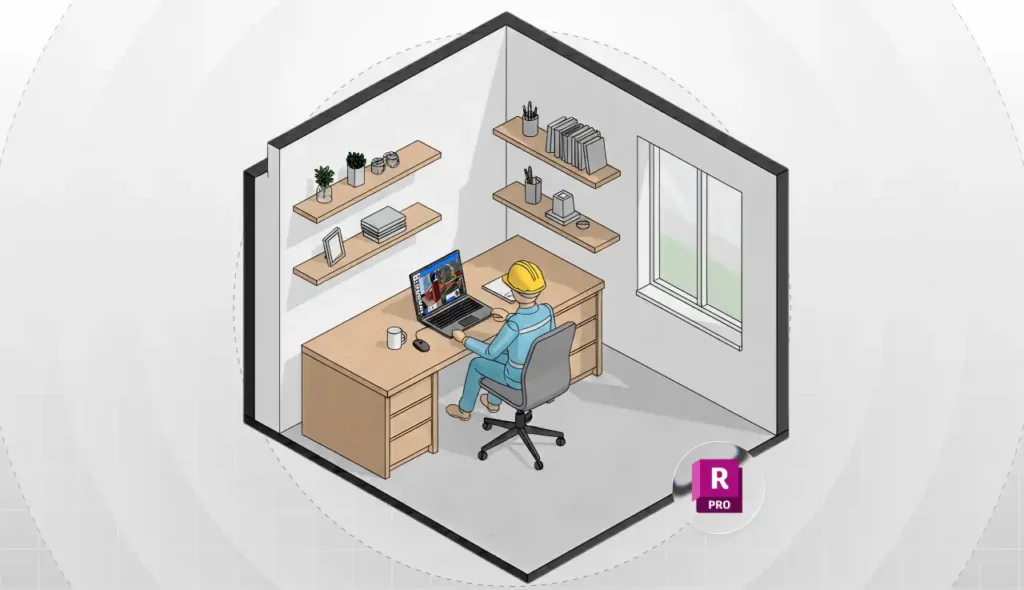
First, you’ll need specialized software to clean and organize the point cloud. One popular option is Autodesk ReCap Pro, widely used for laser scan data management.
Cleaning the data is essential to remove temporary objects accidentally captured, such as people walking through the space during scanning.
Once the point cloud has been cleaned, the next step is to interpret or extract information from it. This can be done in two ways: manually or through automated processes.
In the manual approach, a professional imports the point cloud into BIM software and begins modeling directly over it, aligning reference planes to identify walls and other key elements.
In the automated approach, plugins and recognition tools are used to automatically detect elements within the point cloud and generate BIM primitives.
The choice of how to interpret the point cloud depends on your needs. If you require a high level of detail, manual modeling is usually the best option. If speed is the priority, automated plugins can be a practical solution.
5. BIM modeling
Now it’s time to model in BIM using software such as Revit, Archicad, or Vectorworks.
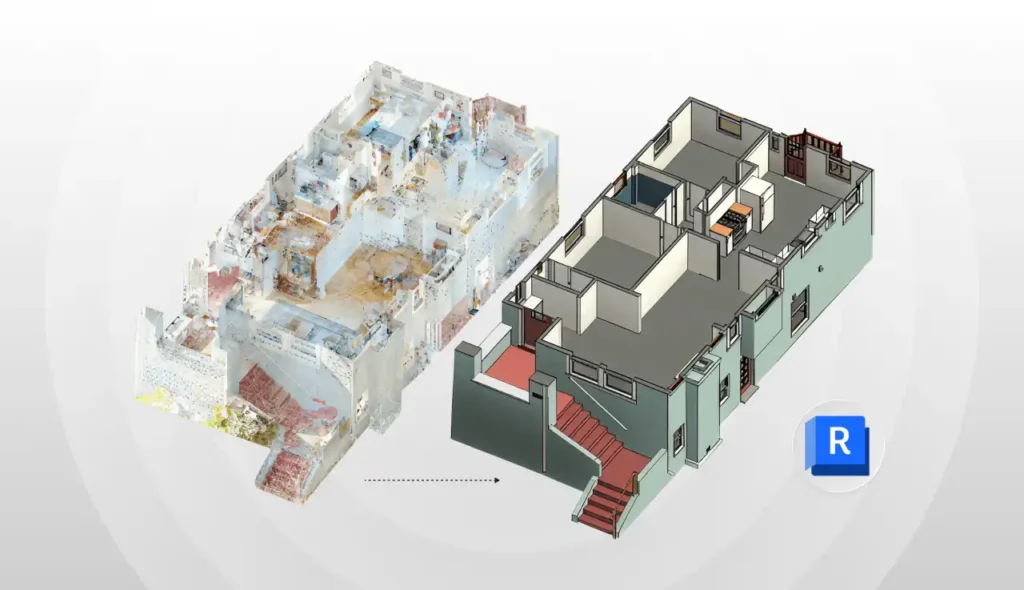
The BIM professional models each element based on what appears in the point cloud, accurately reproducing geometry and spatial relationships.
At this stage, additional information is also added to the model, such as materials, construction year, condition, dimensions, and other relevant data.
This is where raw scan data is transformed into an intelligent, information-rich 3D BIM model.
Why is Scan to BIM important?
You might be wondering: is all this effort really worth it?
The answer depends on your goals. If you need to document a historic building with no existing digital records, Scan to BIM is absolutely worth it.
For simpler spaces, such as a single apartment room, traditional measurement methods may be sufficient.
However, this does not diminish the importance of Scan to BIM in architectural projects. Some of the key benefits include:
- Extreme level of detail: 3D laser scanning delivers a significantly higher level of detail and accuracy than manual surveying methods. Studies show that laser scanning can capture existing buildings with far greater precision than traditional techniques, minimizing errors and reducing the need for field rework.
- Time savings: While it may sound complex, Scan to BIM is often much faster than conventional measurement methods. Traditional architectural surveys, based on tape measures, paper notes, and manual tools, can take weeks to document a large building and are highly susceptible to human error.
- Reduced rework and costs: Time is money, and accuracy directly translates into savings. By minimizing errors in the initial data, Scan to BIM helps prevent costly rework later in the project. Design conflicts that would typically be discovered late—such as an unexpected existing beam missing from drawings are identified early, helping avoid last-minute changes during construction.
Does this help clarify the importance of Scan to BIM in architecture?
It’s no coincidence that the Scan to BIM services market is growing rapidly, with more companies and professionals relying on these solutions to support their projects.
Upgrade your projects with the Blocks Plugin
Speaking of BIM, it’s impossible not to mention the Blocks plugin, an essential tool for Revit users.
You know those hours spent searching for BIM families online or modeling furniture from scratch? With Blocks, that’s no longer part of your workflow.
Blocks works as a massive library of parametric families designed specifically for Revit.
With just a few clicks, you can insert detailed objects into your projects, from interior furniture to structural elements.
Want to see it in action? Download the plugin for free and start using it in your projects today!
Conclusion
Scan to BIM is revolutionizing the way we capture and work with data from existing buildings.
More than a luxury, Scan to BIM is becoming an essential practice in architecture, interior design, engineering, and construction.
In an industry where every millimeter matters and mistakes can be costly, having reliable data makes all the difference.
To wrap things up, we invite you to stay up to date and continue building your expertise in BIM.
For more articles like this, follow the Blocks blog, and feel free to share this content with your network!