
If you work with interior design or architecture, you’ve probably heard that SketchUp is the go-to tool for your projects.
And to be fair, it’s still the most widely used software for that purpose.
However, Revit can offer even greater benefits. It may sound surprising, but it’s true.
Revit is a powerful ally for architects and interior designers, opening up a wide range of possibilities for project development.
It stands out by allowing detailed parametrization, seamless integration between disciplines, and automatic updates, among many other features.
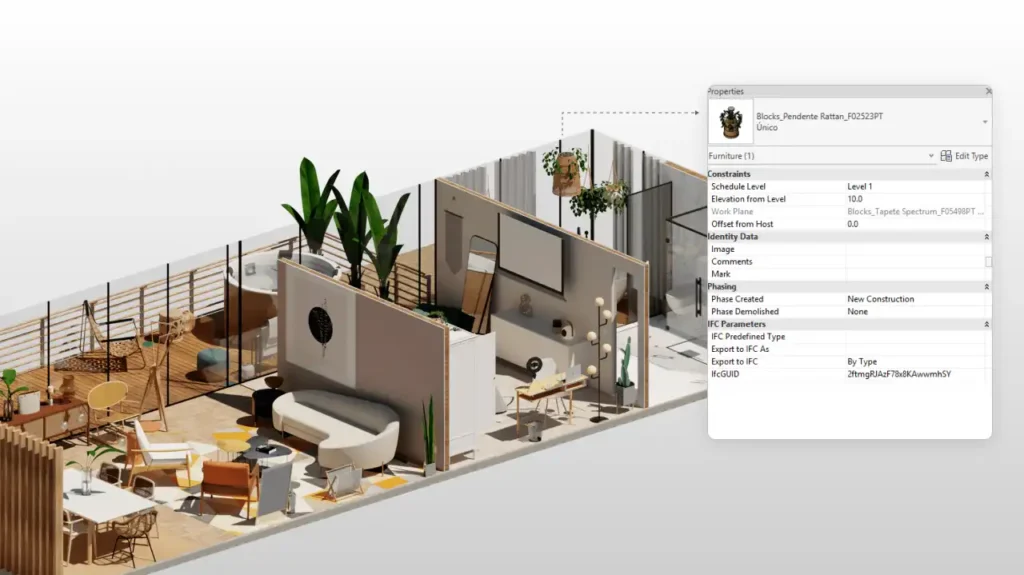
Unlike SketchUp, nothing in Revit is surface-level. Every element, from furniture to walls, windows, or flooring, contains rich and specific information.
Curious to see how Revit can fit into your interior design workflow? Keep reading and explore all its advantages!

Bárbara Pavenello
CEO | Blocks®
“I know many professionals don’t use Revit for interior design, but in my opinion, it’s one of the best tools for this type of work. Thanks to the software’s interoperability, I can clearly see what the other disciplines are doing and adjust my design as changes occur. Revit aldo makes communication with clients much easier. If they have access to BIM 360, they can follow the project’s progress in real time.”
What is Revit?
Revit is a BIM modeling software (if you want to know “what BIM is,” check out our blog post What is BIM: explore all the aspects of this methodology) developed by Autodesk.
Unlike traditional CAD programs such as AutoCAD or more general 3D modelers like SketchUp, Revit was created for complex, intelligent project development.
This means professionals working with Revit aren’t only concerned with the visual representation of a project, but with its full technical structure.
Every element contains detailed information, also called parameters, and all of them are interconnected.
How are they interconnected?? Whenever you make a change to the 3D model, all views and documents update automatically.
Move a wall, for example, and the sections, elevations, and even area schedules update instantly, no need to redraw anything.
And because it’s a BIM software, Revit offers interoperability, which makes communication between disciplines much easier.
Who can use Revit?
Revit offers countless possibilities for AEC professionals (architecture, engineering, and construction) and, of course, interior designers.
- Architecture: BIM modeling of buildings and base interiors; automatic floor plans and sections; layout and lighting studies; quantity takeoffs; detailed drawings; coordination between disciplines.
- Engineering: Structural and MEP modeling integrated with the architectural model; clash detection; design calculations through add-ins; quantity takeoffs; consistent technical documentation.
- Construction: Coordination of federated models; clash detection; material lists and planning; as-built documentation; 4D/5D integration (ACC/Navisworks) for schedule and cost control.
- Interior Design: In Revit for interiors, parametric layouts and ergonomics; custom millwork using families; furniture and finish schedules; interior elevations; quick renders for approvals.
In other words, Revit is a platform that supports a wide variety of AEC activities, including interior design.
What are the advantages of using Revit for interiors?
Now that we know what Revit is and who uses it, let’s focus on our main topic: interior design.
What are the specific advantages of using Revit for interiors? Does an interior designer actually gain something by adopting this platform?
Let ‘s take a look.
1. Parametric furniture
In interior design, dealing with furniture is a daily routine:sofas, tables, cabinets, chairs of all sizes.
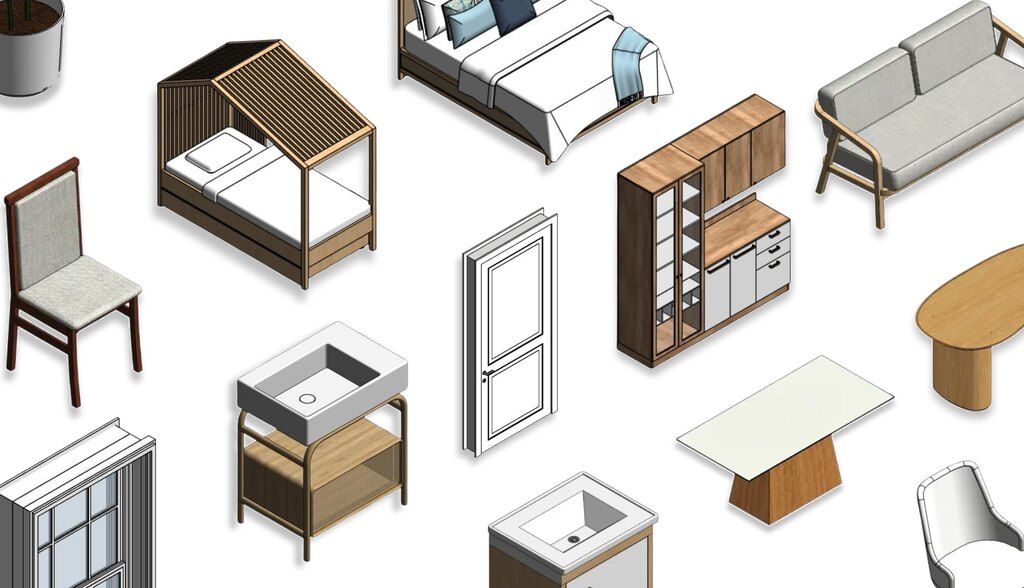
A clear advantage of Revit for interiors is the ability to use parametric furniture and décor families.
With parametrization, furniture dimensions and properties can be adjusted easily without redrawing anything.
For example, imagine a kitchen cabinet: instead of modeling several versions, you insert a parametric cabinet family and simply input the width and height you need, the model adjusts automatically.
2. Detailed documentation
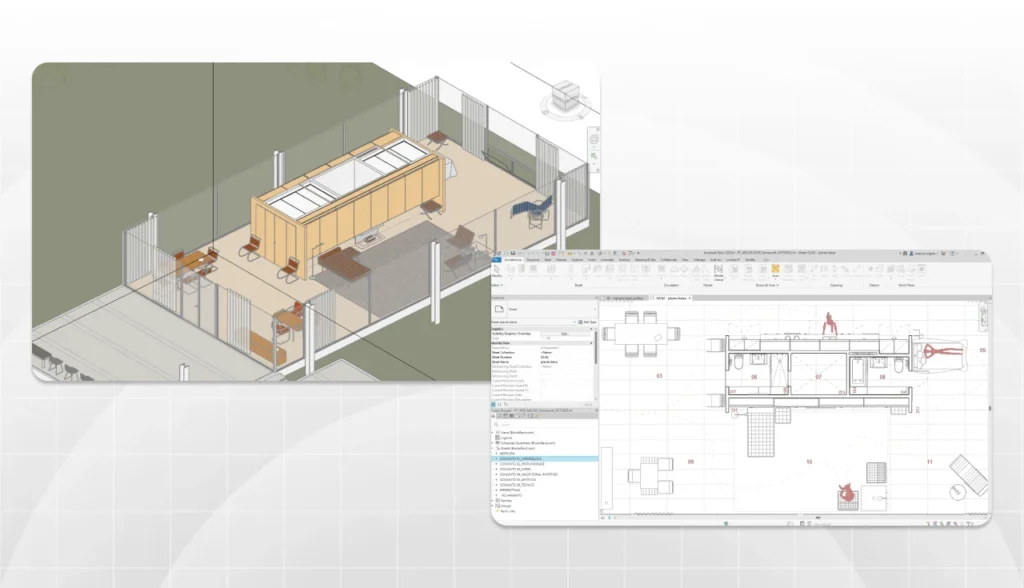
Many people believe interior projects are mainly about visual representation. In reality, they require a high level of technical documentation, because every interior choice directly impacts the rest of the project.
Interior projects typically include layout plans, ceiling plans, interior elevations for each wall, millwork details, lighting diagrams, and so on.
It ‘s a lot!
With Revit, however, most documentation is generated automatically and consistently from the 3D model.
If you model a room in Revit with all the furniture and finishes, you’ll have most of the documentation ready almost instantly, perfect for client presentations.
And the best part? You don’t need to “draw” everything line by line. Revit pulls information directly from the model.
3. Project sharing
Remember when we mentioned collaboration in Revit? This is a major advantage for interior design projects, which often unfold alongside architectural and engineering models.
With Revit, everyone works together in an integrated environment. No more endless email threads with outdated files.
Here are two common scenarios:
- Scenario 1: You’re designing interiors for an apartment while the architect is working on the structural renovation. If both of you use Revit, the models can be linked—the interior model and the architectural model work together.
- Scenario 2: Several professionals work on the same interior project simultaneously. You might handle the kitchen and gourmet balcony while a colleague focuses on the bedrooms. Using Revit’s worksharing, each person models their part, and everyone sees updates in real time.
Collaboration can also include the client and other stakeholders, making it easier for non-experts to visualize each stage of the project.
Revit also integrates with cloud-based platforms such as Autodesk BIM 360, where the project can be centralized.
Remote collaborators can access the project without even installing Revit.
4. Automatic updates
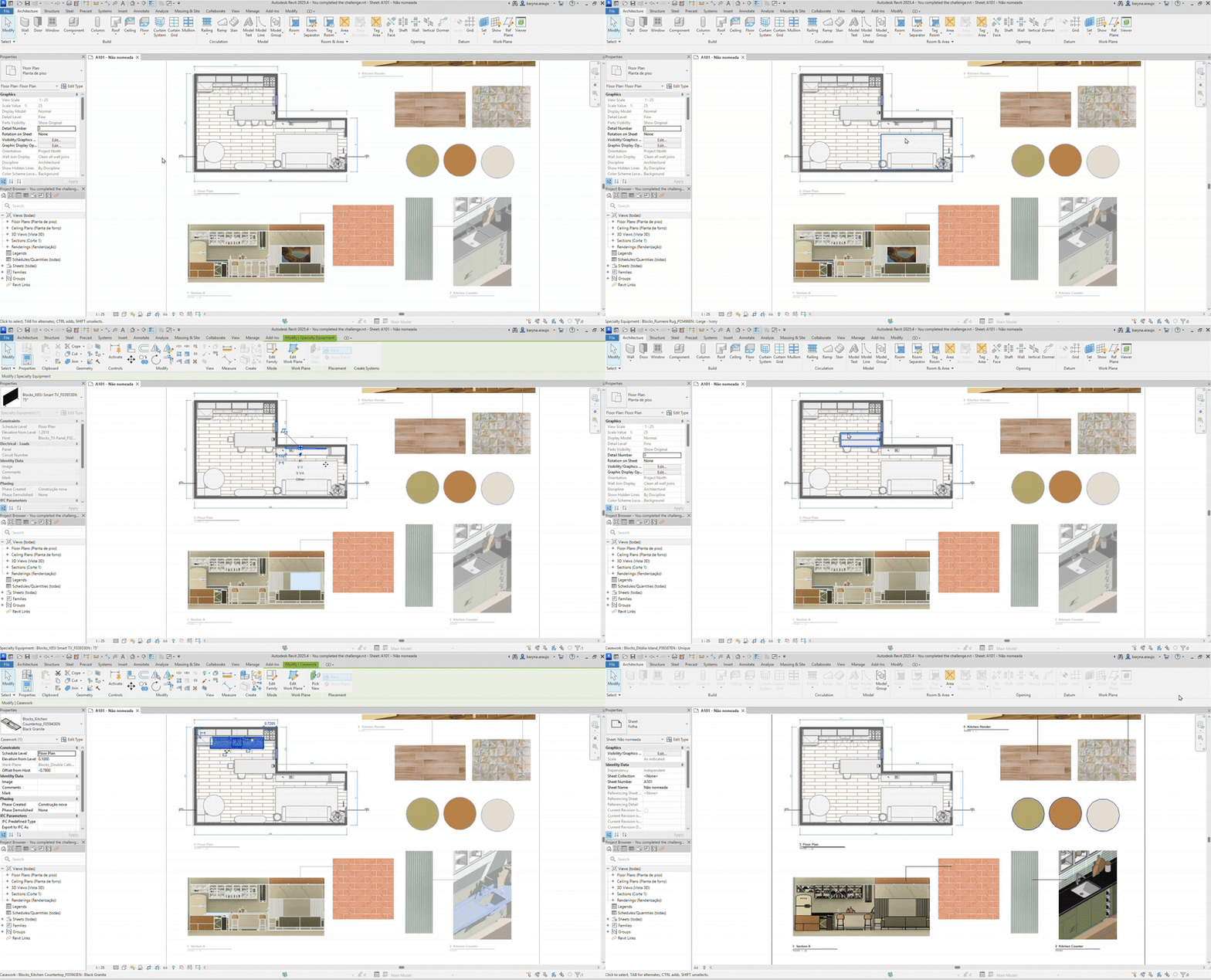
Since we’re dealing with BIM, we have to talk about automatic updates.
Interior projects change constantly: the client wants a new finish, a piece of furniture doesn’t fit, the engineer moves an electrical point, and so on.
Each small change can require updating multiple drawings and details.
In traditional workflows, this is time-consuming and error-prone, you might forget to update one of the sheets.
With Revit, everything updates together automatically.
Made a change in the model? All related views, schedules, and renderings update instantly.
5. Plugins
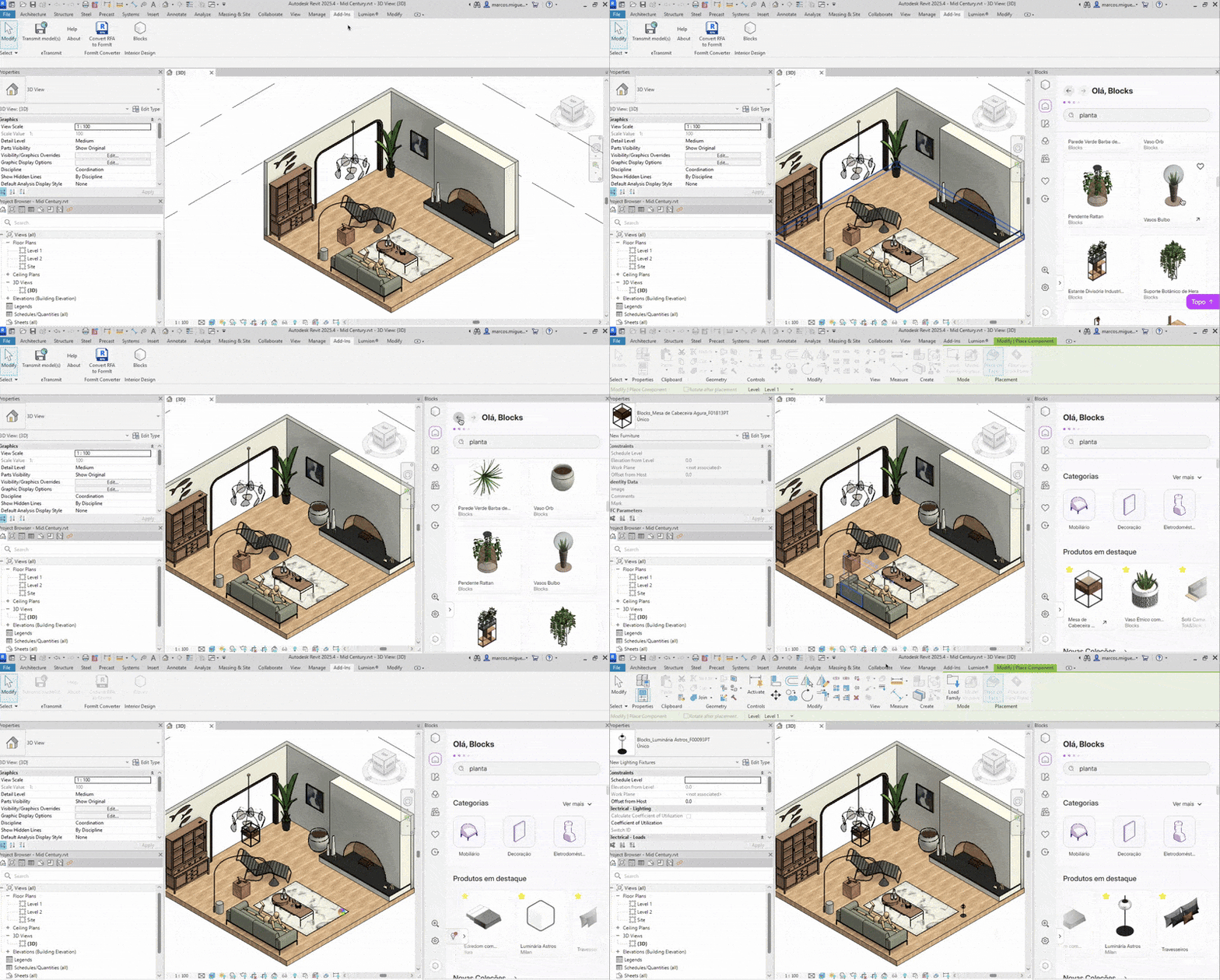
Finally, let’s talk about Revit plugins, an essential resource, especially for interior designers.
Revit allows developers to create add-ins that run inside the software, adding new features or content.
And guess what? There are plugins for nearly anything you can imagine.
For interior design workflows, some of the most useful ones include Blocks Plugin, Lumion LiveSync, Enscape, and Twinmotion.
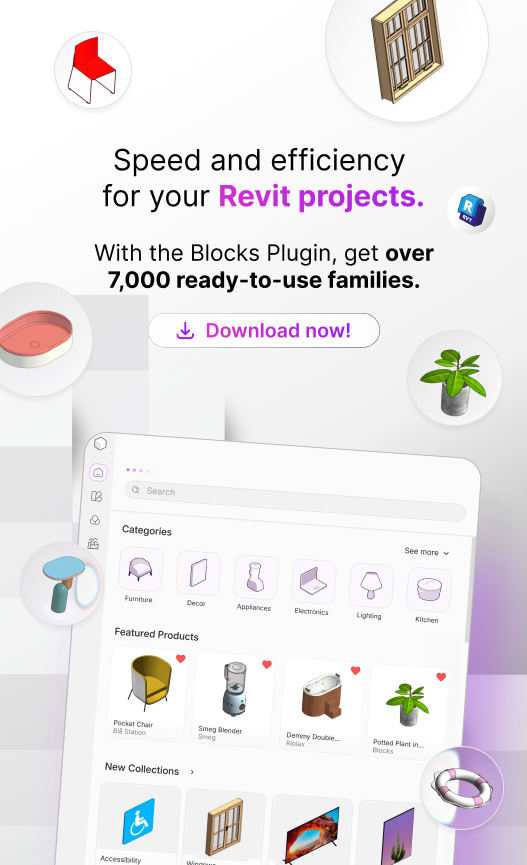
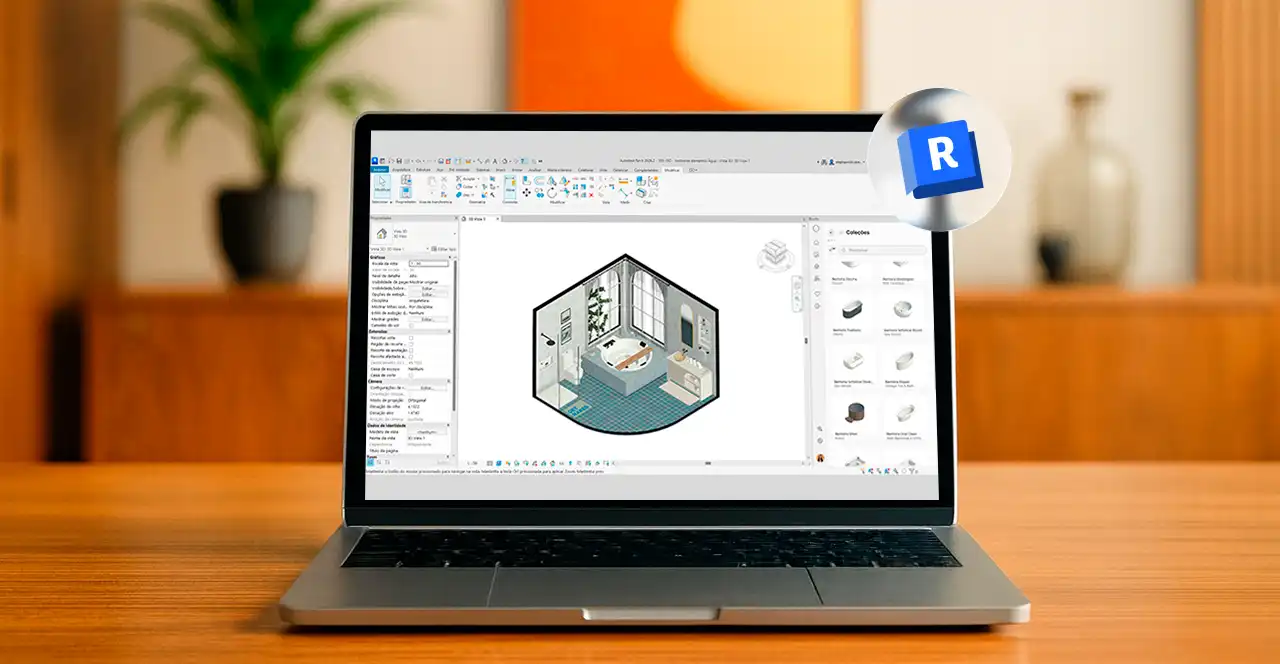
For example, with the Blocks Plugin, instead of searching endlessly for furniture online, you can design an entire room in just a few clicks.
So, is Revit good for interiors?
Here’s the big question: is Revit actually good for interiors?
All signs point to yes, more and more every day.
Revit gives interior designers a complete project structure. You can develop your entire design in an integrated, intelligent environment.
Integration with architects and engineers ensures your interior project “speaks” to the rest of the building, reducing rework.
Let’s be honest, though: Revit has a steeper learning curve than SketchUp.
If you’re used to simpler tools, there will be an adjustment period.
However, the industry is clearly moving toward BIM, even in interior design.
Many firms now value more complete, detailed deliverables. Interior designers need to invest

Stephannie Serafini
Architect | Blocks®
“The AEC and interior design industries are increasingly shifting toward BIM. Although many professionals still believe BIM is a passing trend, several government projects in many countries already require BIM. Whether we like it or not, this methodology is here to stay. So, if you’re an interior designer, invest in your future and don’t overlook BIM. Even if Revit has a steeper learning curve, it’s absolutely achievable. Once you master it, your projects will be much more complete and satisfying.”
Did someone say Revit plugin for interior design?
If you want to take your interior projects in Revit to the next level, the Blocks Plugin can help.
We know Revit can be complex, but our plugin makes the learning process much easier.
Instead of modeling furniture from scratch, you get access to more than 7,000 families for your interiors.
That’s right, design a full room in just a few clicks. And the best part: it’s free.
Just download it and start using it in Revit. Pretty great, right? So what are you waiting for? Download it now and get started.
Conclusion
It’s clear now that Revit for interiors is already a reality, right?
If your goal is to deliver more professional, detailed, and coordinated projects, Revit will become your best ally.
Of course, adopting Revit requires learning and adapting your workflow, but with the help of our plugin, the process becomes much easier.
So here’s an invitation: why not try Revit in your next interior design project and experience the benefits firsthand?
Liked the article? Share it on your social networks and follow the Blocks blog for more content about Revit, BIM, Architecture, and Interior Design.