






Revit 2027: what’s new, how to download it, and everything you need to know

Caixa do software Autodesk Revit 2027, com o icônico logo 'R' em azul em destaque e a marca 'Autodesk' visível na lateral, representando a versão 2027 do popular programa BIM.

Autodesk has officially launched Revit 2027, and the truth is, this version is set to shake up the BIM market.

If you are an architect, engineer, or interior designer who uses Revit every day you are probably already curious about what changed and, more importantly, whether it is worth upgrading now.

In this article, you will learn about the main new features in Revit 2027,  find out how to download the new version, check the minimum system requirements to run it , and see which BIM tools it is compatible with.

Ready? Let’s get into it.

What is Revit?

If you are already familiar with Revit, you can skip to the next section. But if you are new to it, it is worth understanding the basics.

Revit is a Building Information Modeling (BIM) platform developed by Autodesk.

Unlike traditional CAD software, which mainly works with lines and 2D shapes, Revit uses parametric 3D objects.

That means every element you create in the software, whether it is a wall, door, or window, contains intelligent information about materials, dimensions, costs, and how it behaves within the project.

For example, when you model a wall in Revit, you are not just drawing geometry. You are creating an intelligent component that knows its thickness, composition, and how it connects to the surrounding elements.

That intelligence is what makes Revit such a powerful tool for architects, interior designers, and engineers.

What are the main new features in Revit 2027?

This year, Revit 2027 comes with a clear goal: to make users’ work smarter and more efficient.

Autodesk invested heavily in artificial intelligence, graphics performance, and cloud integration. Here are the updates that stand out the most in this release.

Autodesk Assistant: Artificial Intelligence inside Revit

This is, without a doubt, the biggest highlight of Revit 2027. Autodesk Assistant is an AI assistant built directly into the software that lets you interact with your model using natural language.

Instead of navigating menus and settings, you can simply type questions or commands such as “what is the window-to-wall ratio on the north façade?” and the assistant understands the context, checks the model, and performs actions.

The Assistant uses the MCP architecture (Model Context Protocol) and operates across six tool groups: model queries, sheet management, room management, schedules, exports, and element operations.

It is important to note that this feature is still in Tech Preview, which means it is still being refined.

Even so, it already represents a significant shift in how BIM professionals interact with their projects.

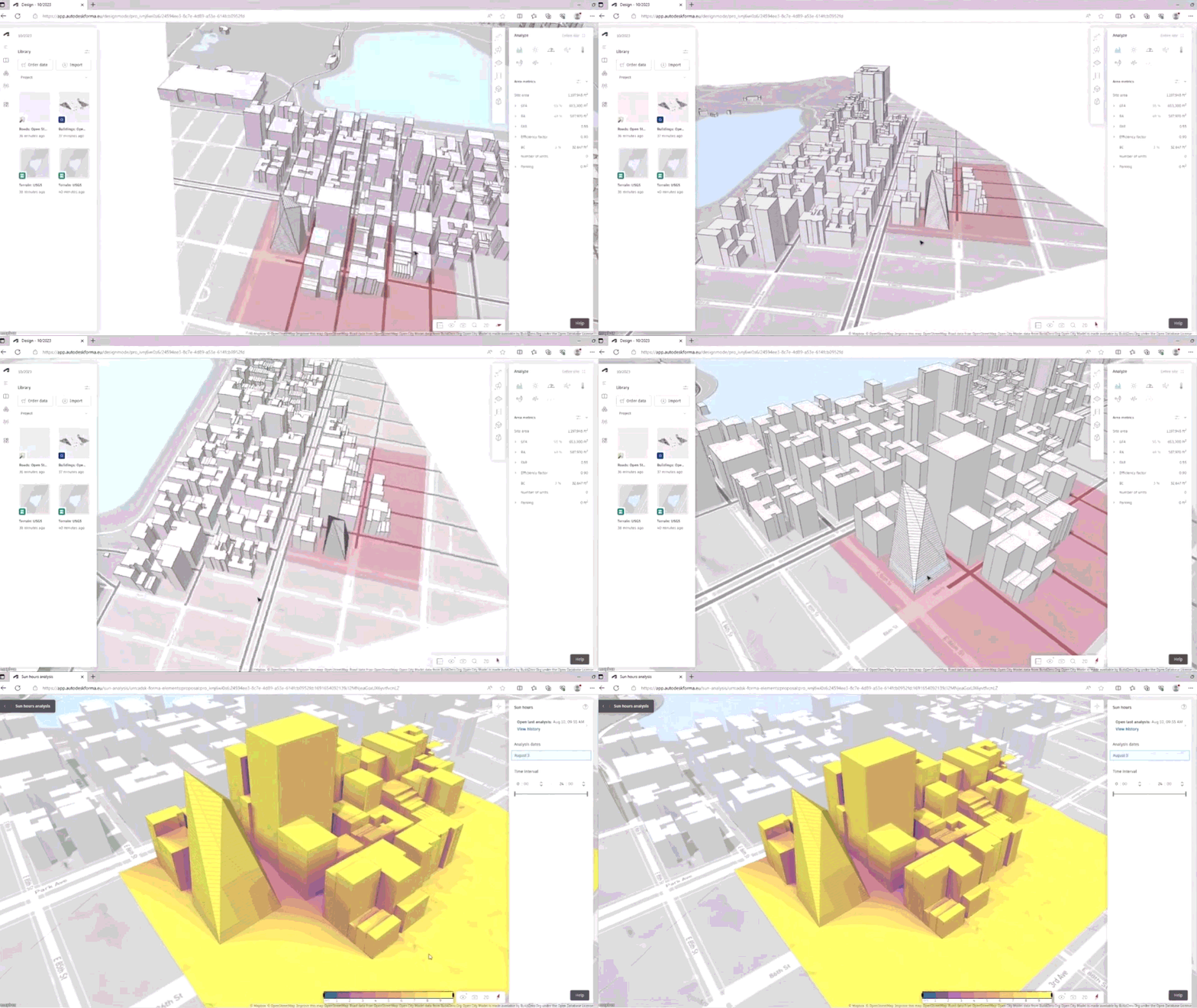
Accelerated Graphics: GPU-accelerated graphics are now official

Credits: Hagerman & Company

If you followed Revit 2026, you may remember that Accelerated Graphics was available, but only as a test feature.

In Revit 2027, Accelerated Graphics is officially out of Tech Preview and ready for production use.

In practice, that means smoother navigation in large models, with better graphics performance powered by your computer’s GPU.

The difference is noticeable: rotating, zooming, and moving through complex models now feels much more responsive.

Integration with Autodesk Forma

Credits: Hagerman & Company

Revit 2027 expands the idea of a standalone tool into a more connected workflow.

With Autodesk Forma integration, Revit subscribers now have access to Forma Data Management Essentials, Forma Site Design, Forma Building Design, and Forma Board as part of their subscription.

This allows teams to move from early site studies all the way to project detailing without having to piece together separate tools.

In addition, environmental analyses, such as wind studies, can now be performed directly in the workflow.

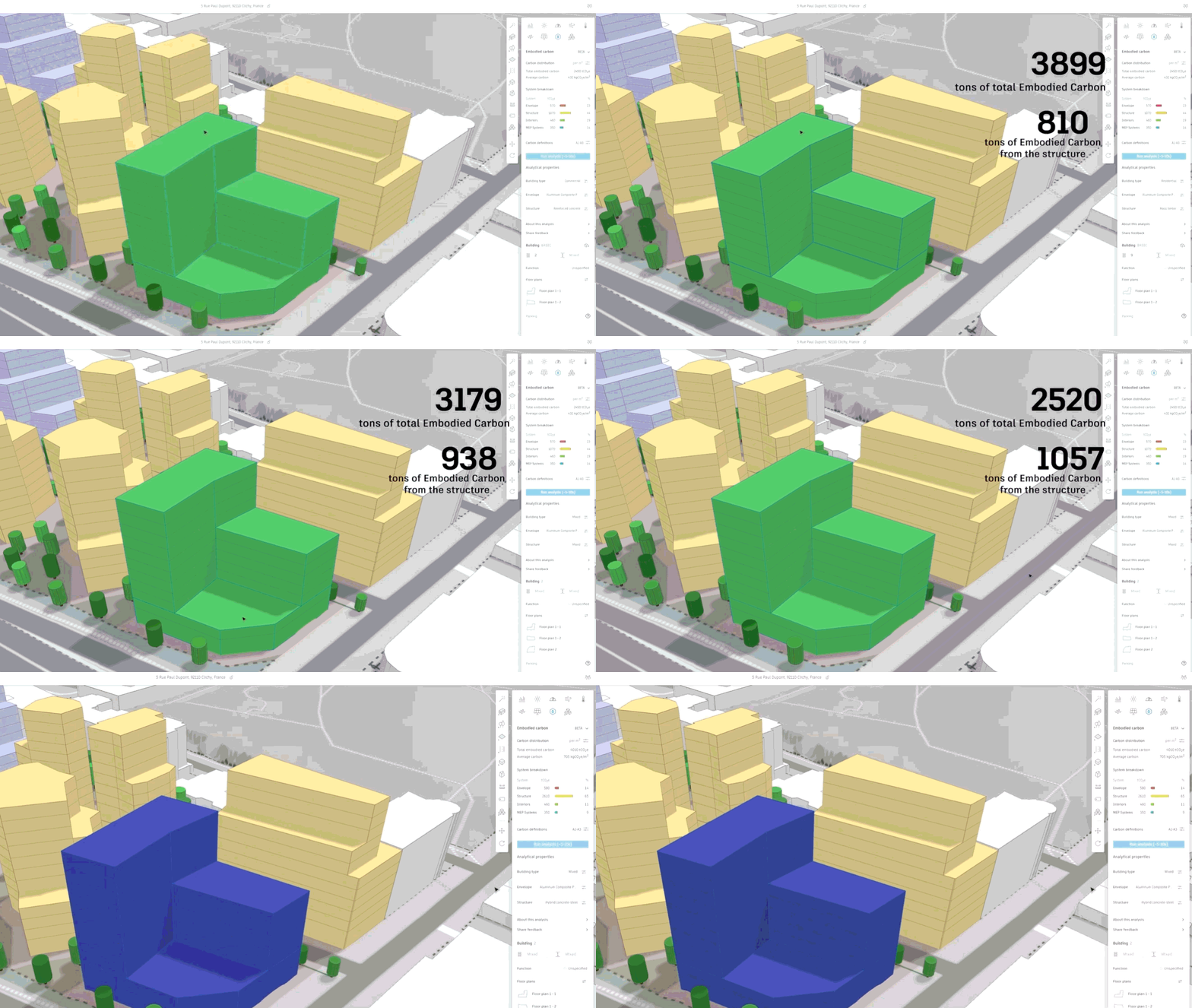
Forma Carbon Insights: Built-in carbon analysis

GIF do Forma Carbon Insights integrado com o Revit 2027
Credits: Balkan Architect

Forma Carbon Insights, formerly Autodesk Insight, brings embodied and operational carbon analysis directly into the BIM environment.

Revit materials now report a carbon parameter connected to the EC3 Building Transparency database, making each material choice easier to track in terms of environmental impact.

For firms that need to meet environmental certifications or sustainability targets, this feature is a major advantage.

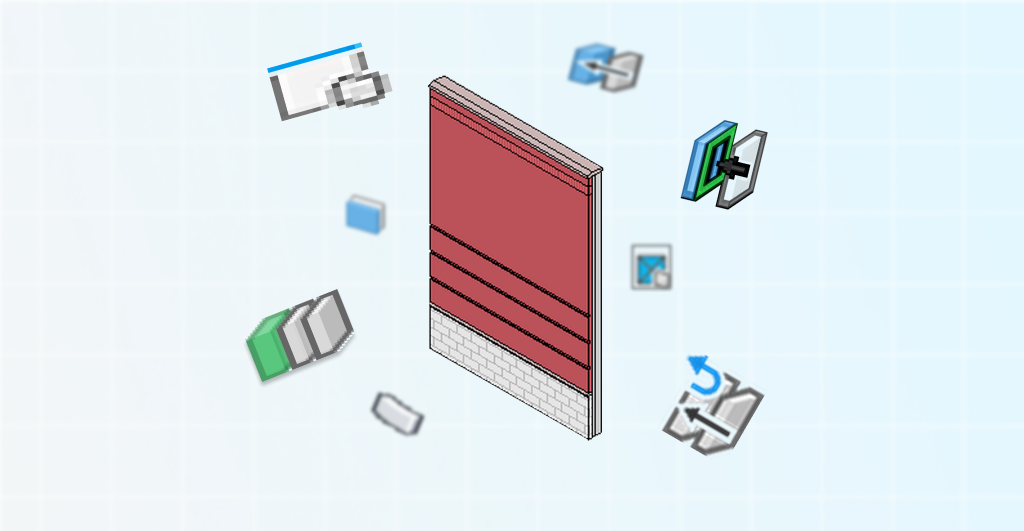
Hosted Walls

Renderização de uma parede de edifício com detalhes de camadas e ícones de ferramentas BIM, ilustrando recursos do Revit 2027 para modelagem arquitetônica.

This may sound simple, but it solves a long-standing challenge for professionals working with compound wall systems.

You can now create walls that are hosted on other walls, which is especially useful for finishes, interior partitions, or finish layers.

The hosted wall automatically follows the host wall’s movement, rotation, and profile, reducing rework and coordination errors.

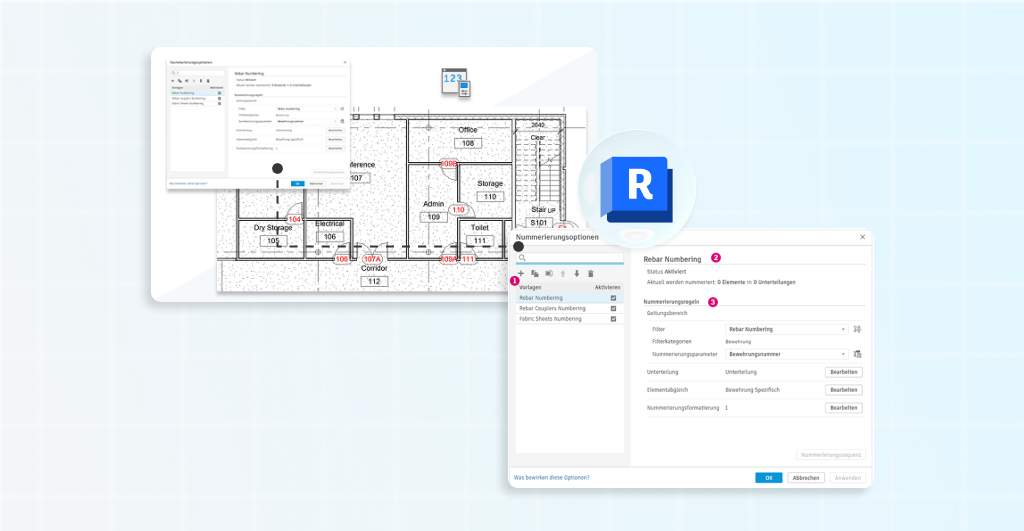
Rule-Based Numbering

Numbering elements manually has always been repetitive and error-prone.

Revit 2027 introduces a rule-based numbering system that lets you create templates with parameter-based filters, custom prefixes, sequences, and custom formatting.

Numbering can be split by level, room, department, or any other parameter, which is especially useful in large-scale projects.

IFC improvements and interoperability

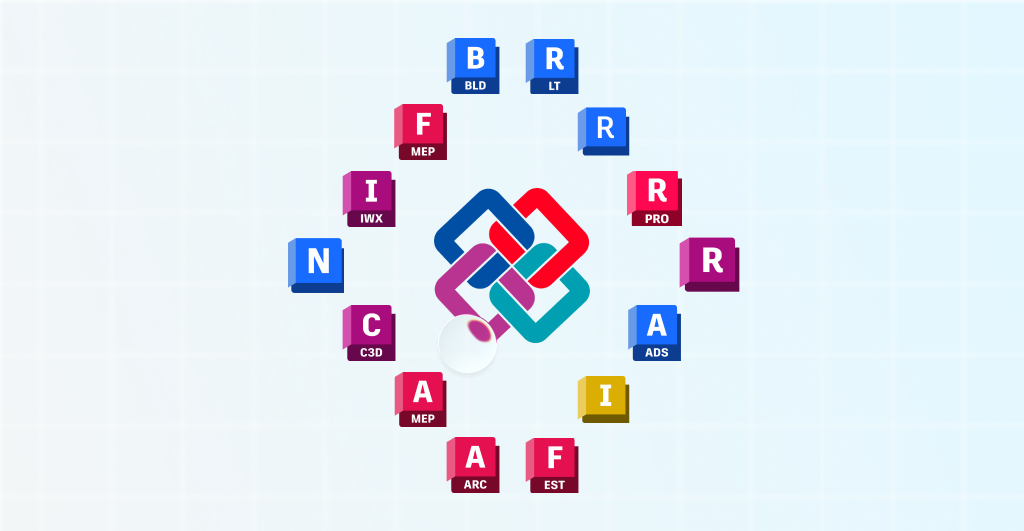
Imagem conceitual do ecossistema de softwares Autodesk interconectados para o Revit 2027, com módulos de construção (BLD), MEP, C3D e outros ao redor do logotipo de integração central, destacando a abrangência da plataforma BIM.

For teams working with OpenBIM, Revit 2027 brings a very practical improvement: IFC parameter mapping can now be done through a visual interface directly in the export dialog, without editing external text files.

This makes it easier to create custom property sets and significantly lowers the technical barrier for teams that need to deliver projects in IFC format.

Upgrade to .NET 10

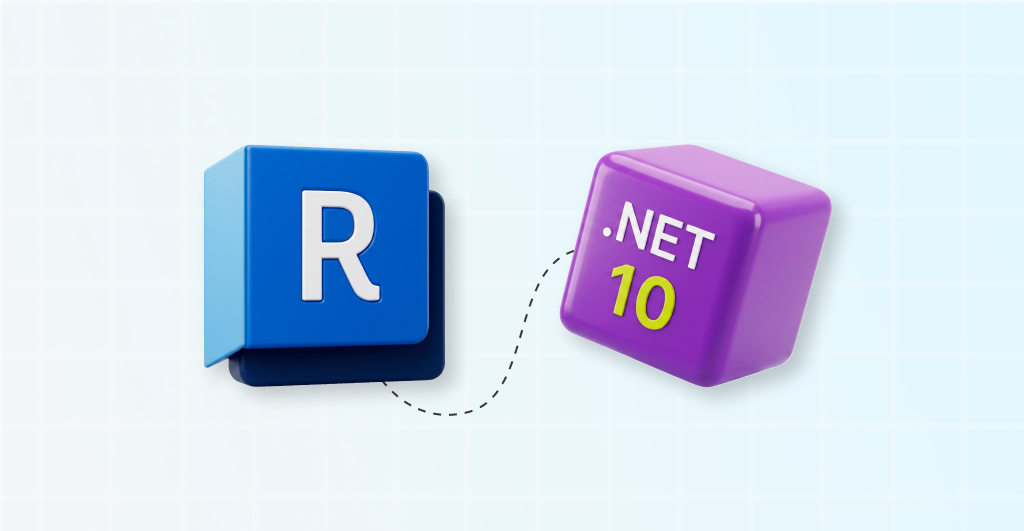
Ilustração 3D do cubo do Revit (letra 'R' em azul) conectado ao cubo do .NET 10 (roxo), simbolizando a integração ou compatibilidade de desenvolvimento para o Revit 2027.

Under the hood, Revit 2027 has been updated to runtime .NET 10, providing a more modern, faster, and more stable foundation for both the software and its add-ins.

Combined with Accelerated Graphics, this upgrade improves parallel processing and optimizes how the CPU and GPU work together, especially during Section Box manipulation and other heavy operations.

How do I update Revit to the new version?

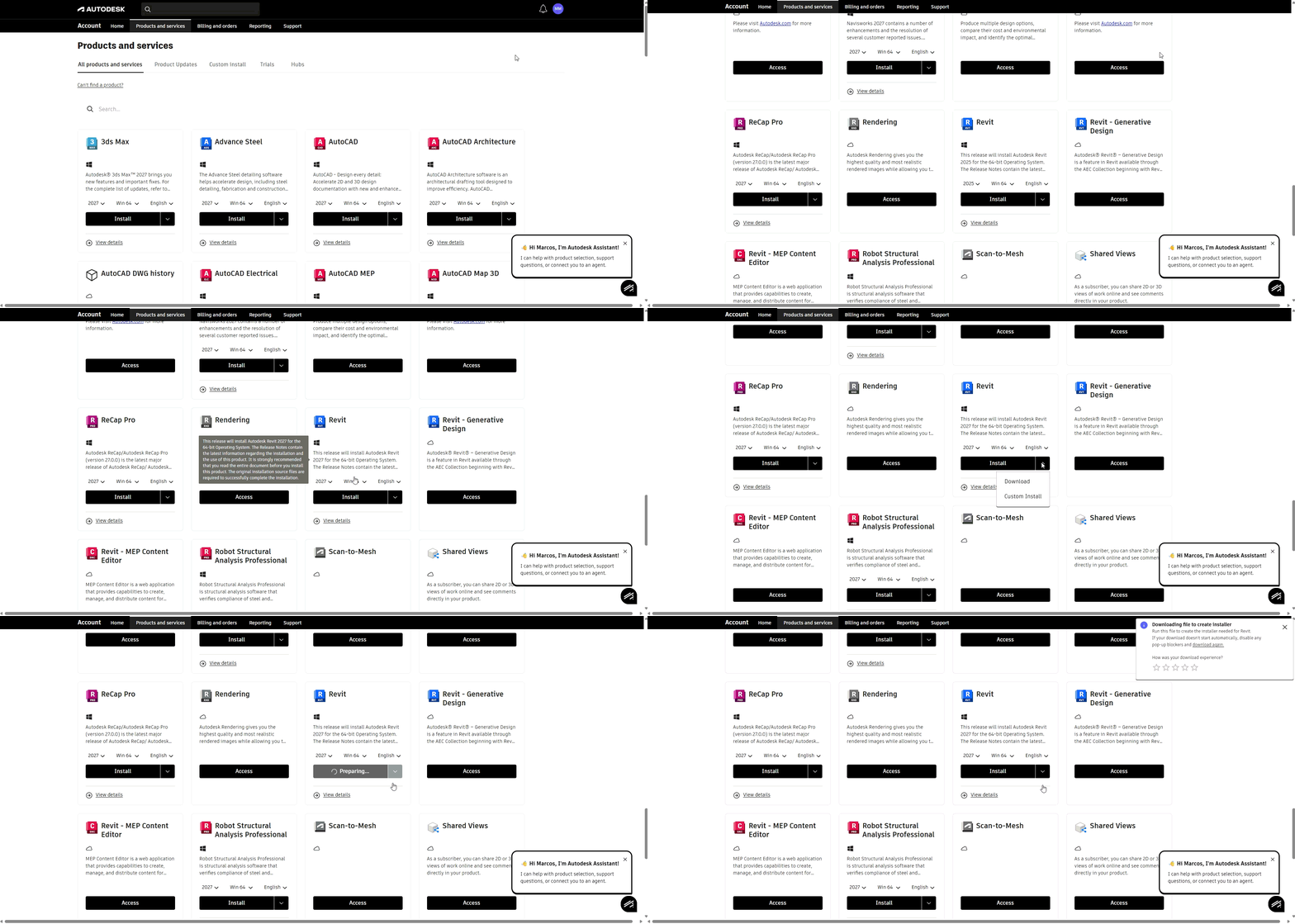
GIF atualizando para o Revit 2027

Now that you know what is new, you are probably ready to download Revit 2027. The process is simpler than it may seem. Here is a step-by-step guide:

  1. Check your subscription: first, make sure your Autodesk subscription is active. Only users with a current license can access the latest version.
  2. Go to Autodesk Account: sign in to the Autodesk Account portal with your credentials. There, you can view all products available for download.
  3. Find Revit 2027: in the “Products and Services” section, look for Revit and select version 2027. Then choose the language and download method.
  4. Download and install: click “Install” and follow the on-screen instructions. The installer will download the required files and guide you through the installation process.
  5. Use Autodesk Desktop App as an alternative: if you already have Autodesk Desktop App installed, you can open it and check for available updates. The app will show Revit 2027 in the list of updates, and you can install it with a single click.
  6. Back up your projects: before opening older projects in Revit 2027, back up your files. Version upgrades are irreversible, which means a project opened in Revit 2027 cannot be reopened in earlier versions.
  7. Use the “Audit” option when opening older projects: when migrating models from earlier versions, select the “Audit” option when opening the file. This can help fix possible file inconsistencies during the conversion process.

Starting with Revit 2027, cloud models will only be accessible in the current version and the previous five versions, starting with Revit 2022.

So if you work with cloud models and are still using older versions, now is a good time to upgrade.

bárbara-pavanello

Bárbara Pavanello

CEO | Blocks®

“If version 2027 still does not appear in the dropdown menu in your Autodesk Account, do not worry. In the first few days after release, the portal may take a little longer to make the new version available to all users. In that case, try accessing it through Autodesk Access, formerly Autodesk Desktop App, which often makes the update available before the web portal. Another option is to clear your browser cache and refresh the page. If the version still does not appear, check whether your subscription is active and whether your license type includes access to the latest release.”

What are the minimum system requirements for Revit 2027?

Before rushing to download it, it is essential to check whether your computer meets Autodesk’s official requirements. See the table below for the minimum and recommended specifications:

ComponentMinimumRecommended
Operating SystemWindows 11 (64-bit)Windows 11 (64-bit)
ProcessorIntel or AMD, 2 GHz or higherIntel i7/Xeon or AMD Ryzen 7, 2.5 GHz or higher
RAM16 GB32 GB
Graphics CardDirectX 11, Shader Model 5, 4 GB VRAMDirectX 11, Shader Model 5, 4 GB+ VRAM
Screen Resolution1280 × 1024 (True Color)1920 × 1200 (True Color)
Disk Space30 GB free for installation30 GB + SSD recommended
.NET Framework.NET 10.NET 10

It is worth noting that minimum requirements may allow the software to run, but they do not guarantee a comfortable experience on larger projects.

Industry professionals and specialized forums such as Puget Systems recommend at least 32 GB of RAM for professional work and 64 GB for medium to large projects.

Autodesk also suggests that Revit uses roughly 20 times the file size in RAM. In other words, a 500 MB project may require up to 10 GB of RAM just to operate.

Another important point is that Revit depends heavily on single-core processor performance. When choosing a CPU, prioritize higher clock speeds over a higher core count.

Which BIM software is Revit 2027 compatible with?

One of Revit’s greatest strengths is its ability to communicate with other tools in the AEC ecosystem.

In Revit 2027, interoperability has become even more robust. Here are the main software solutions Revit 2027 integrates with.

Revit 2027 can import, export, and link several widely used formats in the BIM market, including IFC, DWG, DXF, DGN, SAT, SKP (SketchUp), 3DM (Rhino), OBJ, and STEP.

Within the Autodesk ecosystem, it offers native integration with software such as Navisworks, for coordination and clash detection, AutoCAD, Autodesk Forma, and Twinmotion, for visualization and real-time rendering.

For engineering professionals using Revit MEP, compatibility with energy analysis tools and HVAC systems has also been improved in this release.

For rendering workflows, Revit 2027 can connect to plugins such as Enscape, V-Ray, and Lumion, which are widely used for photorealistic visualizations.

In addition, the new visual mapping of IFC PropertySets makes data exchange easier with software such as Archicad, Tekla Structures, Allplan, and others that work within the OpenBIM standard.

This is especially relevant for multidisciplinary teams that need to work across different platforms without losing information during model transfer.

Another highlight is Revit 2027’s public MCP server, which allows the model to connect to external AI tools. This opens the door to custom workflows, automated reporting, and natural-language queries powered by  third-party AI platforms.

Use the Blocks Plugin in Revit 2027!

Now you already know all the key updates in Revit 2027 and are ready to upgrade. But let me ask you this: are the families in your project really meeting your needs?

If the answer involves wasted hours searching for families online, downloading files from questionable websites, or working with non-parametric objects, it is time to change that.

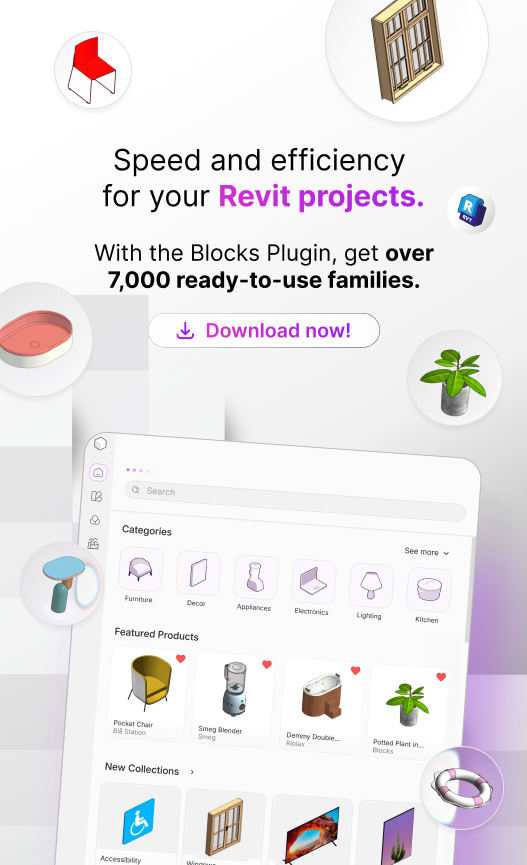
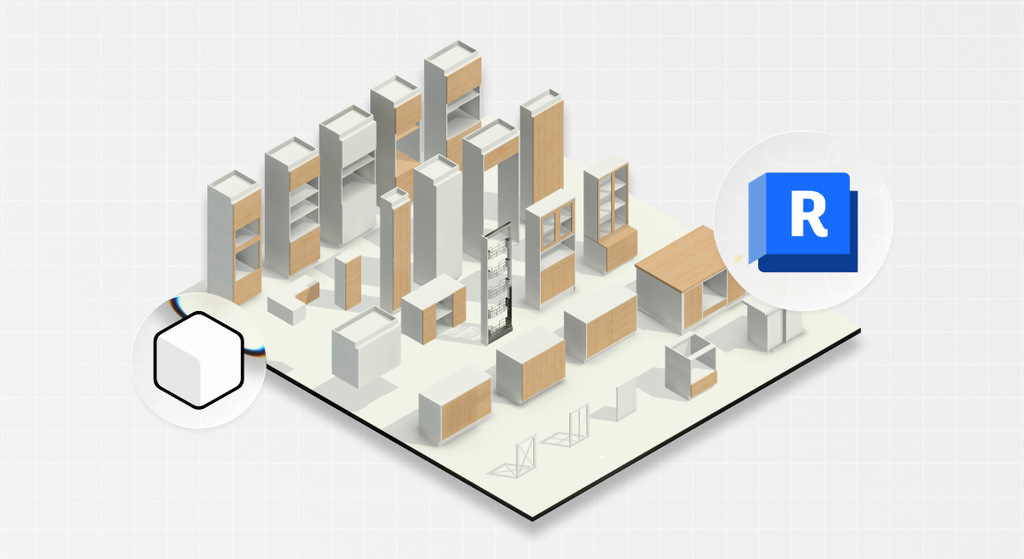
The Blocks Plugin was developed to solve exactly that problem. With more than 8,000 high-quality parametric families, Blocks integrates directly into Revit.

All families are created by a BIM-specialized team, follow controlled quality standards and are ready for rendering.

Download the Blocks Plugin for free and transform the way you design.

Conclusion

Revit 2027 marks a turning point in the software’s trajectory. The arrival of Autodesk Assistant shows that artificial intelligence is no longer a distant promise for BIM.

Combined with production-ready Accelerated Graphics and other new capabilities, this release delivers a smoother experience for AEC professionals and other users.

For anyone keeping up with the AEC market, the message is clear: staying up to date is not just about gaining access to new tools, but about staying competitive.

Projects developed with current technology can be more efficient and better aligned with the sustainability standards the market increasingly demands.

If you want to stay on top of the latest developments in BIM, Revit, and construction technology, follow the Blocks blog.

Hello, I’m Marcos Miguel, a 25-year-old Brazilian SEO Writer at Blocks. I’ve always been passionate about writing, and discovering SEO was love at first sight. I’m currently studying Social Communication, specializing in Organizational Communication, at the University of Brasília (UnB). I enjoy sunny days, music, and good conversations with friends, all of which inspire my writing and help me connect more directly with readers. I hope you enjoy the articles here at Blocks!

Seja Parte da Revolução BIM!​

Receba as últimas novidades do mundo da construção digital diretamente em sua caixa de entrada.

Ao clicar em enviar, concordo em receber comunicações de acordo com meus interesses. Saiba mais em política de privacidade.

Seja Parte da Revolução BIM!​

Receba as últimas novidades do mundo da construção digital diretamente em sua caixa de entrada.

Ao clicar em enviar, concordo em receber comunicações de acordo com meus interesses. Saiba mais em política de privacidade.

¡Sé parte de la Revolución BIM!

Recibe las últimas novedades del mundo de la construcción digital directamente en tu bandeja de entrada.

Al hacer clic en enviar, acepto recibir comunicaciones de acuerdo con mis intereses. Más información en la política de privacidad.

¡Sé parte de la Revolución BIM!

Recibe las últimas novedades del mundo de la construcción digital directamente en tu bandeja de entrada.

Al hacer clic en enviar, acepto recibir comunicaciones de acuerdo con mis intereses. Más información en la política de privacidad.

Be part of the BIM Revolution!​

Get the latest scoop on digital construction delivered to your inbox.

By clicking submit, I agree to receive communications based on my interests. Learn more in our privacy policy.

Be part of the BIM Revolution!​

Get the latest scoop on digital construction delivered to your inbox.

By clicking submit, I agree to receive communications based on my interests. Learn more in our privacy policy.

Privacy Overview

This website uses cookies so that we can provide you with the best user experience possible. Cookie information is stored in your browser and performs functions such as recognising you when you return to our website and helping our team to understand which sections of the website you find most interesting and useful.