
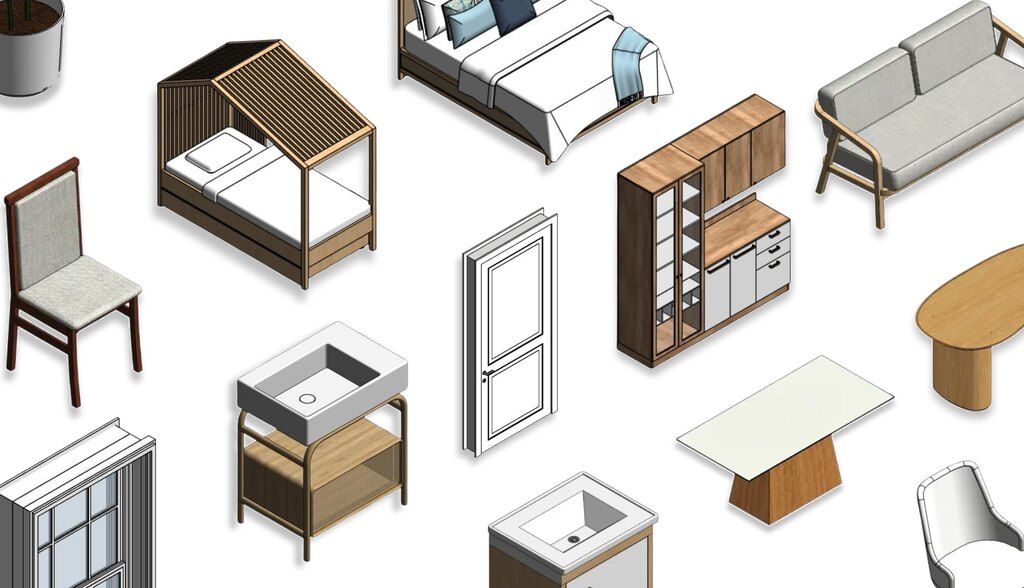
If you’re an architect or interior designer who uses Revit for your projects and you’re struggling to find the ideal families, take a deep breath… You’re not the only one.
One of the biggest challenges faced by architecture and interior design professionals is the search for quality parametric families.
This happens because there are numerous websites online that promise quality BIM objects but end up promoting misleading advertisements.
To end this never-ending cycle cycle, Blocks, in this article, has compiled the 10 best sites to download free Revit families.
Ready to take your project to the next level? Then, stay with us and enjoy your reading!
What are Revit Families?
Revit Families form fundamental building blocks for everything modeled, documented, or detailed within the software.
We can think of them as “intelligent components” that define the geometric form and behavior of elements, in addition to their parametric information.
Revit is a software based on the BIM methodology (Building Information Modeling), which encompasses all project information.
Every element created or inserted in Revit, such as doors, windows, walls, furniture, light fixtures, columns, among others, belongs to a family.
For example, imagine a family as a “class.” Within that family, you can have types and instances, such as:
- Family: Sliding Window
- Types: 1.20 x 1.00 m | 1.50 x 1.20 m | 2.00 x 1.00 m
- Instances: Each window placed in the project, with specific location and ID
Revit organizes families into three groups: system families (walls, floors, roofs, ducts, etc.), loadable families (doors, windows, furniture, light fixtures, etc.), and in-place families, which are created directly within a project for specific modeling of a single element that will not be reused.
In essence, a family is the basic unit that makes each component intelligent and variable within a project.
What is Parametrization?
In Revit, to say something is parametric means its behavior and form are controlled by parameters, which means editable values.
When you alter a parameter, the software immediately recalculates the geometry and associated data, maintaining all alignment relationships, dimensions, and formulas you have defined.
For example, imagine a door whose width, height, and thickness are parameters. By entering 1.10 m in the “width” field, Revit re-evaluates the internal constraints, redraws the leaf, repositions the handle, and updates the value in the quantity schedules.
The same principle applies to the furniture in the Blocks plugin, in which all items are parametric, and you can adjust them according to your project’s needs.
Where to Find Free Revit Families?
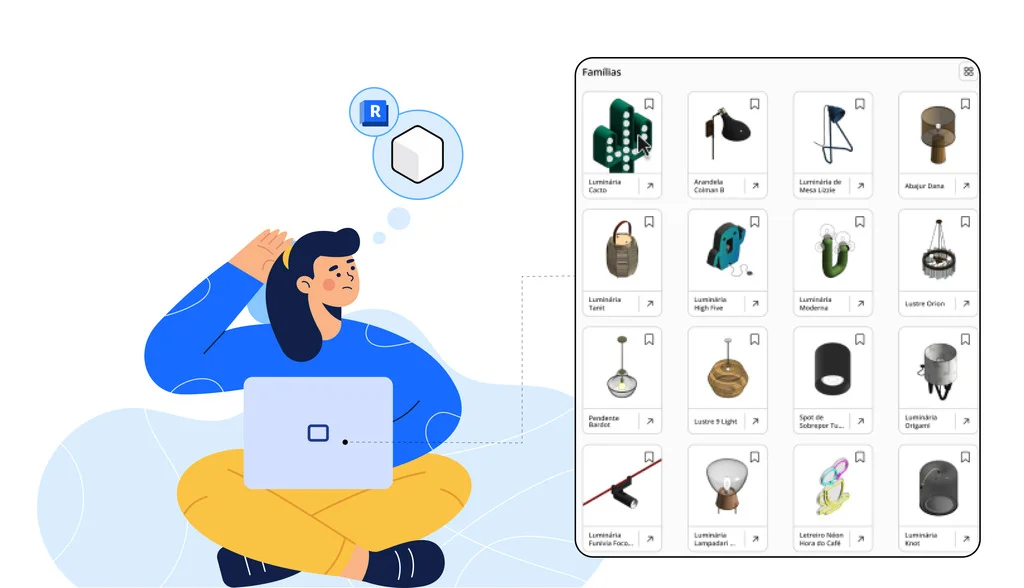
Now that you know what parametric families are, let’s explore the best sites for you to find free Revit families.
- Blocks®: Kicking off our list is Blocks. We couldn’t start our list without the most complete and practical plugin in the Revit universe. With over 8,000 families you can finalize your project in just a few clicks. Furthermore, you can find parametric Revit families from major brands like Samsung, Apple, Portobello, Amazon, Adidas, and many more! Tired of the download-and-transfer ritual? Not here! Simply download our plugin in Revit and apply the object directly to your project. Download our plugin now!
- BIMObject: Second on our list is BIMObject, which also features major brands and functions as a marketplace. Their parametric families are easily accessible; just register on the site to use them in your project.
- Bimstore: Bimstore is a UK-based company that maintains a “content check” process to verify if families adhere to the NBS standard and if the parameters are correctly shared.
- Biblioteca Nacional BIM (National BIM Library): The Biblioteca Nacional BIM is Brazil’s public repository for parametric objects, hosted within the BIM BR Platform and maintained by the Brazilian Agency for Industrial Development (ABDI) in partnership with the MDIC.
- Plataforma BIM BR (BIM BR Platform): Broader than the BNBIM, the BIM BR platform offers training videos, contracting guides, news, and BIM adoption indicators in the country, in addition to serving as a BIM library.
- MODLAR: MODLAR originated in New Zealand and has established itself as a showcase for architecture and interior brands. It features a specification community: each object includes a technical sheet, application photos, and direct links to the physical product.
- Revit City: Launched in 2004, RevitCity is the original community where users exchange families, tutorials, and engage in forum discussions. However, as it is an open space, some content lacks formal curation. Therefore, always open the family in a temporary file, review parameters and geometry weights before integrating it to the final project.
- Archiproducts: Archiproducts began as a design marketplace and possesses a robust collection of BIM and CAD families.
- MEPcontent: Geared towards installation engineers, the MEPcontent library offers numerous files for Revit, AutoCAD, and IFC. The portal features configured connectors, flow tables, and EMCS units, which simplifies HVAC, electrical, or plumbing calculations.
- BIM&CO: Finally, BIM&CO operates in a hybrid mode, serving as both an open library of free objects and the Onfly management platform, designed for offices requiring governance over internal families.
If you seek greater efficiency in your Revit projects, the Blocks plugin is the optimal choice, as it operates directly within the software, eliminating the need to download from external sites and transfer to the program.
What are the Best Free Revit Families?
If you chose Blocks as the best option for your Revit projects, continue reading as we’ve highlighted 10 free families from our plugin for you.
1. Botanic Modular Kitchen
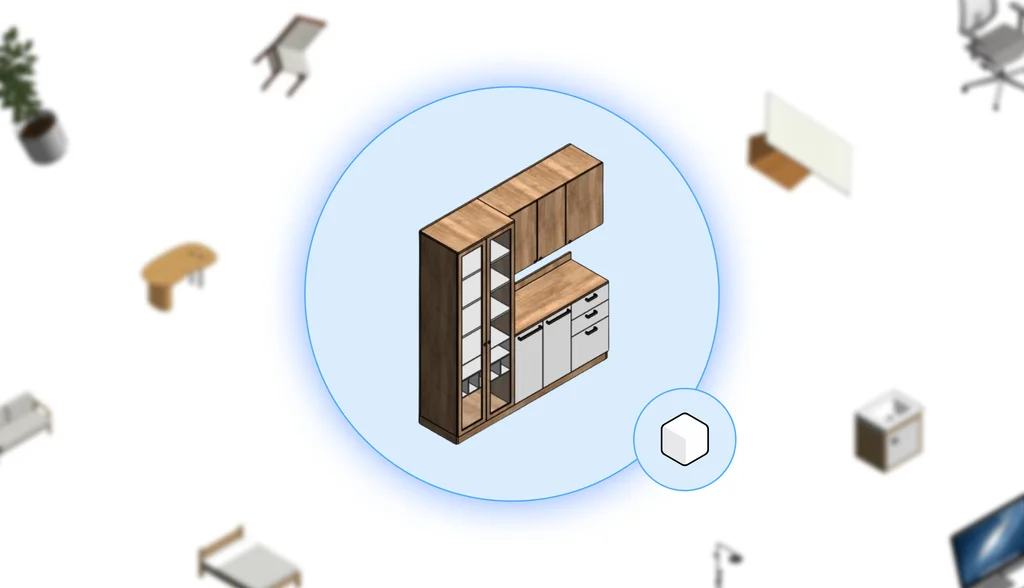
The Botanic Modular Kitchen arrives in the project as a harmonious set of modules: a tall tower with a glass door, shallow overhead cabinets, a central drawer block, and a continuous support counter.
The contrast between the wooden texture of the body and the smooth off-white fronts creates a contemporary look, while thin black handles add an industrial touch.
All modules align door and drawer openings mutually, so that when the set is stretched or mirrored, the groove pattern remains perfectly continuous.
2. Marcel Washbasin
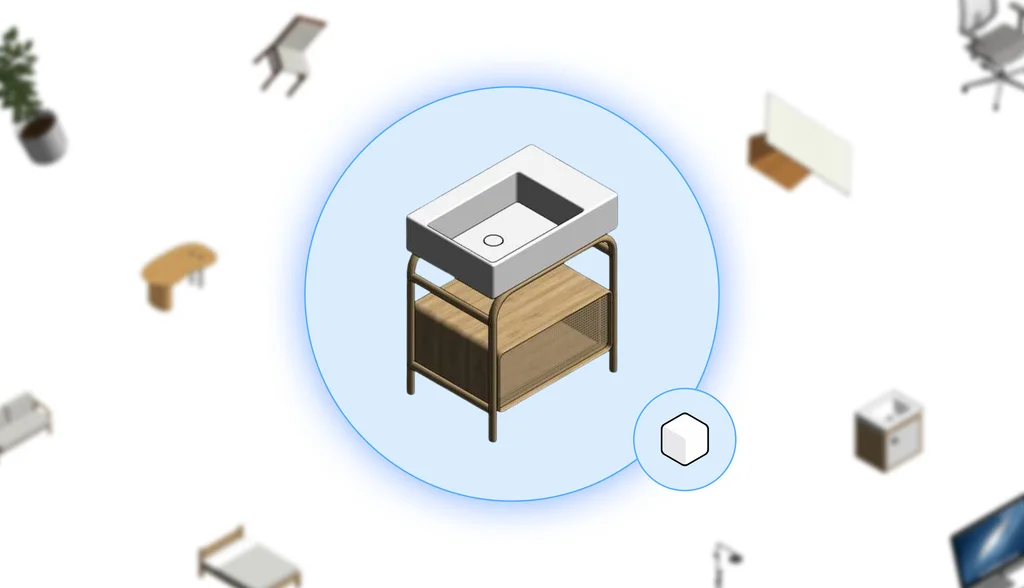
The Marcel Washbasin combines a solid rectangular basin, a tubular metal structure with curved corners, and a light wood lower niche.
This mix of synthetic stone, metal, and wood allows the Marcel Washbasin to fit into both industrial and Scandinavian bathrooms.
The clean appearance of the geometry ensures that the washbasin renders quickly even in detailed scenes, without sacrificing visual appeal.
3. Boho Made Bed
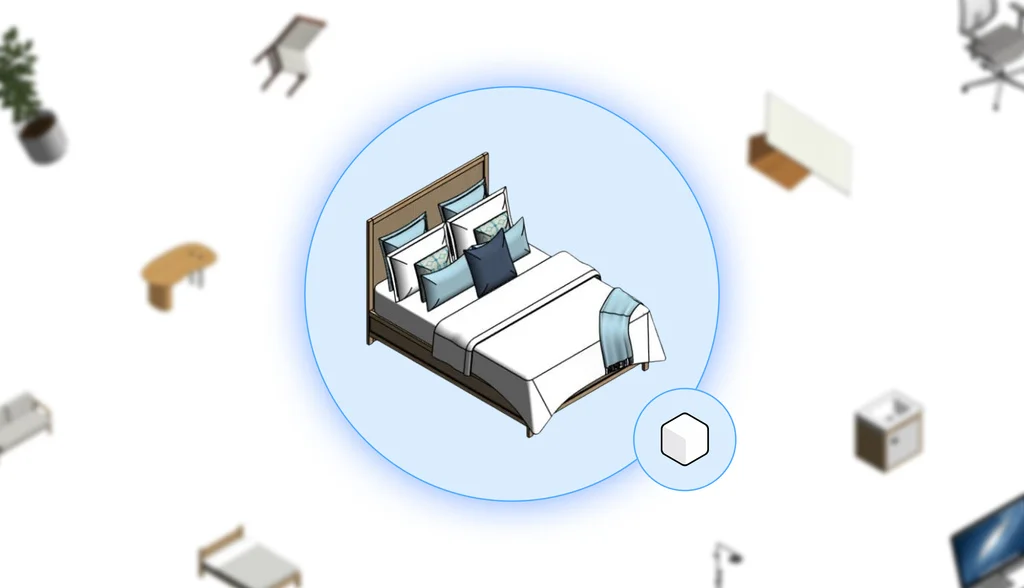
Voluminous pillows, overlapping cushions in soft patterns, and a casually draped blanket create a cozy “Boho Made Bed” atmosphere.
The neutral wooden headboard serves as a backdrop for the textile composition, making the bed a focal point that works well in suites or guest rooms, even when the model needs to remain lightweight.
4. Safari Cabin Bed
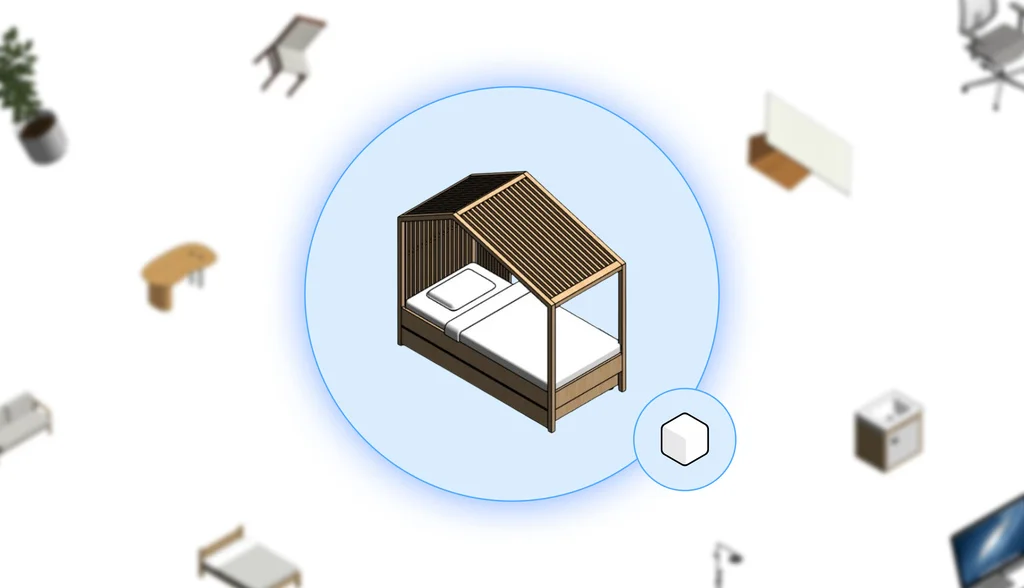
The Safari Cabin Bed transforms the children’s bed into a little house: wooden portals cut out the outline of a single-pitch roof, while slats at the top filter light and cast playful shadows.
The open side ensures free circulation around the mattress, providing safety for the young user and flexibility for the layout.
5. Air Curtain
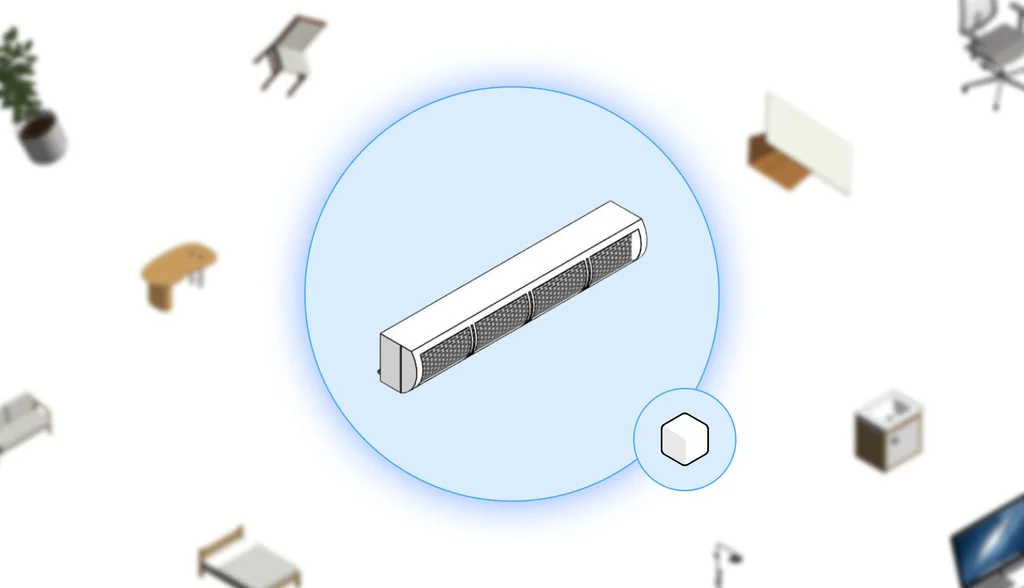
With a slender linear body and a segmented front grille, the Air Curtain fits discreetly above shop or office doors.
The modeling highlights only the essentials: smooth fairing at the ends and perforated grilles in the center, suggesting the flow path without overloading the file.
6. Upper Drawer Module
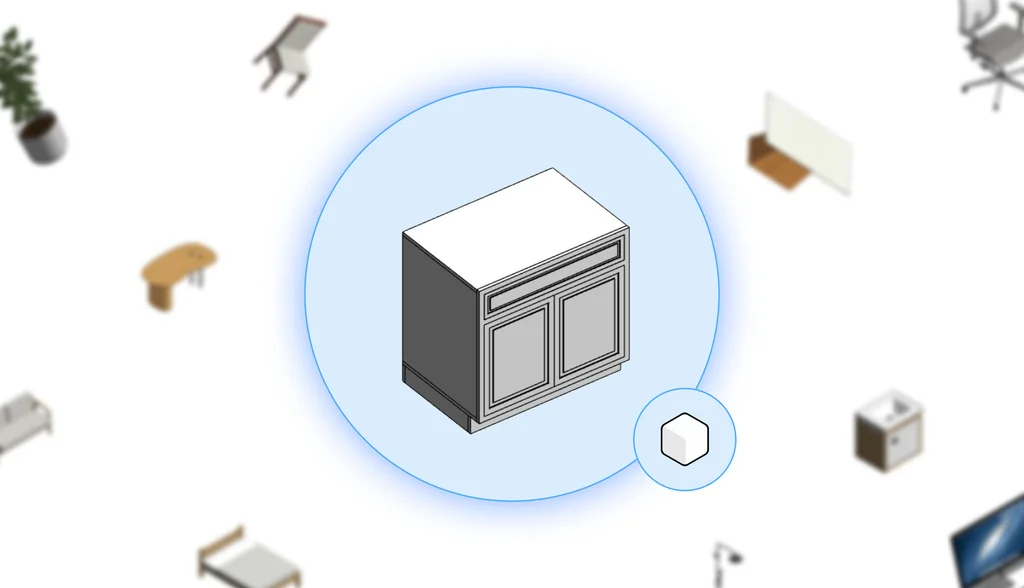
The Upper Drawer Module was designed for kitchen lines that require horizontal continuity. A large drawer front, framed by thin grooves, occupies the entire width, and the recessed plinth creates the sensation of a “floating” furniture. Ideal for composing 80 cm or 90 cm bases without creating visual breaks.
7. Brogrund Shower
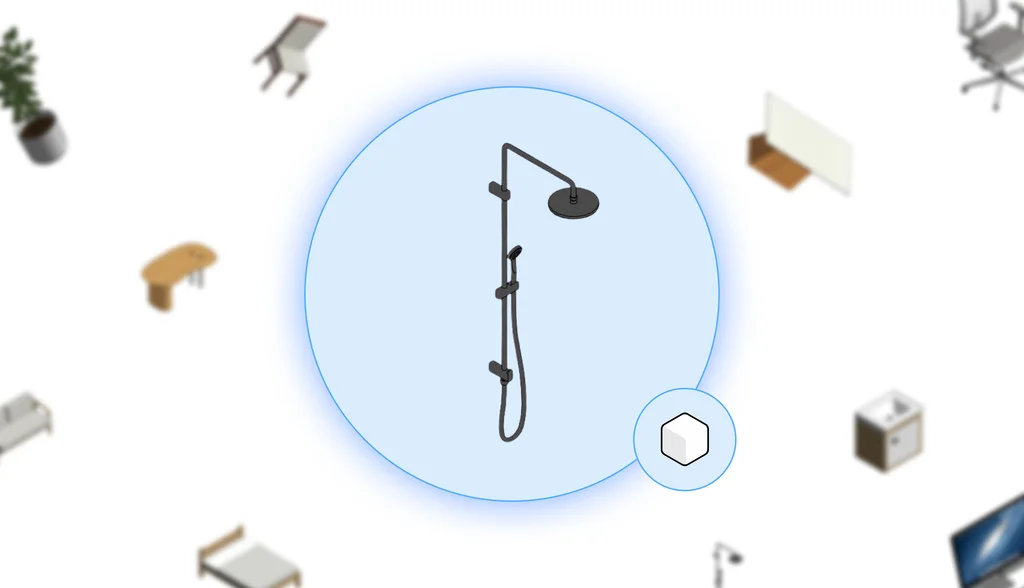
The Bogrund Shower embraces minimalism: a slender vertical tube, a thin-profile round overhead shower, and a handheld shower attached to a discreet rail.
The uniform metallic color allows the shower to easily blend with brushed, chrome, or black metals, fitting into both contemporary and industrial bathrooms.
8. Unique Niche
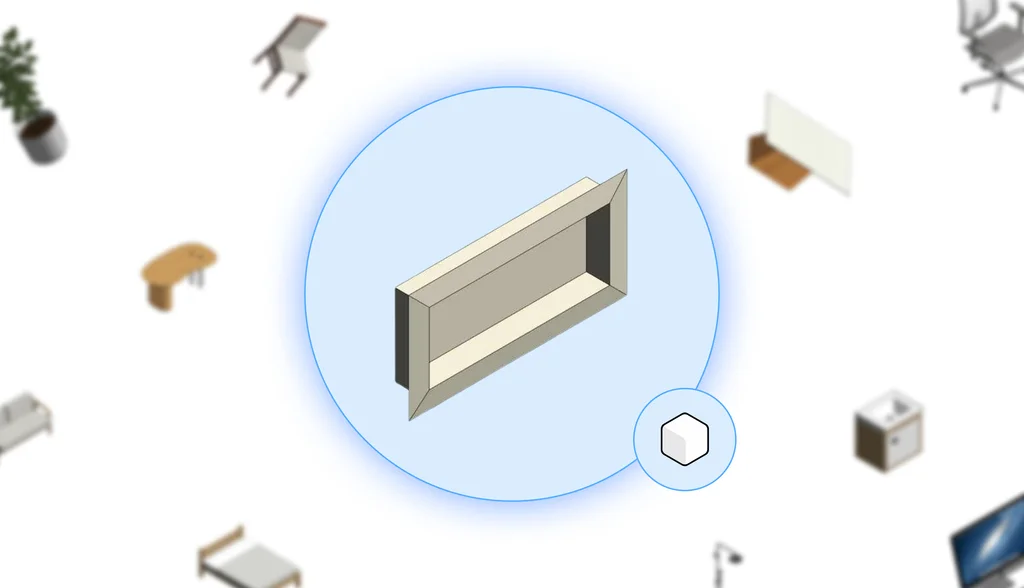
The Unique NIche is a precise rectangular cutout, with an integrated frame that leaves the back slightly recessed.
The internal chamfers eliminate sharp edges and suggest the continuity of the covering, making the niche a clean detail for organizing shampoos, candles, or decorative objects in showers and powder rooms.
9. Avenue Swing Door
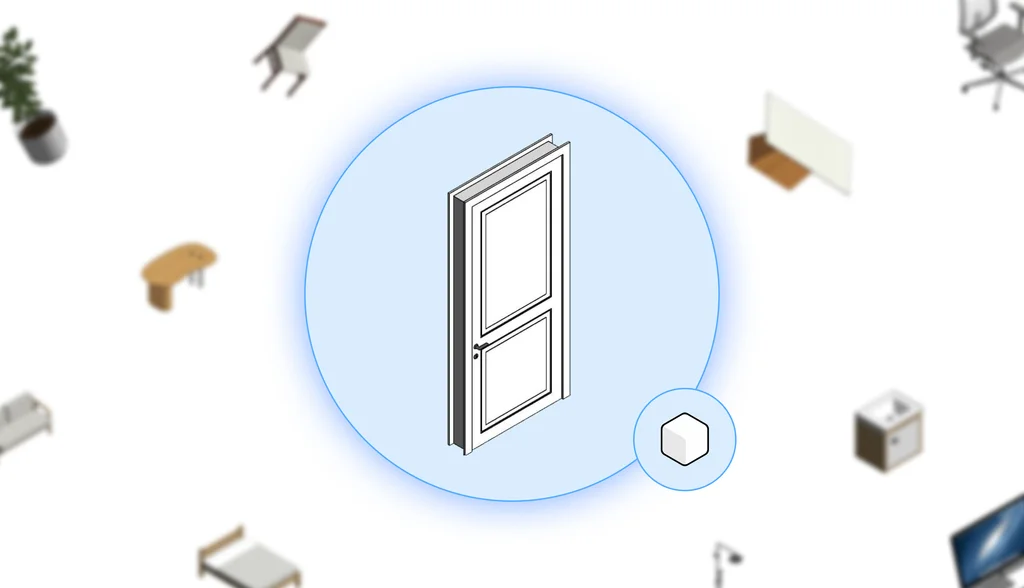
A leaf with two recessed panels, an included frame, and a discreet handle make up the Avenue Swing Door.
The classic design of the moldings creates enough depth to generate elegant shadows in realistic views, but the clean geometry ensures clear plans in preliminary studies.
10. Colonial Sash Window
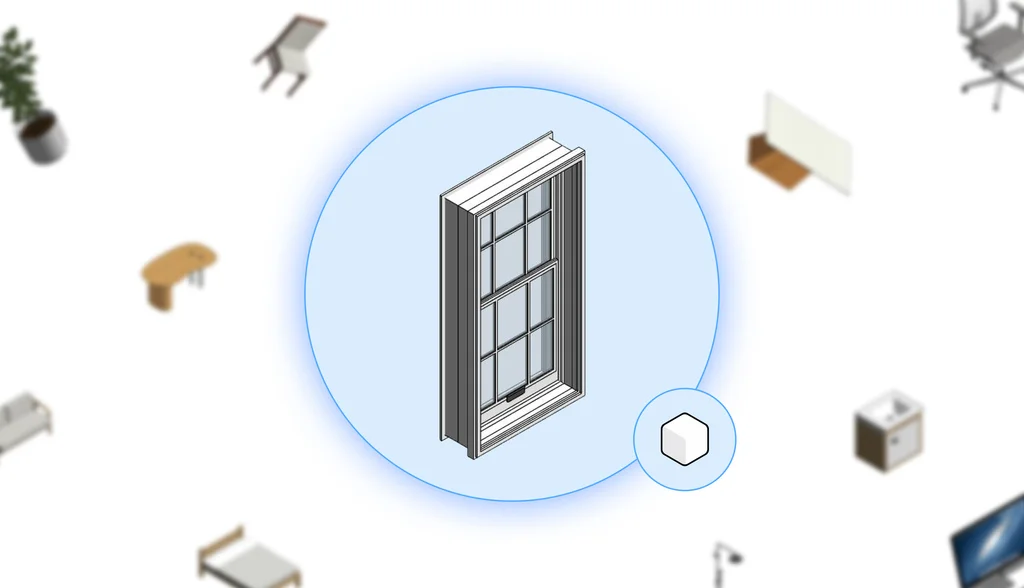
Two sash leaves are separated into nine panes each, framed by slender mullions that reinforce the colonial style.
The internal trim has slight indentations, and the sill projects gently inwards, delivering personality without excessive polygons.
Want to discover other free Revit families? Download the Blocks Plugin!
Imagine opening Revit and, instead of starting from scratch or wasting time searching for dubious files online, having a live catalog just a click away.
That’s what the Blocks Plugin delivers: thousands of free, reliable, and tested families, ready to drag directly into your project.
Modular kitchens, classic doors, technical lighting… everything organized by category and level of detail, with filters that save hours of searching and the guarantee that each object carries clean parameters, designed for schedules, budgets, and renderings.
Want to transform your modeling workflow into a more agile, intelligent, and, above all, free process? Try the Blocks Plugin now and discover how many solutions are already waiting for you within our catalog.

Conclusion
We brought together these ten families and wanted to illustrate that good BIM objects do more than merely fill space: they organize information and accelerate project decisions.
When each module arrives already parameterized, lightweight, and free, there’s more time for what really matters: creativity, coordination, and the end-user experience.
Installing the Blocks Plugin is opening the door to a collection that evolves with you, receiving new versions, material variations, and feedback from a community that tests everything in the field.
Therefore, if any of these pieces sparked your desire to try them, don’t delay: dive into the Blocks catalog now!
Did you enjoy this content? For more like this, visit the Blocks blog!