

Did someone ask for a BIM digitization success story? Blocks has one straight from the oven for you!
In today’s BlocksCase, we’ll take a closer look at our collaboration with Tecno, a renowned gourmet kitchen brand.
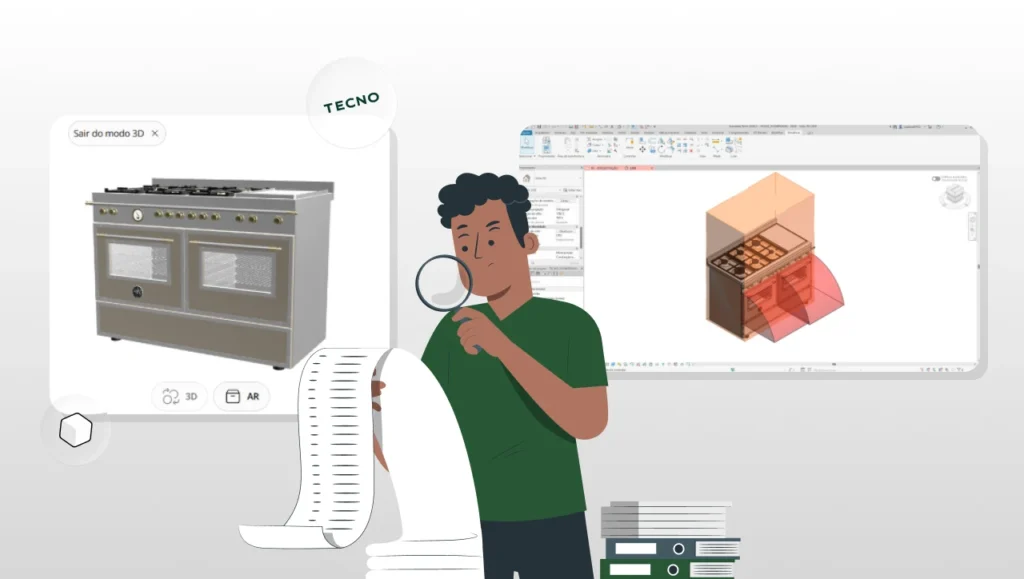
Want a quick preview? In this project, we digitized Tecno’s entire product catalog in Revit, SketchUp, and GLB (augmented reality) formats, and also organized their complete digital asset library into a centralized Download Center.
Impressive, right? The partnership with Tecno has become a major success story, where every development stage has brought new learning opportunities.
Curious to learn how we built such a special project? Then let’s skip the small talk and walk through every phase of Tecno’s journey with Blocks.
Let ‘s get started!
Getting to know Tecno

Isadora Modesti
Operations Coordinator | Blocks®
“The partnership with Grupo Tecno in the development of its BIM catalog exceeded our expectations. The constant exchange between our teams allowed us to translate the sophistication of their premium products into high-performance digital objects. We delivered models with impeccable geometry and accurate technical data, ensuring that the level of detail matches the brand’s standard of excellence.”
Tecno is a Brazilian company operating in the high-end home appliance sector, representing a group of four brands: Tecno, Bertazzoni, Lofra, and Elica.
This group is globally recognized for its premium ranges, cooktops, hoods, refrigerators, wine coolers, and other top-tier kitchen equipment.
A large portion of these product lines comes from abroad, especially Italy, and Tecno acts as the exclusive importer and distributor of these brands in Brazil.
As a result, Tecno’s target audience includes high-end consumers, as well as architects and interior designers involved in sophisticated residential projects.
How did the collaboration between Tecno and Blocks begin?
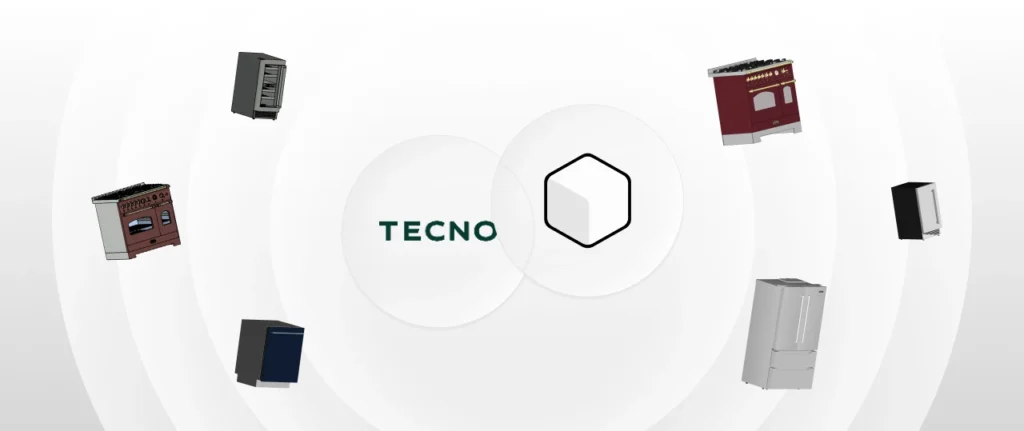
Our collaboration with Tecno began in 2023, driven by a clear need: digitizing products in 3D to make them available to architects and designers.
There was an urgent demand for developing digital libraries in Revit and SketchUp formats for use in architectural projects.
Blocks quickly answered Tecno’s call.
Initially, we modeled a product in Revit and exported it to SketchUp the very next day, demonstrating our agility in BIM digitization services.
Thanks to this fast delivery, Tecno became interested in our high-quality services and soon entrusted us with a larger volume of products to be modeled.
The main goal of the collaboration was to make Tecno’s premium products available in digital format, and that goal was fully achieved.
As the partnership evolved, the project scope evolved as well.
At first, the focus was on Revit and SketchUp, but soon Tecno requested models in GLB format, a lightweight 3D format ideal for web visualization and augmented reality.
This challenge opened new possibilities for Blocks, and today we also offer GLB digitization services as part of our portfolio.
In other words, what started as a solution to an immediate BIM library need ended up pushing Blocks to further expand its service portfolio.
What services were delivered during the project?
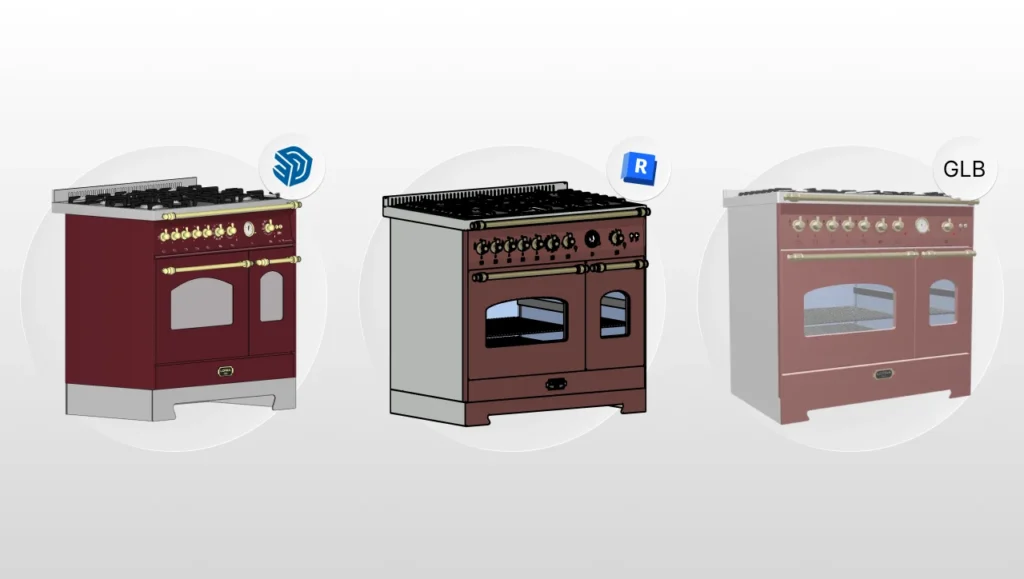
Throughout the collaboration, three main services were delivered: modeling and digitization, digital file management, and a download center.
To give you a clearer picture of the project, let’s break down each stage.
- Product modeling and digitization: The first service involved creating detailed 3D models of Tecno’s products in Revit, SketchUp, and GLB formats. Each item was initially modeled in Revit, including all relevant technical information, and then exported to SketchUp and GLB.
- Digital file management: Beyond modeling, Blocks also carried out a full organization of Tecno’s digital asset library. This included mapping all files, such as 3D models, images, manuals, technical datasheets, PDFs, and more. During this process, we identified the status of each product (active or discontinued), the file formats available for each item, and any gaps, for example products that only had technical drawings or no 3D models at all. After this analysis, all assets were consolidated into a single, organized repository.
- Download Center: As a result of this file management process, Blocks developed an online Download Center for Tecno, a web portal where architects and specifiers can directly access and download up-to-date digital files. With this new portal, content is organized and searchable, eliminating individual file requests and speeding up access for professionals. Tecno also chose to publish its models on the Blocks plugin and on the public SketchUp 3D Warehouse.
Overall, these were the services delivered to Tecno—and to this day, we continue refining and improving our development process.
Blocks and Tecno: technical collaboration processes
Now that you know what was delivered in the collaboration between Blocks and Tecno, let’s take a deeper look at the technical workflows behind it.
1. Information gathering
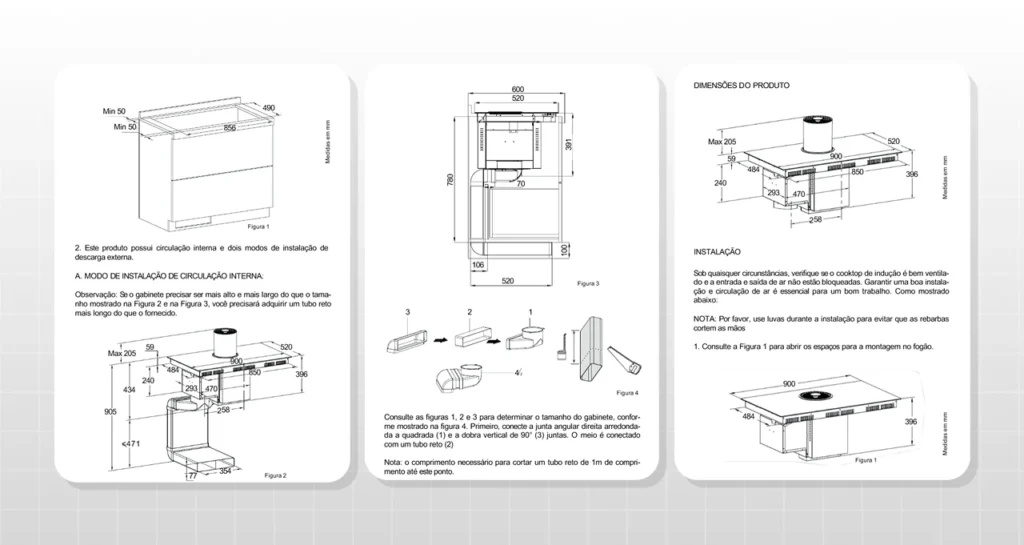
Everything starts with solid data collection.
Tecno initially provided Blocks with all available reference materials, including technical specifications, manuals, dimensions, photos, and in some cases, older 3D models.
Data collection is a critical step in any BIM digitization process. It allows us to fully understand each product before modeling begins, helping avoid rework later on.
2. BIM modeling in Revit
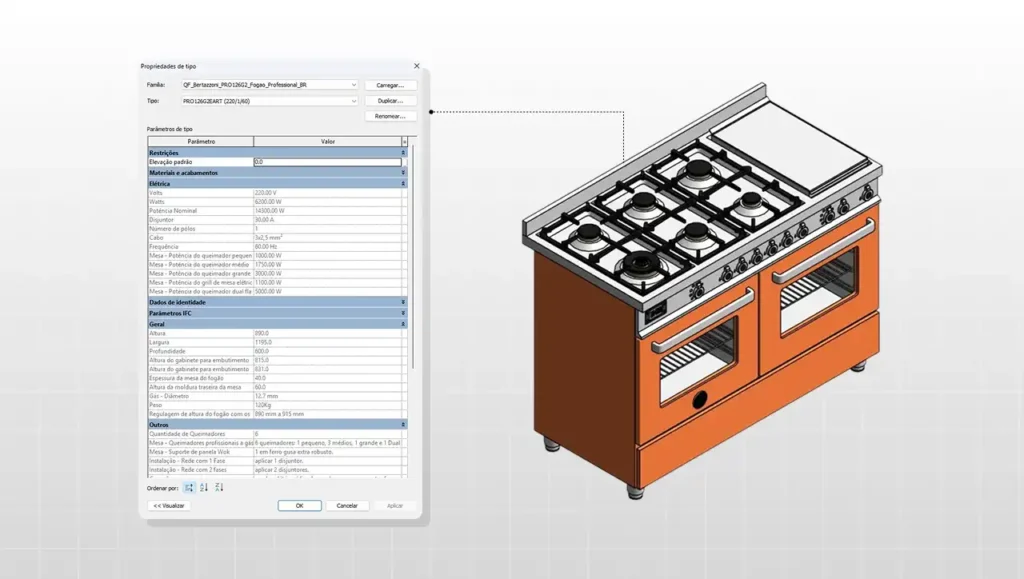
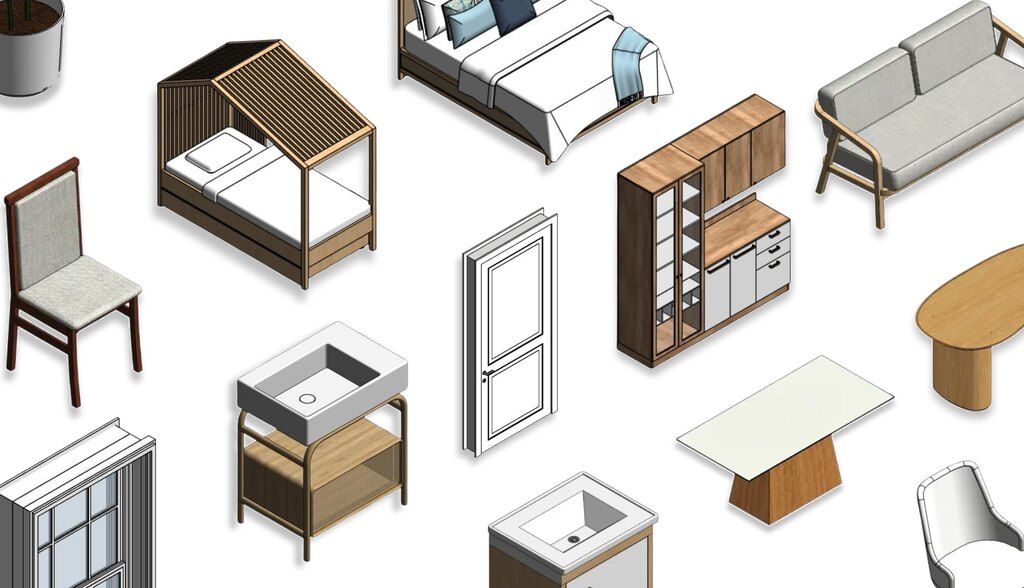
With the data collected, we started 3D modeling in Revit, creating BIM families that faithfully represent Tecno’s products.
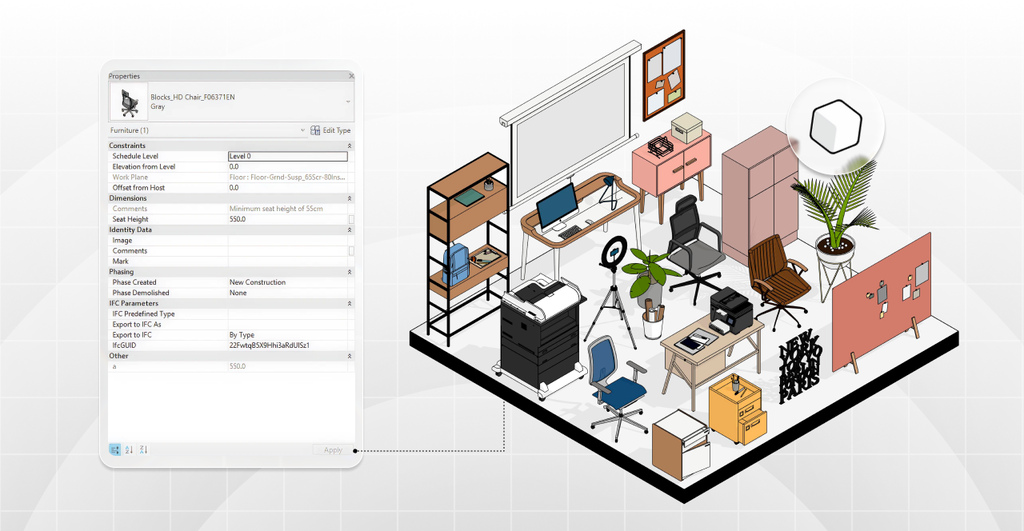
In addition to detailed geometry, each object was fully parameterized, including dimensions, finishes, installation data, and more.
3. Review and adjustments
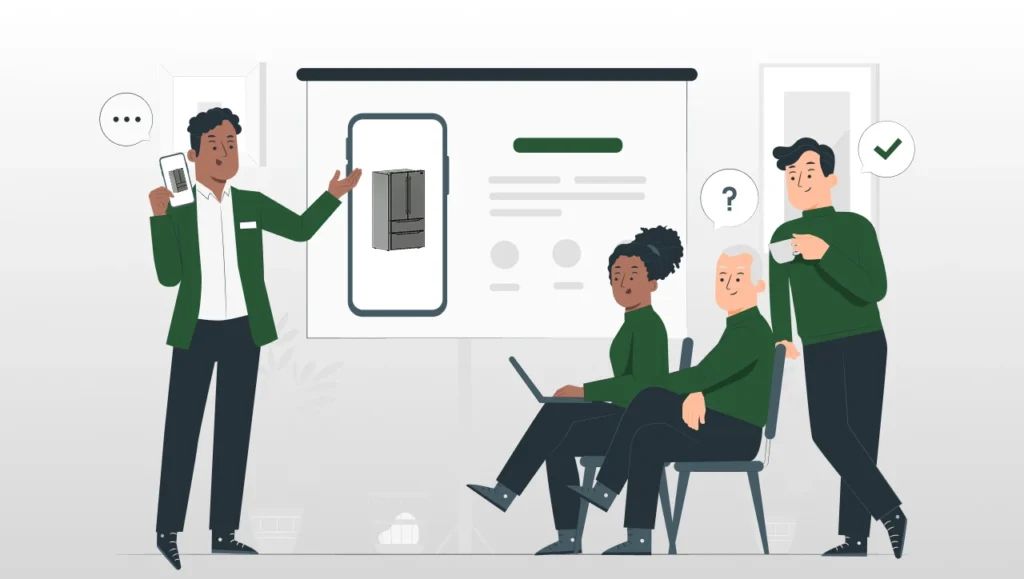
Before final delivery, all generated files went through a quality review conducted by Blocks’ operations team, led by Isadora Modesti.
This review covered multiple aspects: model geometry and materials, applied standards, and whether all parameters and information were correctly implemented.
If any issues or opportunities for improvement were identified, the model was sent back to the BIM team for corrections in Revit.
Afterward, the export cycle was repeated to update SketchUp and GLB files as needed.
This validation process ensures that all models are fully refined before final delivery to the client.
4. Export to other formats
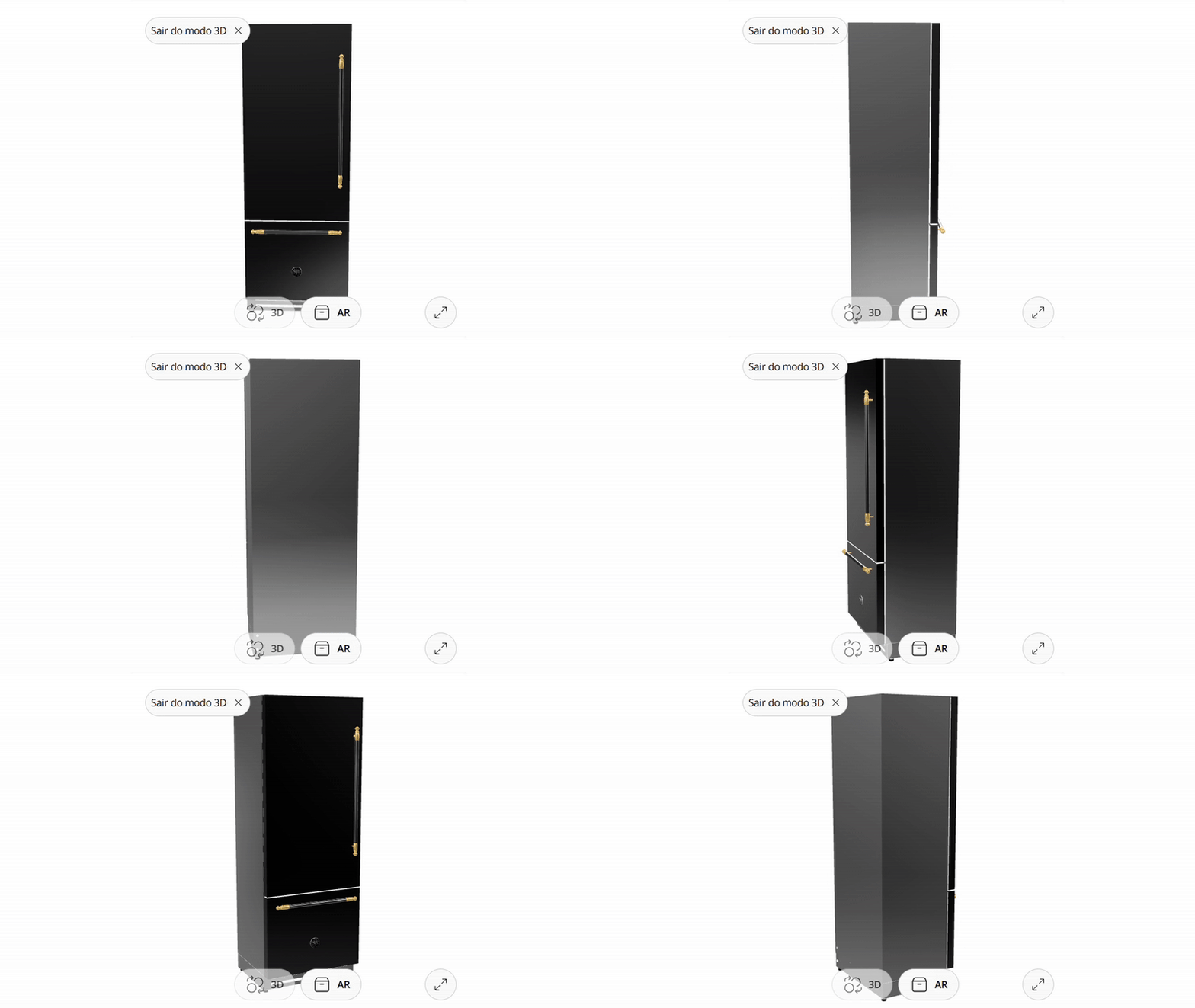
Once modeled and reviewed in Revit, the object was exported directly to SketchUp (.SKP) and a lightweight GLB format.
We adopted an optimized production pipeline: full modeling is done in Revit, and all other formats are generated from it.
This Revit-centered workflow ensures visual and technical consistency across all versions of the models.
5. Delivery and publication
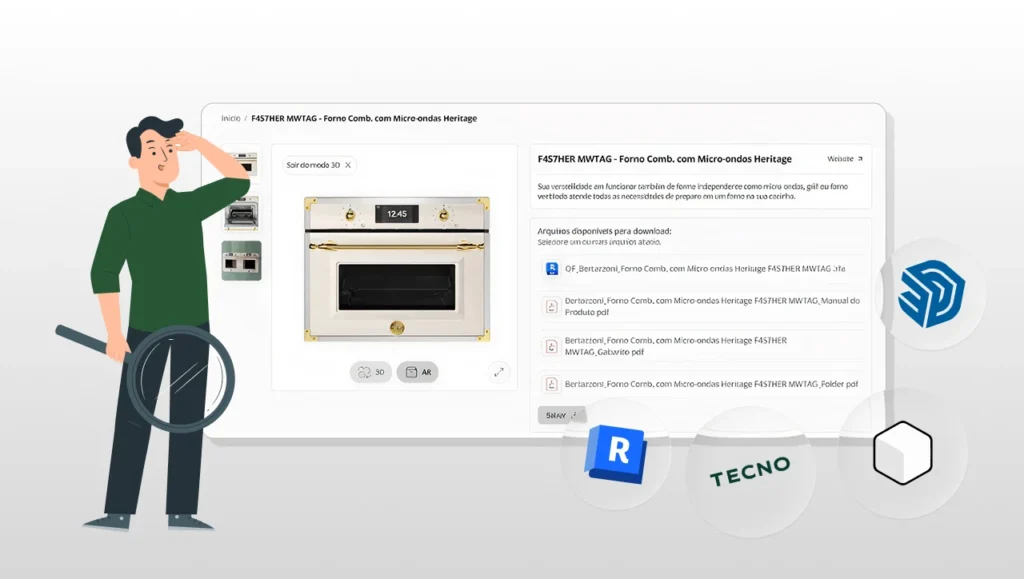
With everything reviewed and adjusted, the finalized files for each product (RVT, SKP, and GLB) were delivered to Tecno.
At this stage, Tecno reviewed all models to confirm they met expectations and then, once approved, made them available for download on their website.
If you’d like to access Tecno products for your own projects, you can visit the brand’s official website and download them directly.
With all deliveries completed, we can confidently say that Tecno’s objective was achieved: providing high-quality models for architects and designers.
FAQBlocks: everything you want to know about the project!
Now that you know everything that happened in Tecno’s project with Blocks, let’s answer the key questions about this collaboration.
Shall we?
What tools were used in the digitization process?
The primary modeling tool was Revit, chosen for its ability to create rich, parametric BIM families.
From the Revit model, Blocks generated versions for SketchUp and GLB, as mentioned earlier.
To produce optimized GLB files, a workflow involving Blender was required.
Models were exported from Revit to an intermediate DXF format, imported into Blender for adjustments, and then exported as the final GLB file.
What was the strategy to reduce file size?
Due to the high level of detail in Tecno’s premium products, optimization was essential to keep files lightweight.
To achieve this, we adopted a few key strategies. The main ones were:
- Native Revit modeling: All geometry was created directly in Revit, rather than importing meshes from other software. Since Revit works with solids, the resulting models had significantly fewer polygons and smaller file sizes.
- Controlled levels of detail: BIM objects were configured with adaptive Levels of Detail (LOD) in Revit, low, medium, and high. In views where maximum detail isn’t required, smaller components are automatically hidden, improving project performance.
- GLB conversion optimization: During GLB generation, additional optimization steps were performed in Blender. Unnecessary polygons and geometric imperfections were removed, and materials and textures were adjusted to balance visual quality and file size.
Thanks to these three strategies, we successfully optimized Tecno’s files, making them ideal for online distribution.
Conclusion
Our story with Tecno is just beginning, and it clearly shows how a well-structured BIM asset management strategy can benefit everyone involved.
In the end, Tecno achieved its main goal: empowering architects and designers with high-quality digital assets, giving them more autonomy when specifying products in their projects.
If you’re a manufacturer looking to build a similar journey with Blocks, get in touch with our team and take the next step toward the digitalization of your products.
Who knows, maybe you’ll become the next BlocksCase, just like Tecno!
That wraps up another BlocksCase story. If you enjoyed this content, keep following our blog for more articles and success stories like this one.
And don’t forget to share it with anyone who might benefit from it.